Micro and long breaks
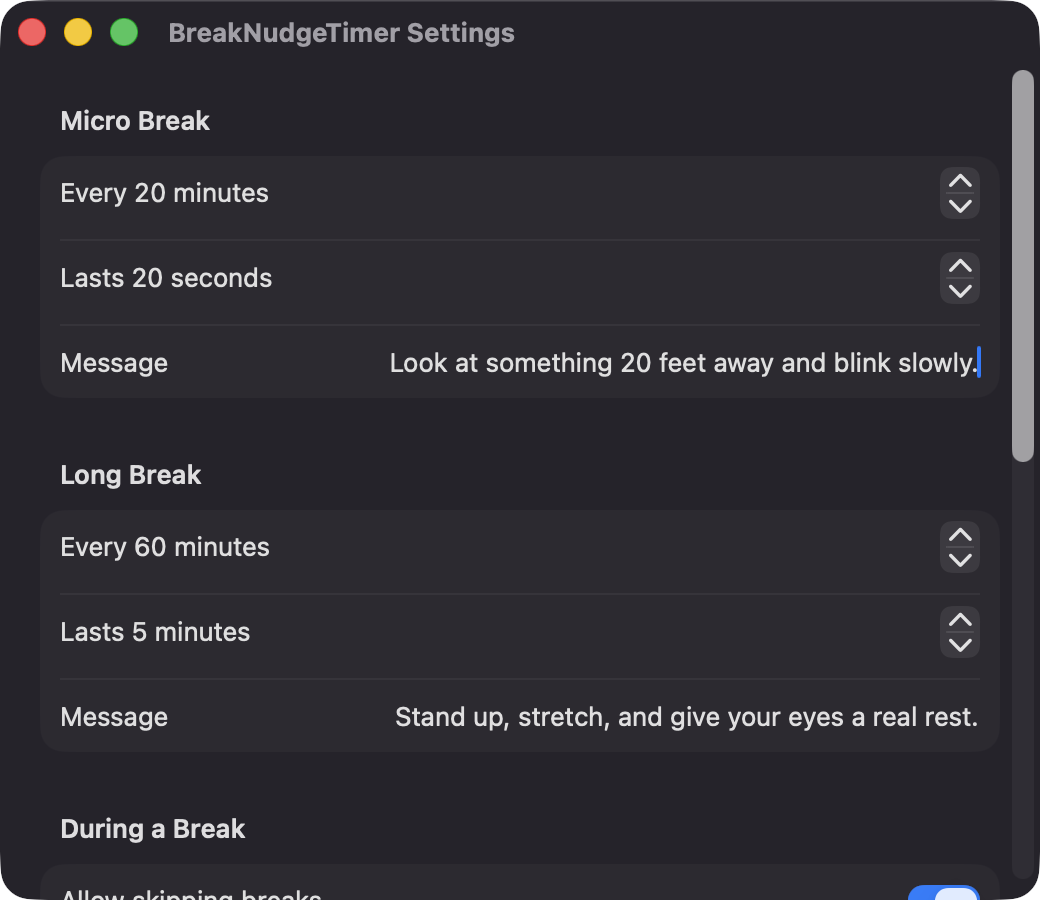
Defaults are 20 seconds every 20 minutes and 5 minutes every 60 minutes. Interval, duration and message are configurable for each.
Open source · macOS 14+ · Universal binary · Timers & Reminders
BreakNudgeTimer lives in your menu bar, counts only the time you are actually working, and dims every display with a calm countdown when it is time for a break.
Free & MIT licensed · Apple Silicon & Intel · Latest release
Features
Two repeating break types, a gentle overlay, and timing that follows your real activity.
Defaults are 20 seconds every 20 minutes and 5 minutes every 60 minutes. Interval, duration and message are configurable for each.
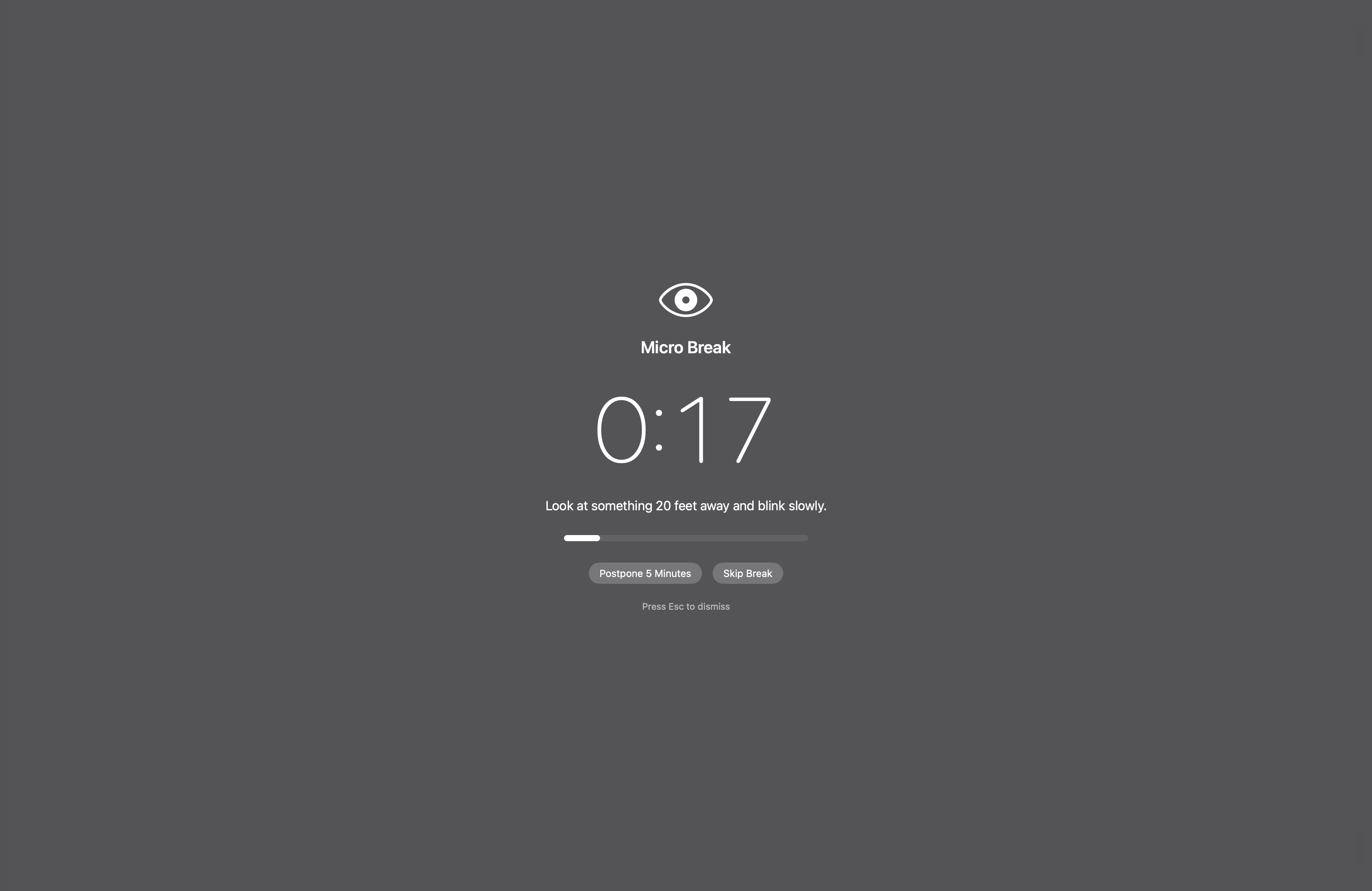
A blurred, dimmed window with a large countdown, your message and a progress bar fades in on each connected screen.
Work time accrues only while you are not idle. Staying away for a set number of minutes resets the timers, and sleep or screen lock can count as a break.
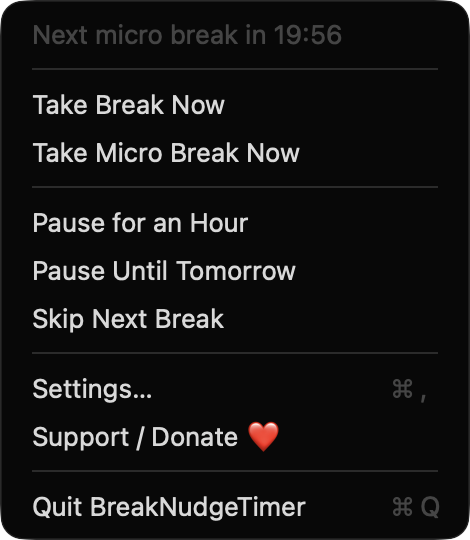
See the time to the next break at a glance. Take a break now, pause for an hour or until tomorrow, or skip the next one.
An optional notification arrives 30 seconds ahead, and a sound can play when the break ends. Skip and Postpone 5 Minutes buttons are toggleable.
Esc always dismisses the overlay unless you turn on strict mode, which still ends when the timer runs out. Breaks can be skipped while displays are mirrored or an app is full screen.
Screenshots
Install
BreakNudgeTimer is open source and not notarized with a paid Apple Developer ID, so macOS needs one extra step the first time.
xattr -cr /Applications/BreakNudgeTimer.app
Download
Free, forever. Built for macOS 14 Sonoma or newer, Apple Silicon and Intel.
Not notarized: on first launch right-click BreakNudgeTimer.app → Open.
FAQ
Yes. It is released under the MIT license, with no accounts, subscriptions, analytics or network calls. The full source is on GitHub, and a Ko-fi button is there if you want to support development.
Only notifications, and only for the optional pre-break heads-up. If you deny them, breaks still appear as an overlay. It does not ask for Accessibility, Screen Recording or Microphone access.
Your settings are stored locally on your Mac in the app's preferences. Nothing is sent anywhere, and the app makes no network connections.
Notarization requires a paid Apple Developer account, and this is a free project. Right-click the app and choose Open once to get past Gatekeeper, or build it yourself from source with Xcode.
Yes. BreakNudgeTimer was generated by Claude Code from a written spec as a clean-room reimplementation, with no code or assets from any commercial app. The full source is on GitHub under MIT, so you can read every line before you run it. It has had less human review than a hand-written app, so bug reports are welcome.
Support ❤️
BreakNudgeTimer is a free, open-source alternative to paid utilities. If it earns a spot on your Mac, a coffee keeps the updates coming.
☕ Support Or on Ko-fi