Live snap preview
A translucent, blurred overlay shows the target frame while you drag. Release to snap, or release outside a zone and nothing happens.
Open source · macOS 14+ · Universal binary · Window Management
Drag a window to a screen edge or corner, see a live preview of the target, and release to snap it into halves, thirds or quarters. Prefer the keyboard? Use Control + Option shortcuts.
Free & MIT licensed · Apple Silicon & Intel · Latest release
Features
A small, native menu bar app that covers the layouts you use every day and nothing else.
A translucent, blurred overlay shows the target frame while you drag. Release to snap, or release outside a zone and nothing happens.
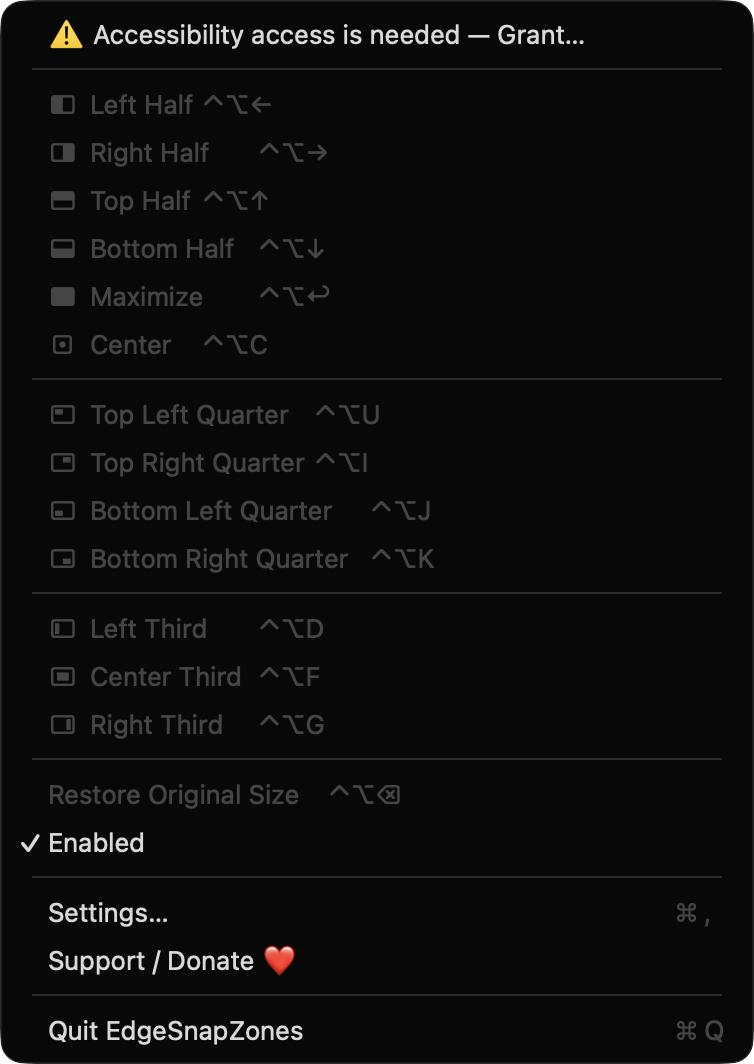
Left and right edges make halves, corners make quarters, the top edge maximizes, and the bottom edge gives left, center or right thirds.
Control + Option with the arrow keys, U/I/J/K, D/F/G, Return and C. Control + Option + Delete restores the original size.
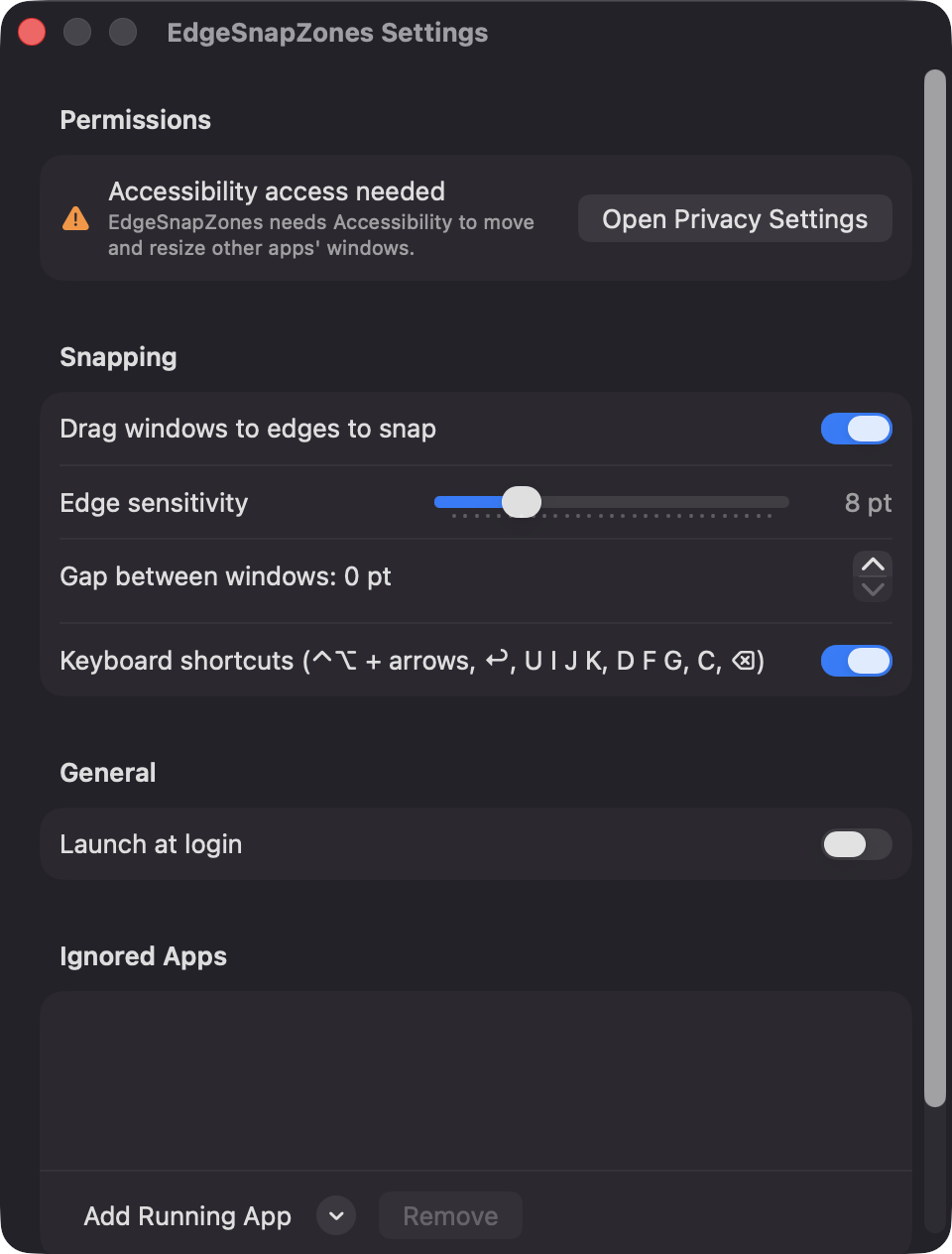
Set edge sensitivity from 2 to 30 pt and a gap of 0 to 40 pt. Toggle drag-to-snap, shortcuts and launch at login, and ignore specific apps.
Windows snap on the screen under the pointer and respect its visible frame, so the menu bar and Dock are never covered.
Only a window's title bar starts a snap, and sheets and full-screen windows are skipped. There are no network requests, accounts or servers.
Screenshots
Install
EdgeSnapZones is open source and not notarized with a paid Apple Developer ID, so macOS needs one extra step the first time.
xattr -cr /Applications/EdgeSnapZones.app
Download
Free, forever. Built for macOS 14 Sonoma or newer, Apple Silicon and Intel.
Not notarized: on first launch right-click EdgeSnapZones.app → Open.
FAQ
Yes. It is released under the MIT license, has no dependencies, and the full source is on GitHub. If it saves you time you can support development through the Support button, but nothing is locked behind it.
Only Accessibility, which macOS requires to find the window under the pointer and move or resize it. It does not ask for Screen Recording, Input Monitoring, Camera, Microphone or network access.
Your preferences, such as edge sensitivity, gap size and the ignore list, are stored locally in the app's standard macOS settings on your Mac. Nothing is sent anywhere, and there are no accounts.
Notarization requires a paid Apple Developer account, which this free project does not have. Right-click the app and choose Open once to launch it, or build it yourself from source with Xcode.
Yes. EdgeSnapZones was generated by Claude Code from a written spec as a clean-room reimplementation, with no code or assets from any commercial app. The full source is on GitHub under MIT, so you can read every line before you run it. It has had less human review than a hand-written app, so bug reports are welcome.
Support ❤️
EdgeSnapZones is a free, open-source alternative to paid utilities. If it earns a spot on your Mac, a coffee keeps the updates coming.
☕ Support Or on Ko-fi