Floats above everything
A borderless panel that stays on top, joins all Spaces and can appear over full-screen apps. Choose a circle, rounded square or 4:3 rectangle.
Open source · macOS 14+ · Universal binary · Presentation & Cursor
A round, always-on-top webcam bubble you can drag anywhere to check yourself or overlay on a screen recording. Press Option-Command-B to show or hide it.
Free & MIT licensed · Apple Silicon & Intel · Latest release
Features
Everything you need from a face-cam overlay, running natively in the menu bar with no accounts and no network.
A borderless panel that stays on top, joins all Spaces and can appear over full-screen apps. Choose a circle, rounded square or 4:3 rectangle.
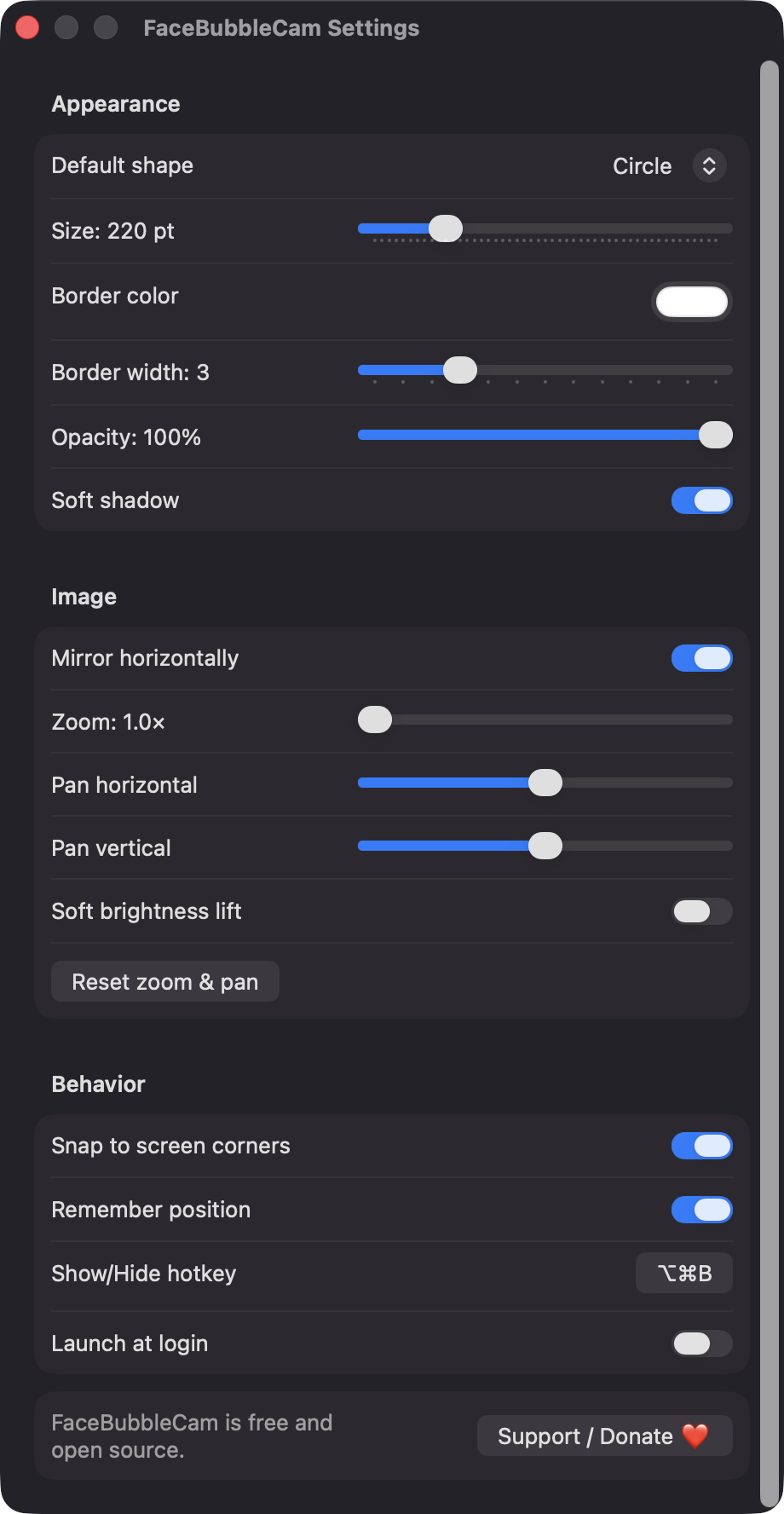
Resize from 120 to 600 pt with the scroll wheel or a slider. Set border color and width, shadow and opacity, and snap to the nearest screen corner.
Mirror horizontally, zoom from 1 to 3 times, pan the crop, and add an optional soft brightness lift using Core Image.
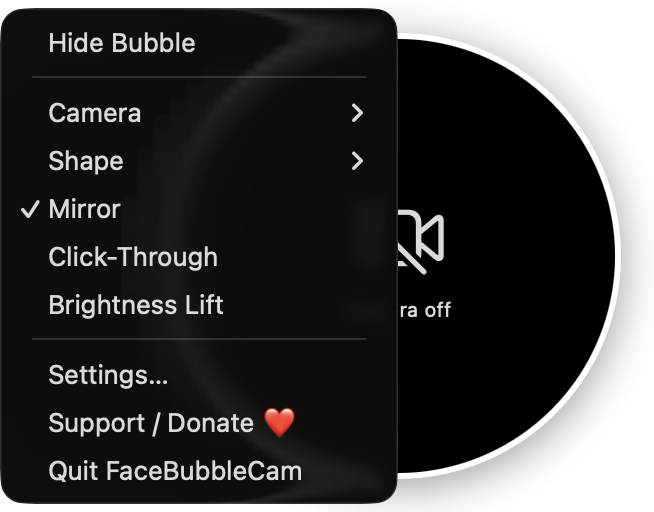
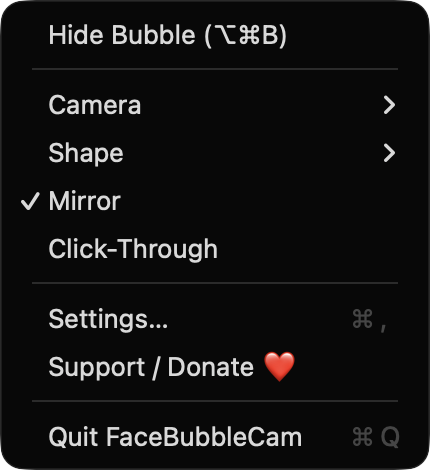
Let the bubble ignore the mouse so it never blocks the window underneath. Toggle it from the menu bar or the right-click menu.
Show or hide the bubble with Option-Command-B, or record your own shortcut. Hiding stops the camera completely, so the green indicator turns off.
Pick built-in, external or Continuity cameras. If the camera is busy, the app retries every 3 seconds, and capture pauses on sleep and resumes on wake.
Screenshots
Install
FaceBubbleCam is open source and not notarized with a paid Apple Developer ID, so macOS needs one extra step the first time.
xattr -cr /Applications/FaceBubbleCam.app
Download
Free, forever. Built for macOS 14 Sonoma or newer, Apple Silicon and Intel.
Not notarized: on first launch right-click FaceBubbleCam.app → Open.
FAQ
Yes. It is released under the MIT license and the full source is on GitHub. It has no paywall, no accounts, no analytics and no third-party dependencies, only Apple frameworks.
Only Camera access, to show the live preview. It does not request Accessibility, Screen Recording or Microphone access. Launch at login is optional and managed through macOS Login Items.
Nothing leaves your Mac. Video is never recorded or sent anywhere, and the app makes no network calls. Your settings and bubble position are saved locally in macOS user defaults.
Notarization requires a paid Apple Developer account, and this is a free project. Right-click the app and choose Open once to get past Gatekeeper, or build it yourself from source with Xcode.
Yes. FaceBubbleCam was generated by Claude Code from a written spec as a clean-room reimplementation, with no code or assets from any commercial app. The full source is on GitHub under MIT, so you can read every line before you run it. It has had less human review than a hand-written app, so bug reports are welcome.
Support ❤️
FaceBubbleCam is a free, open-source alternative to paid utilities. If it earns a spot on your Mac, a coffee keeps the updates coming.
☕ Support Or on Ko-fi