Libraries from any folder
Add Downloads, Dropbox, iCloud Drive or a project's assets folder. Folders are scanned recursively for TTF, OTF, TTC and DFONT files and watched for changes.
Open source · macOS 14+ · Universal binary · Font Management
Add any folder of fonts, preview every family with your own text, and switch fonts on or off without copying files. Drag a folder onto the window to start.
Free & MIT licensed · Apple Silicon & Intel · Latest release
Features
Everything works from the folders you already have, using only Apple frameworks and no network access.
Add Downloads, Dropbox, iCloud Drive or a project's assets folder. Folders are scanned recursively for TTF, OTF, TTC and DFONT files and watched for changes.
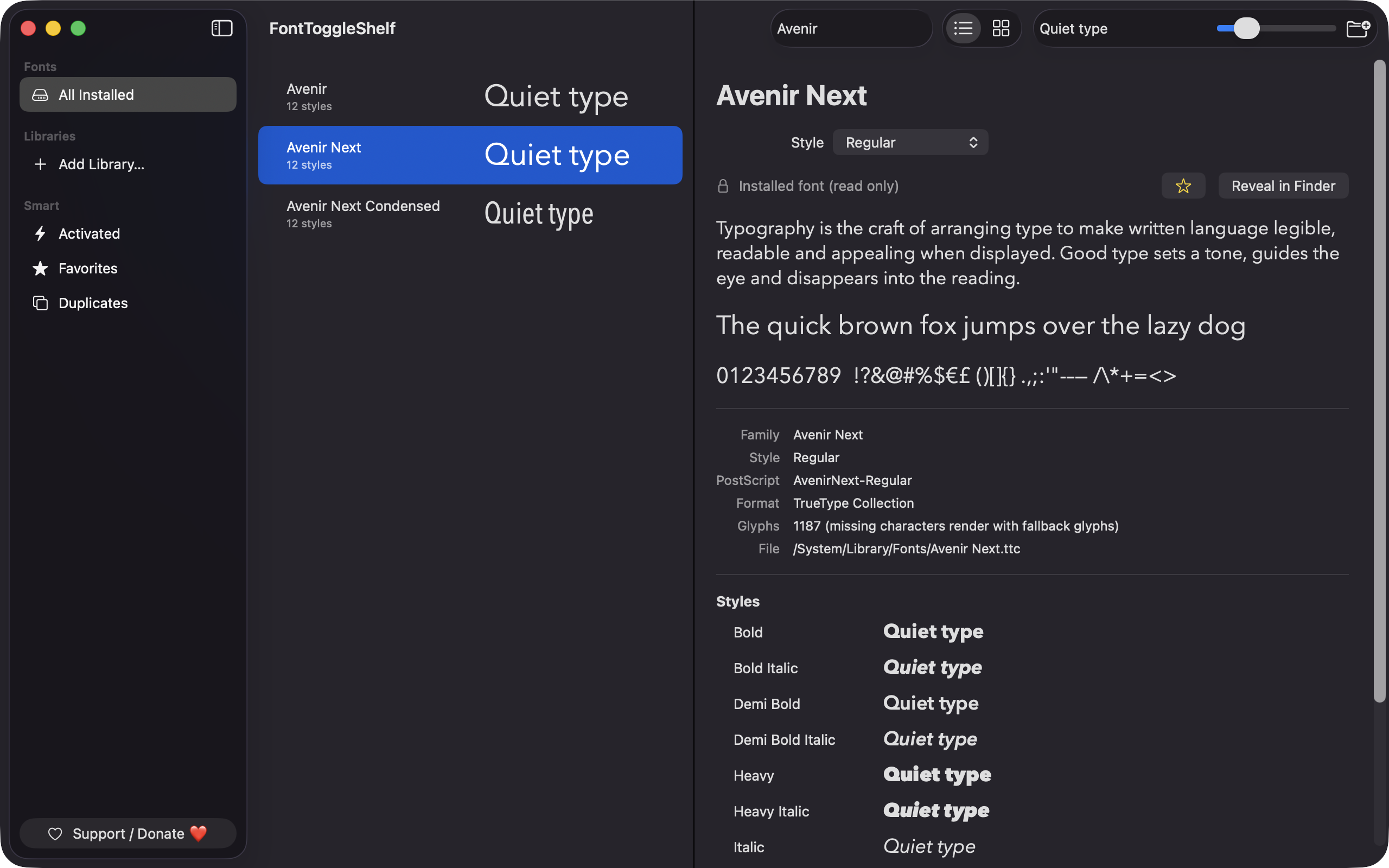
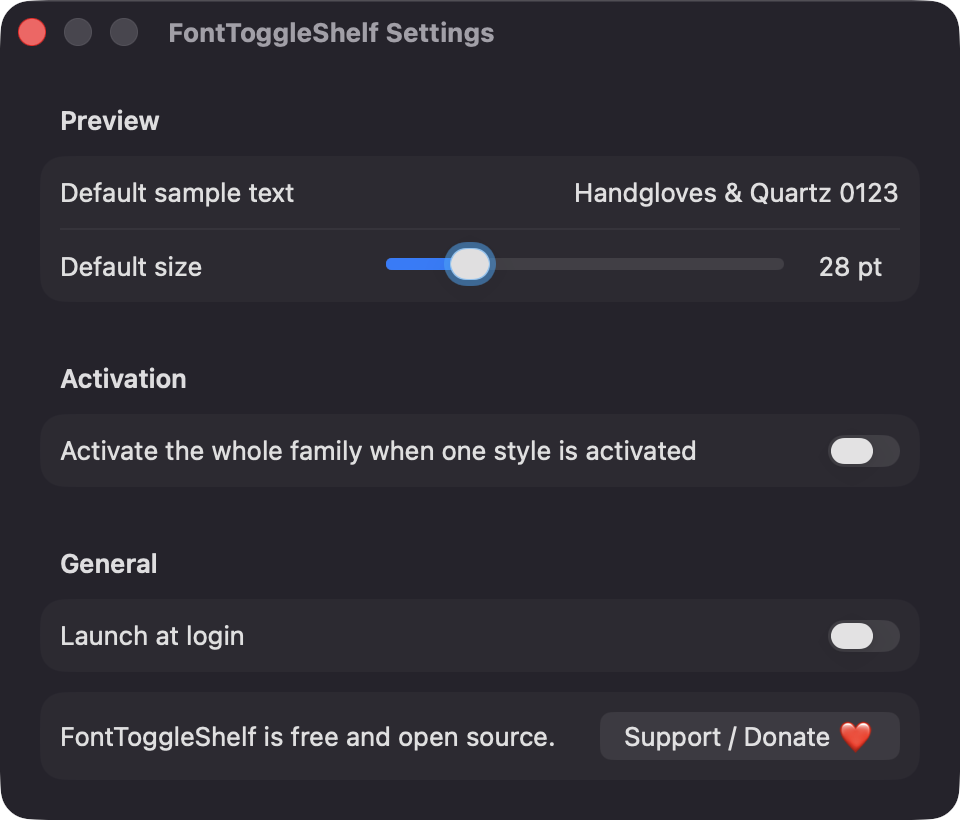
Every family renders in its own font using your sample text and a size slider from 8 to 120 pt, in list or grid view. Fonts preview even when they are not activated.
Toggle a whole family or a single style. Fonts are registered by file URL for the current session, or persistently across restarts. Your files are never moved or deleted.
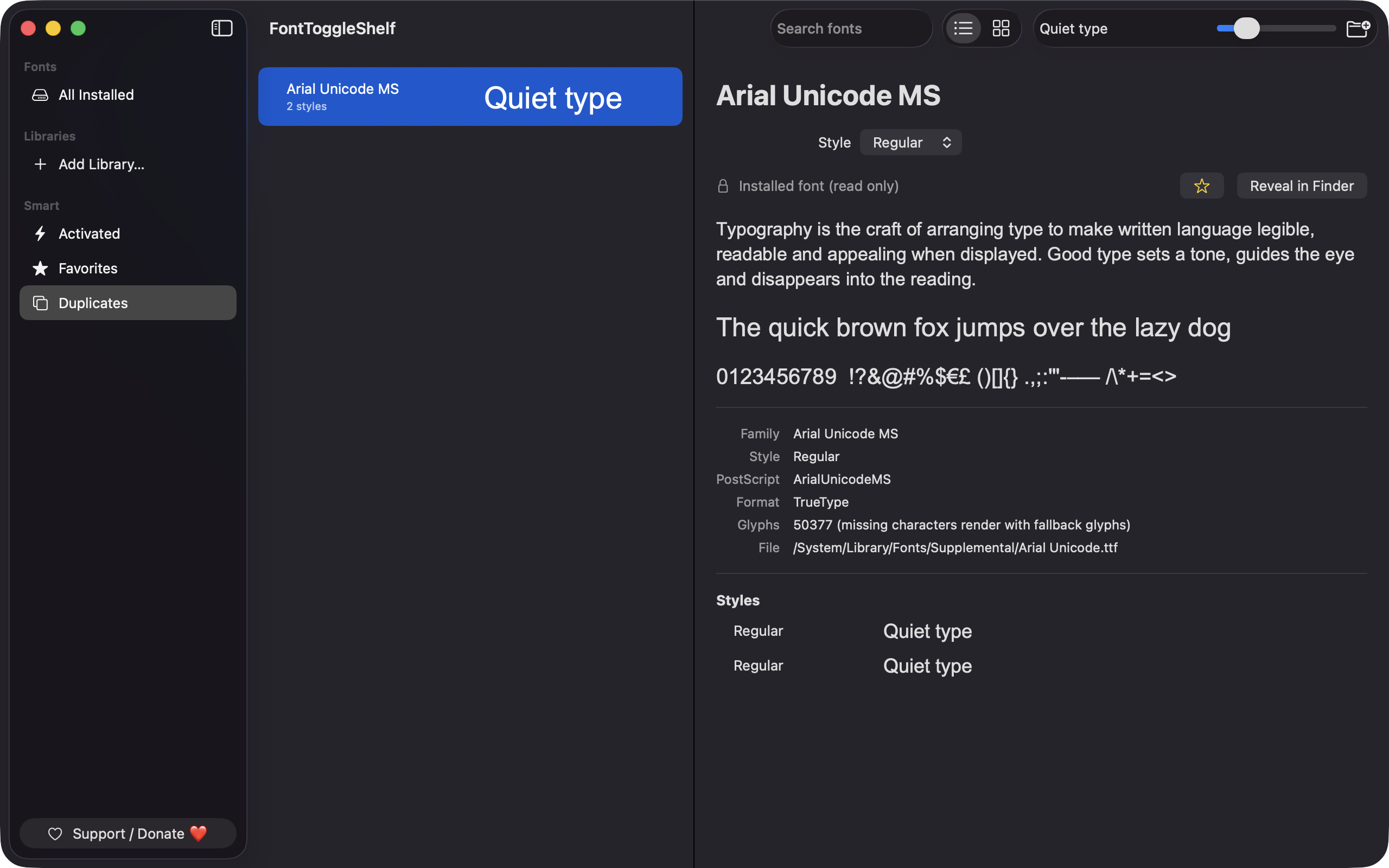
See family, style, PostScript name, format and glyph count for every face. The Duplicates view lists PostScript names found in more than one file.
If the same PostScript name is already active from another file, the app says so inline and offers to reveal that file. Corrupt files show the CoreText error instead of a preview.
Search by family, style or PostScript name, and star favorites. Use Cmd-F to find, Cmd-O to add a library, Cmd-R to rescan and Shift-Cmd-A to toggle activation.
Screenshots
Install
FontToggleShelf is open source and not notarized with a paid Apple Developer ID, so macOS needs one extra step the first time.
xattr -cr /Applications/FontToggleShelf.app
Download
Free, forever. Built for macOS 14 Sonoma or newer, Apple Silicon and Intel.
Not notarized: on first launch right-click FontToggleShelf.app → Open.
FAQ
Yes. It is released under the MIT license and the full source is on GitHub. There are no accounts, no analytics and no third-party dependencies, and it makes no network calls.
None of the privacy permissions such as Accessibility or Screen Recording. It reads only the folders you add and the standard font folders, and the optional Launch at login setting appears under Login Items in System Settings.
Your font files stay where they are. Library folders are remembered as security-scoped bookmarks, settings live in UserDefaults, and a scan cache is kept in ~/Library/Application Support/FontToggleShelf/.
Notarization requires a paid Apple Developer account, and this is a free project. Right-click the app and choose Open once to get past Gatekeeper, or build it yourself from source with Xcode.
Yes. FontToggleShelf was generated by Claude Code from a written spec as a clean-room reimplementation, with no code or assets from any commercial app. The full source is on GitHub under MIT, so you can read every line before you run it. It has had less human review than a hand-written app, so bug reports are welcome.
Support ❤️
FontToggleShelf is a free, open-source alternative to paid utilities. If it earns a spot on your Mac, a coffee keeps the updates coming.
☕ Support Or on Ko-fi