Global hotkey, any app
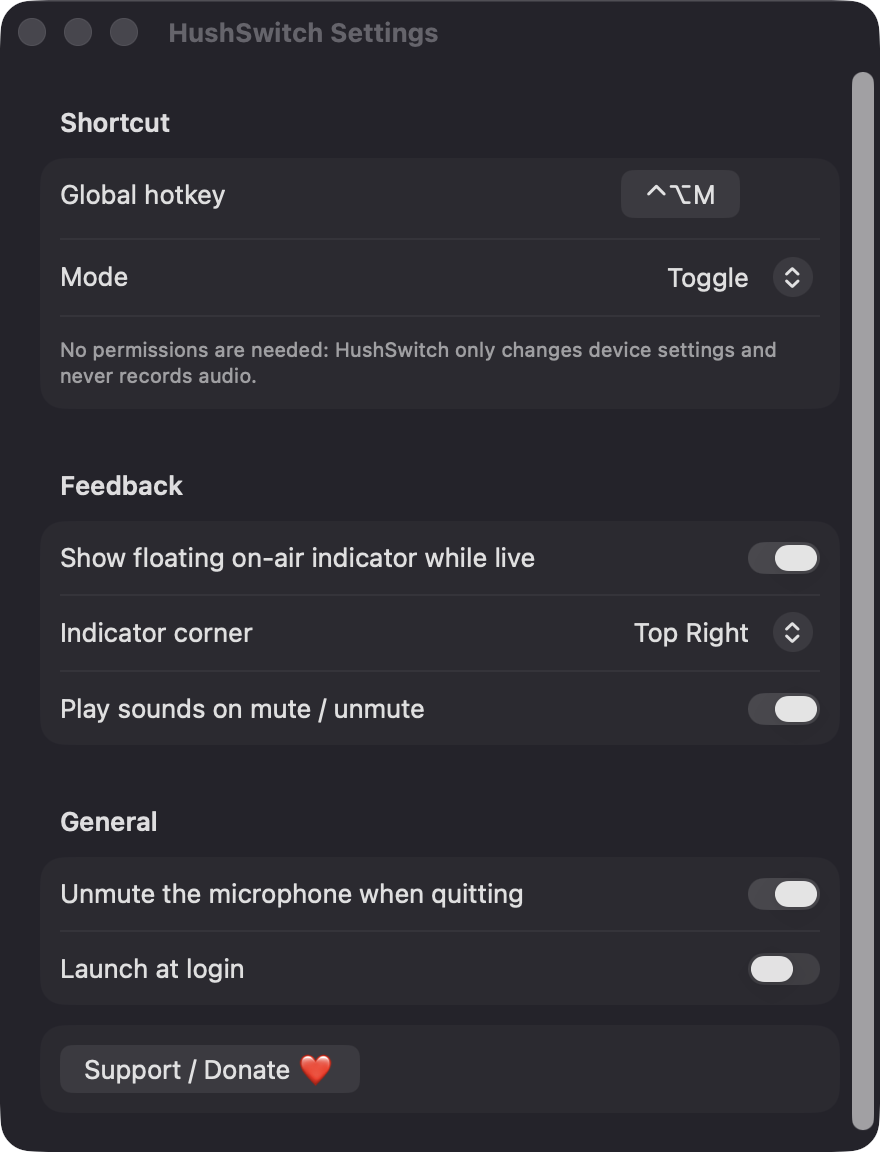
Record any key combination in Settings. HushSwitch warns you if macOS or another app already uses it.
Open source · macOS 14+ · Universal binary · Audio
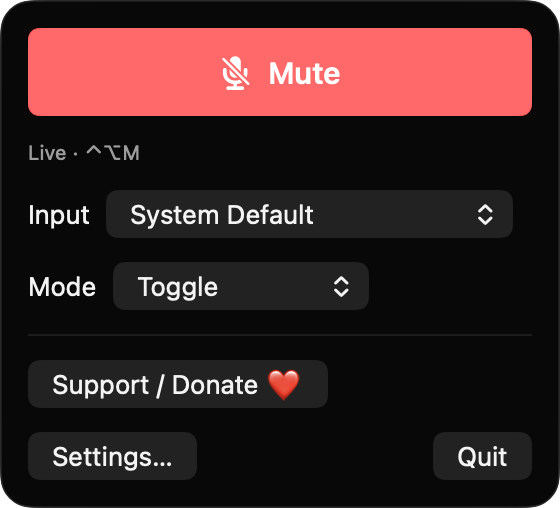
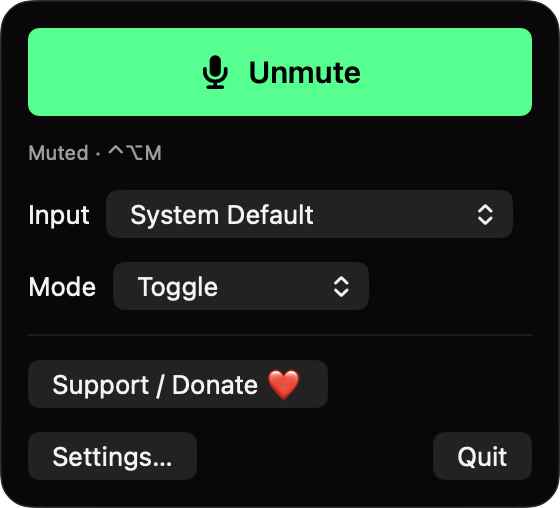
HushSwitch mutes or unmutes your microphone in any app with a single global hotkey (Control-Option-M by default). Toggle, push-to-talk and push-to-mute modes live in the menu bar.
Free & MIT licensed · Apple Silicon & Intel · Latest release
Features
A small menu bar utility that does one job and keeps its state honest.
Record any key combination in Settings. HushSwitch warns you if macOS or another app already uses it.
Stay muted until you hold the key, stay live until you hold it, or simply toggle. Key auto-repeat is ignored.
The menu bar icon shows a mic when live and a red slashed mic when muted. It stays correct even if another app changes the mute or volume.
An optional click-through pill appears on every Space only while your mic is live. Place it in any screen corner.
Follow the system default input or choose a specific microphone. If a device has no mute control, HushSwitch sets its input volume to zero and restores it on unmute.
It never records or reads audio and has no servers or analytics. It only changes device properties through CoreAudio.
Screenshots
Install
HushSwitch is open source and not notarized with a paid Apple Developer ID, so macOS needs one extra step the first time.
xattr -cr /Applications/HushSwitch.app
Download
Free, forever. Built for macOS 14 Sonoma or newer, Apple Silicon and Intel.
Not notarized: on first launch right-click HushSwitch.app → Open.
FAQ
Yes. HushSwitch is free and released under the MIT license, with the full source on GitHub. It has no accounts, no servers and no analytics.
None. The hotkey uses Carbon RegisterEventHotKey, so Accessibility is not needed, and the app never records audio, so Microphone access is not needed either. The only system interaction is the optional Launch at login item.
Only on your Mac. Your settings, such as the hotkey, mode and indicator position, are saved in the app's local preferences. Nothing is sent anywhere.
Notarization requires a paid Apple Developer account, and HushSwitch is a free project. Right-click the app and choose Open once to get past Gatekeeper, or build it yourself from source with Xcode and XcodeGen.
Yes. HushSwitch was generated by Claude Code from a written spec as a clean-room reimplementation, with no code or assets from any commercial app. The full source is on GitHub under MIT, so you can read every line before you run it. It has had less human review than a hand-written app, so bug reports are welcome.
Support ❤️
HushSwitch is a free, open-source alternative to paid utilities. If it earns a spot on your Mac, a coffee keeps the updates coming.
☕ Support Or on Ko-fi