Choose your Hyper key
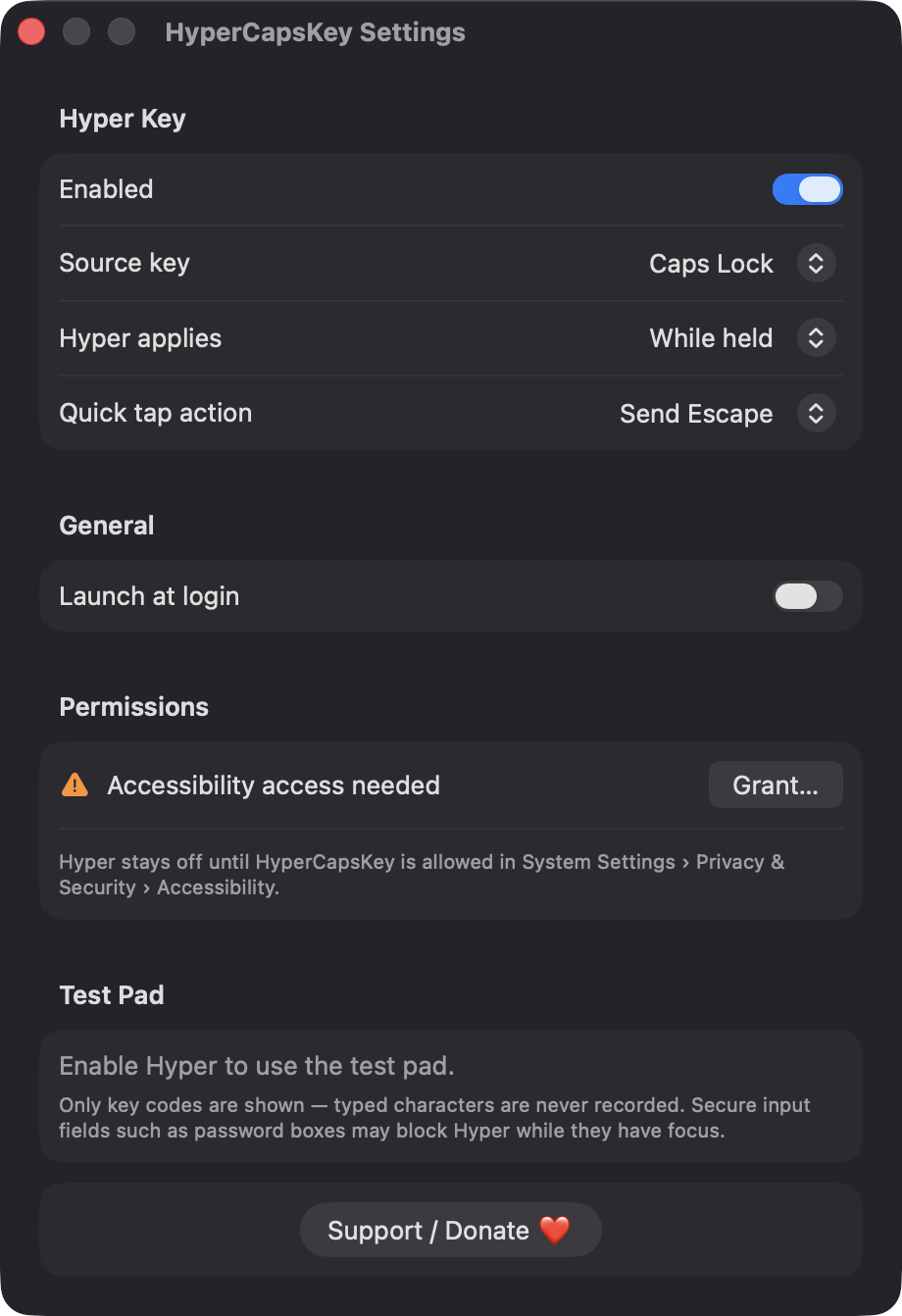
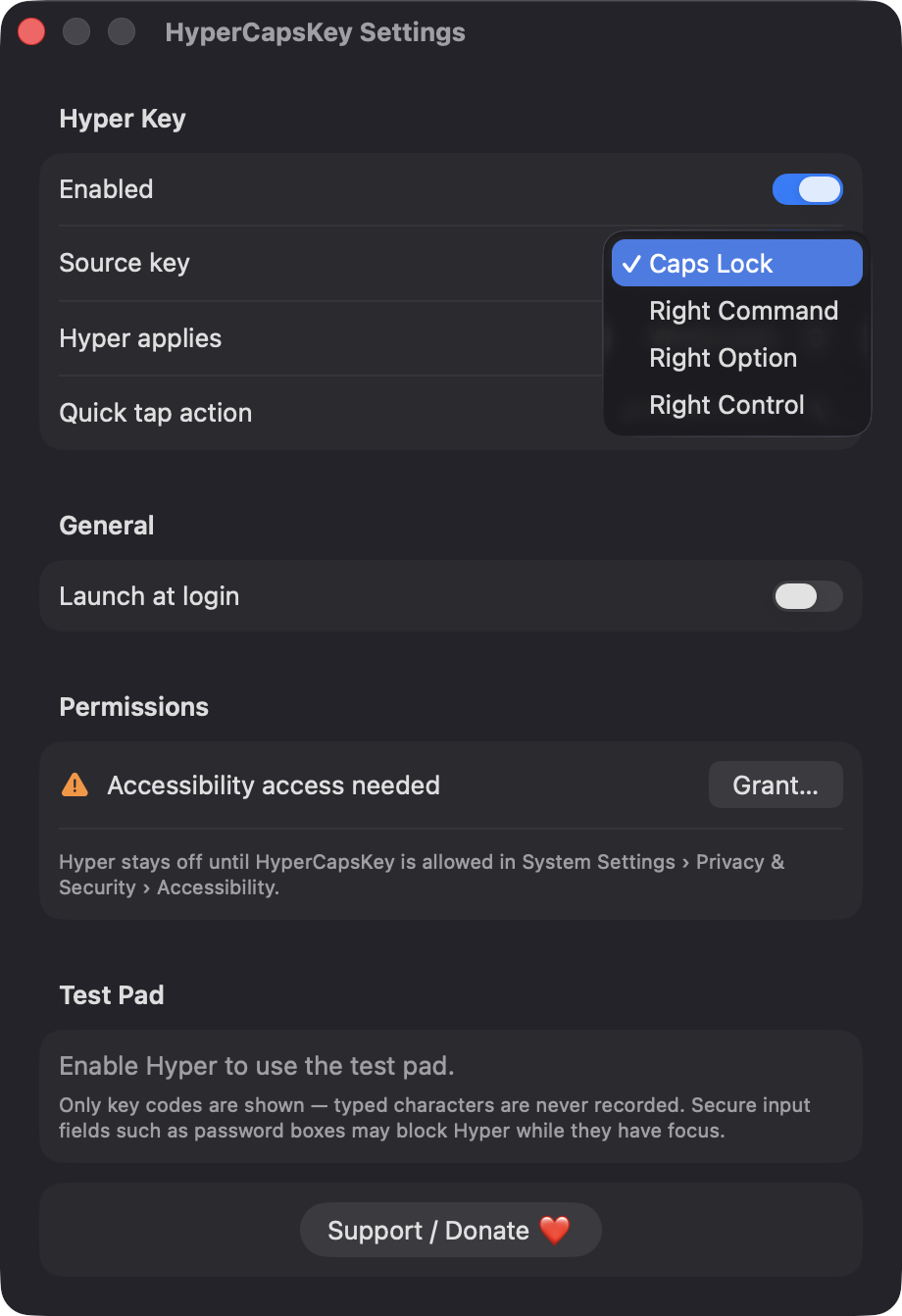
Use Caps Lock, Right Command, Right Option or Right Control as the source key. While it is held, all other key presses get Command, Option, Control and Shift added.

Open source · macOS 14+ · Universal binary · Text & Input
Hold Caps Lock and every key you press carries Command, Option, Control and Shift together. Tap it alone to send Escape. A free, native menu bar app for conflict-free shortcuts.
Free & MIT licensed · Apple Silicon & Intel · Latest release
Features
A small, native utility that does one job and keeps your keyboard returning to normal when it quits.
Use Caps Lock, Right Command, Right Option or Right Control as the source key. While it is held, all other key presses get Command, Option, Control and Shift added.
Apply Hyper only while the key is held, or let a quick tap arm it for the next key press. Key repeat never re-triggers the tap action.
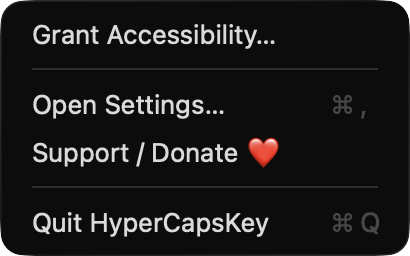
A tap with no other key can send Escape or do nothing. Switch it from the menu bar or in Settings.
Caps Lock is remapped to F18 on all connected keyboards, and any mapping you already had is saved and restored. If the remap fails, Right Command takes over as Hyper.
See the last event type, key code and modifier flags in Settings. It records key codes only, never typed characters, and clears when closed.
Lives in the menu bar with an icon that fills while Hyper is active. It can launch at login, reapplies its mapping after sleep, and re-enables its event tap if the system disables it.
Screenshots
Install
HyperCapsKey is open source and not notarized with a paid Apple Developer ID, so macOS needs one extra step the first time.
xattr -cr /Applications/HyperCapsKey.app
Download
Free, forever. Built for macOS 14 Sonoma or newer, Apple Silicon and Intel.
Not notarized: on first launch right-click HyperCapsKey.app → Open.
FAQ
Yes. It is released under the MIT license, with the full source on GitHub. There is no account, no server and no third-party dependencies, only Apple frameworks.
Accessibility is required, because the app uses an event tap to add the Hyper modifiers and to post Escape on a quick tap. Launch at login is optional. It asks for nothing else and makes no network connections.
Only your settings, such as the source key and tap behavior, are saved locally in the app's preferences, along with your previous key mapping so it can be restored. Nothing leaves your Mac, and typed characters are never recorded.
Notarization requires a paid Apple Developer account, and this is a free open-source project. Right-click the app and choose Open once to get past Gatekeeper, or build it from source with Xcode.
Yes. HyperCapsKey was generated by Claude Code from a written spec as a clean-room reimplementation, with no code or assets from any commercial app. The full source is on GitHub under MIT, so you can read every line before you run it. It has had less human review than a hand-written app, so bug reports are welcome.
Support ❤️
HyperCapsKey is a free, open-source alternative to paid utilities. If it earns a spot on your Mac, a coffee keeps the updates coming.
☕ Support Or on Ko-fi