Keycaps and shortcut badges
Each key appears as a rounded keycap, and combinations like Command-Shift-4 are grouped into one compact badge. Typed text merges into a single chip that grows as you type.
Open source · macOS 14+ · Universal binary · Presentation & Cursor
KeyCapOverlay draws every key and shortcut you press as clean keycaps on screen. Toggle it from the menu bar or with the global hotkey, Control-Option-K by default.
Free & MIT licensed · Apple Silicon & Intel · Latest release
Features
A small native menu bar app that stays out of your way and out of the Dock.
Each key appears as a rounded keycap, and combinations like Command-Shift-4 are grouped into one compact badge. Typed text merges into a single chip that grows as you type.
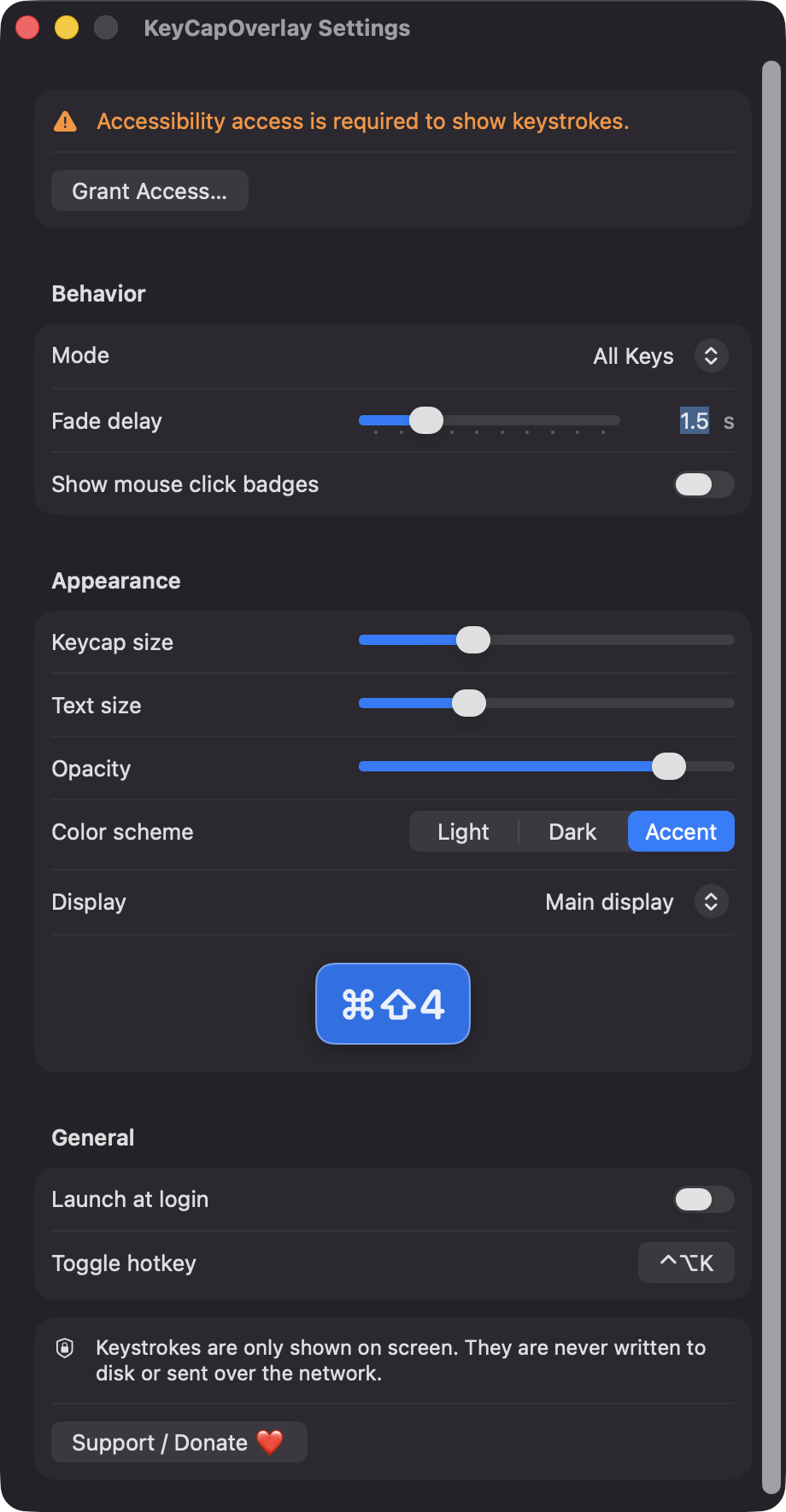
Show everything, or only combos that include Command, Control or Option. Adjust fade delay, keycap size, text size, opacity and a light, dark or accent color scheme.
Optionally show left, right and middle clicks near the pointer so viewers can see what you pressed and where.
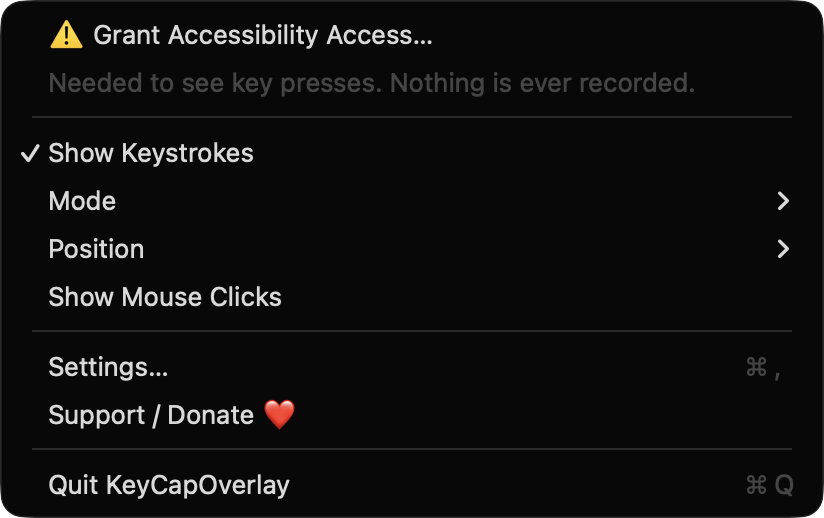
While macOS secure input is active, the overlay is cleared and paused. Keystrokes are only drawn on screen, never written to disk or sent over the network.
Choose bottom center, bottom left, bottom right, top center or follow the active screen, and pick which display to use. The overlay is click-through and joins all Spaces.
Written in SwiftUI and AppKit with no third-party code. It follows your keyboard layout, supports launch at login and re-enables its event tap if the system disables it.
Screenshots
Install
KeyCapOverlay is open source and not notarized with a paid Apple Developer ID, so macOS needs one extra step the first time.
xattr -cr /Applications/KeyCapOverlay.app
Download
Free, forever. Built for macOS 14 Sonoma or newer, Apple Silicon and Intel.
Not notarized: on first launch right-click KeyCapOverlay.app → Open.
FAQ
Yes. It is released under the MIT license and the full source is on GitHub, with no account, ads or paid tier. If it is useful to you, there is an optional Support button that links to Ko-fi.
Only Accessibility, so a listen-only event tap can see key presses and mouse clicks. It does not request Screen Recording or Microphone access, because it does not capture the screen or audio.
Keystrokes stay in memory, are drawn on screen and are never written to disk or sent anywhere. The only thing saved is your settings, such as position, mode and hotkey, which macOS stores in the app's preferences.
Notarization requires a paid Apple Developer account, and this is a free project. Right-click the app and choose Open once to get past Gatekeeper, or build it yourself from source.
Yes. KeyCapOverlay was generated by Claude Code from a written spec as a clean-room reimplementation, with no code or assets from any commercial app. The full source is on GitHub under MIT, so you can read every line before you run it. It has had less human review than a hand-written app, so bug reports are welcome.
Support ❤️
KeyCapOverlay is a free, open-source alternative to paid utilities. If it earns a spot on your Mac, a coffee keeps the updates coming.
☕ Support Or on Ko-fi