Live status for every agent
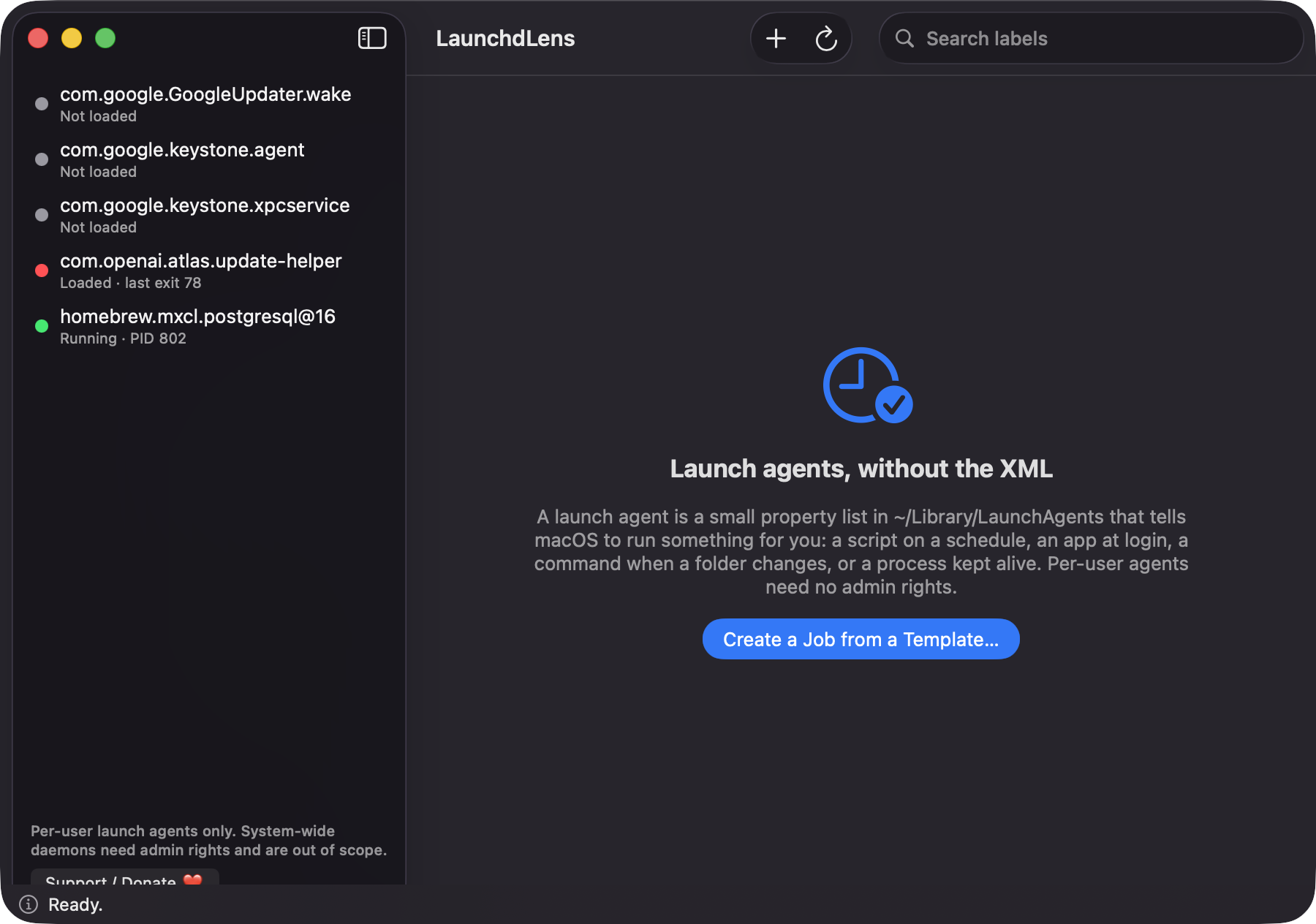
The sidebar lists ~/Library/LaunchAgents with a colored dot: running with PID, loaded, failed with last exit code, or not loaded. It refreshes every 3 seconds.
Open source · macOS 14+ · Universal binary · Developer & Network
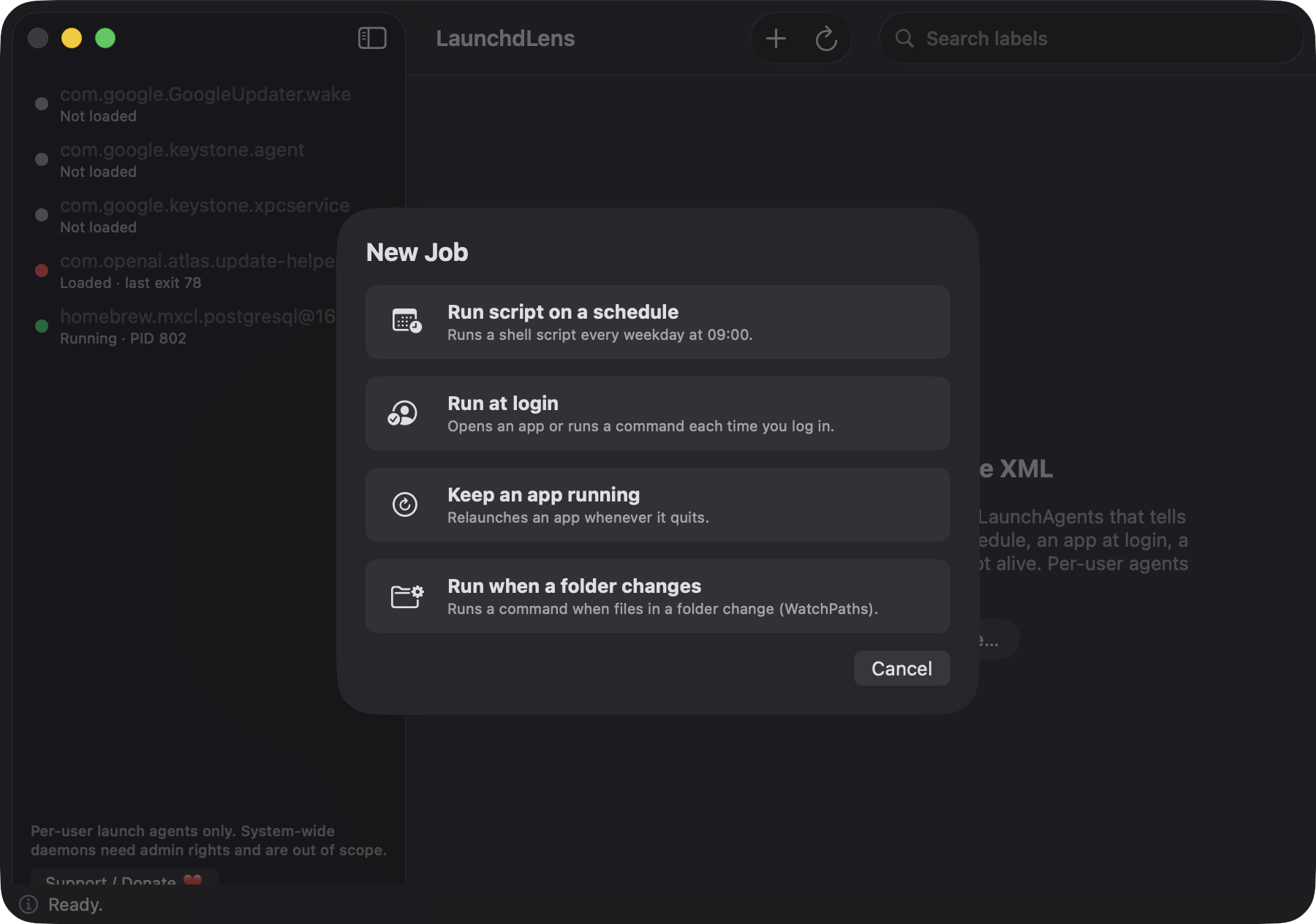
Browse your launch agents, edit them in a validated form, and schedule scripts in plain terms. Press ⌘N to start a new job from a template.
Free & MIT licensed · Apple Silicon & Intel · Latest release
Features
A focused editor for per-user launch agents, built only on Apple frameworks.
The sidebar lists ~/Library/LaunchAgents with a colored dot: running with PID, loaded, failed with last exit code, or not loaded. It refreshes every 3 seconds.
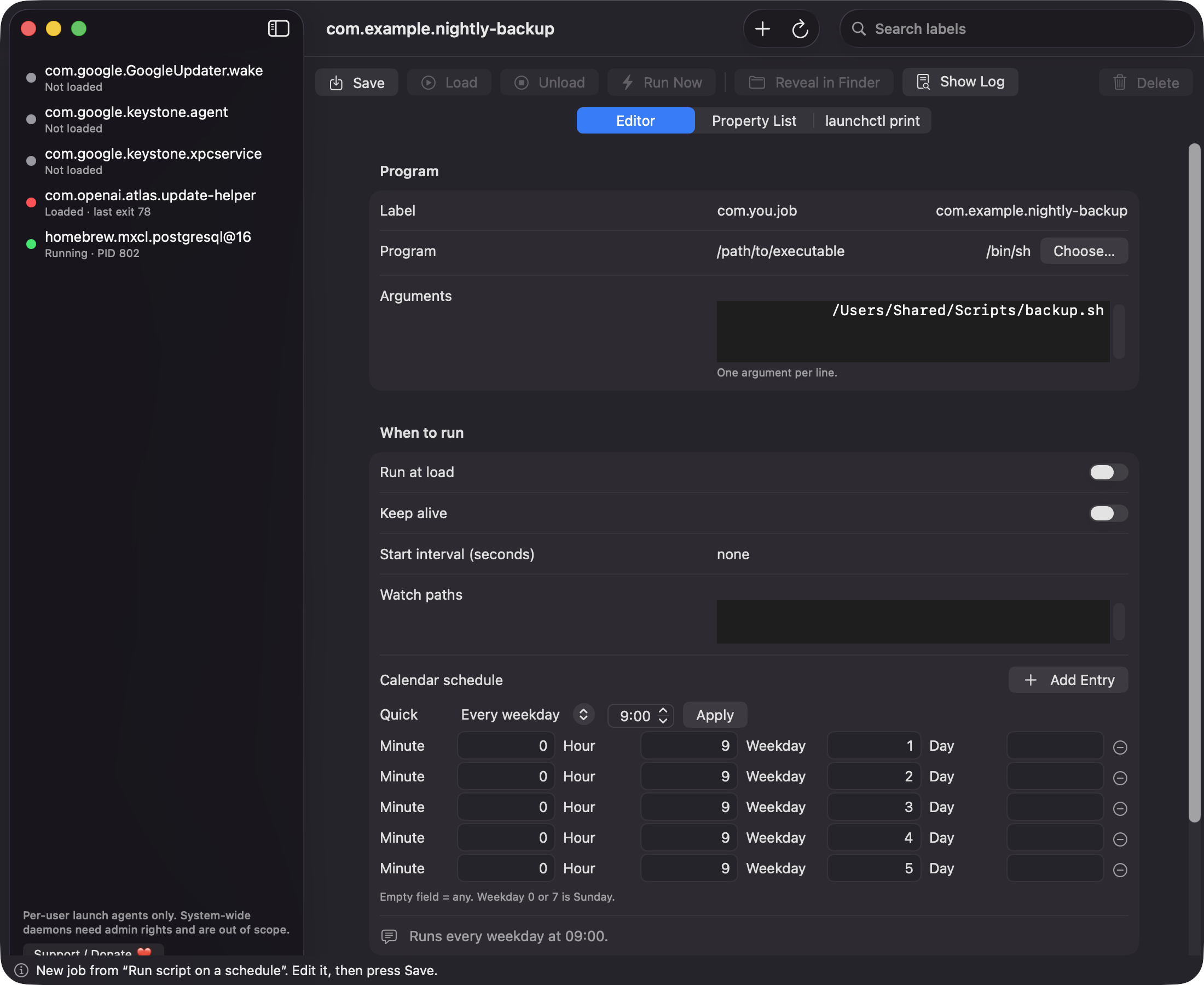
Edit label, program, arguments, run at load, keep alive, intervals, watch paths and log paths. Red notes flag bad labels, missing programs and invalid values as you type.
Presets like every weekday expand into StartCalendarInterval entries, and the app reads them back, for example "Runs every weekday at 09:00."
Start from a template for scheduled scripts, login items, keep-alive apps or folder watchers. Then Save, Load, Unload, Run Now or Delete using [removed].
Inspect the generated property list and the [removed] print output. The log viewer tails your job's output file and refreshes every 2 seconds.
Unknown keys survive a round trip, writes are atomic, and you are warned before overwriting files the app did not create. Deleted jobs are unloaded first and moved to the Trash.
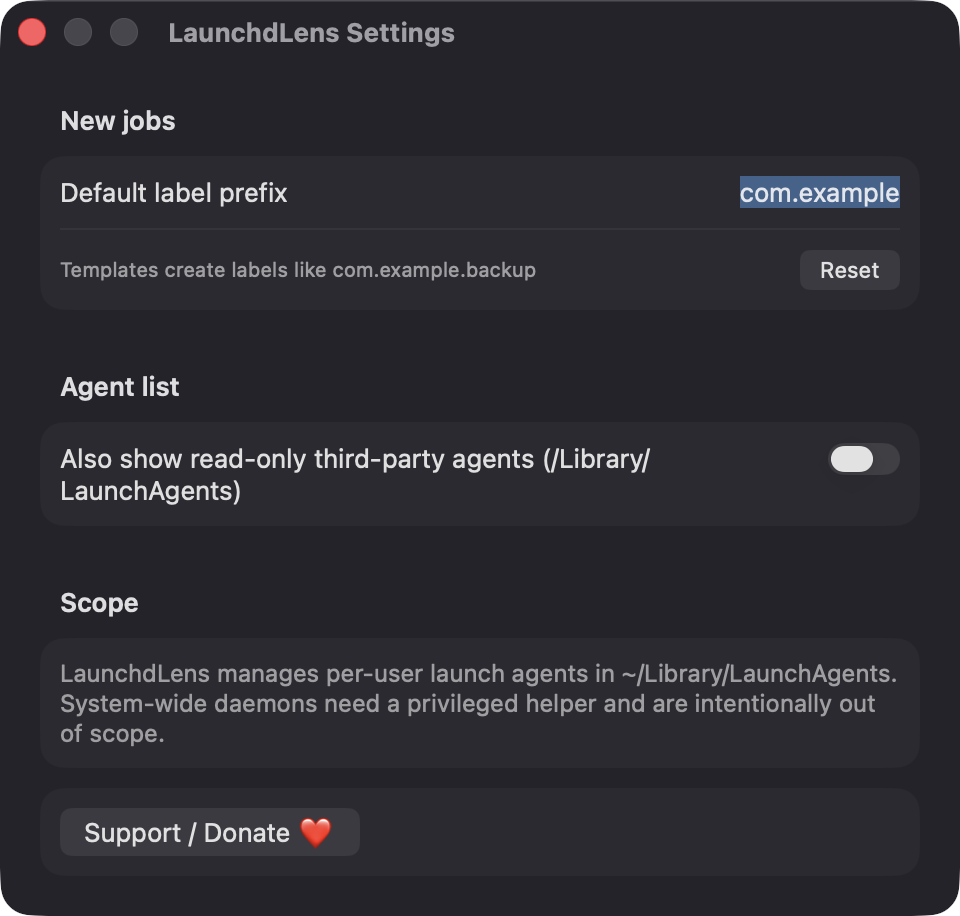
Screenshots
Install
LaunchdLens is open source and not notarized with a paid Apple Developer ID, so macOS needs one extra step the first time.
xattr -cr /Applications/LaunchdLens.app
Download
Free, forever. Built for macOS 14 Sonoma or newer, Apple Silicon and Intel.
Not notarized: on first launch right-click LaunchdLens.app → Open.
FAQ
Yes. It is released under the MIT license and the full source is in the GitHub repository. There are no accounts, no ads and no paid tier an optional Support button links to Ko-fi.
None of the privacy-controlled kind: no Accessibility, Screen Recording, Camera, Microphone, Contacts or Location. It reads and writes your LaunchAgents folder and runs /bin/[removed] as your own user. If a job's script touches protected folders, macOS may ask when that job runs.
Your jobs are ordinary .plist files in ~/Library/LaunchAgents, so other tools can read them too. The app's own preferences, such as the label prefix, live in UserDefaults. Nothing is sent over the network.
Notarization requires a paid Apple Developer account, and this is a free project. Right-click the app and choose Open once to get past Gatekeeper, or build it yourself from source with Xcode.
Yes. LaunchdLens was generated by Claude Code from a written spec as a clean-room reimplementation, with no code or assets from any commercial app. The full source is on GitHub under MIT, so you can read every line before you run it. It has had less human review than a hand-written app, so bug reports are welcome.
Support ❤️
LaunchdLens is a free, open-source alternative to paid utilities. If it earns a spot on your Mac, a coffee keeps the updates coming.
☕ Support Or on Ko-fi