Momentary, short-term, integrated
Read 400 ms, 3 s and since-reset loudness in LUFS. K-weighting is computed for your actual sample rate, with absolute and relative gating for integrated values.
Open source · macOS 14+ · Universal binary · Audio
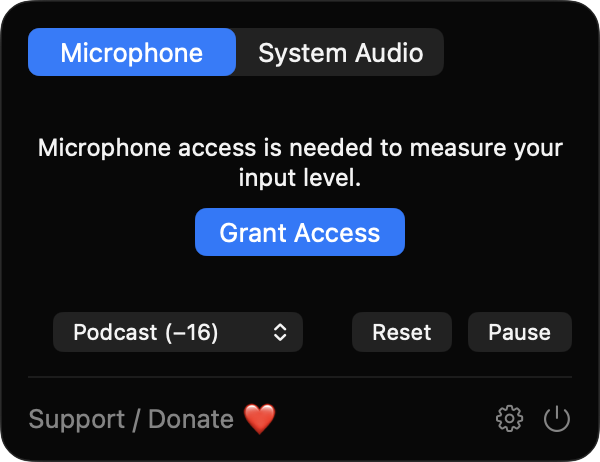
LoudnessGlance shows live LUFS and peak levels of your microphone or system audio right in the menu bar. Click the icon to see the full meter and pick a loudness target.
Free & MIT licensed · Apple Silicon & Intel · Latest release
Features
Momentary, short-term and integrated loudness plus sample peak, measured locally and compared with the target you choose.
Read 400 ms, 3 s and since-reset loudness in LUFS. K-weighting is computed for your actual sample rate, with absolute and relative gating for integrated values.
Choose -16, -14 or -23 LUFS. The readout turns green, amber or red relative to the target, and a marker shows it on the meter.
A thin bar tracks sample peak in dBFS and keeps a hold tick so you can spot short spikes. Silence is shown as a dash.
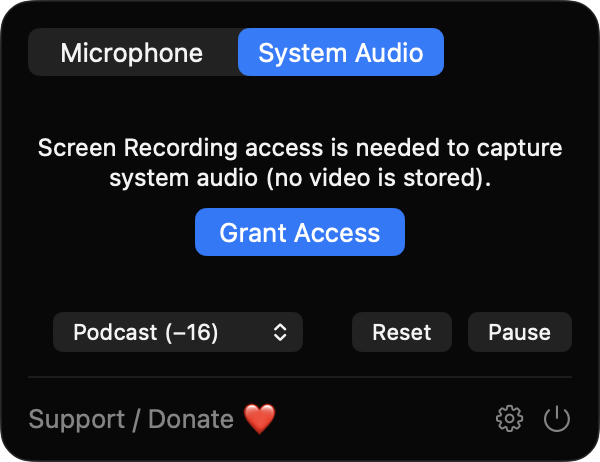
Switch the source between your microphone and system audio. If Screen Recording is denied, microphone mode keeps working.
Only block energies are stored, so memory stays small. Capture rebuilds on device or sample rate changes and restarts after sleep.
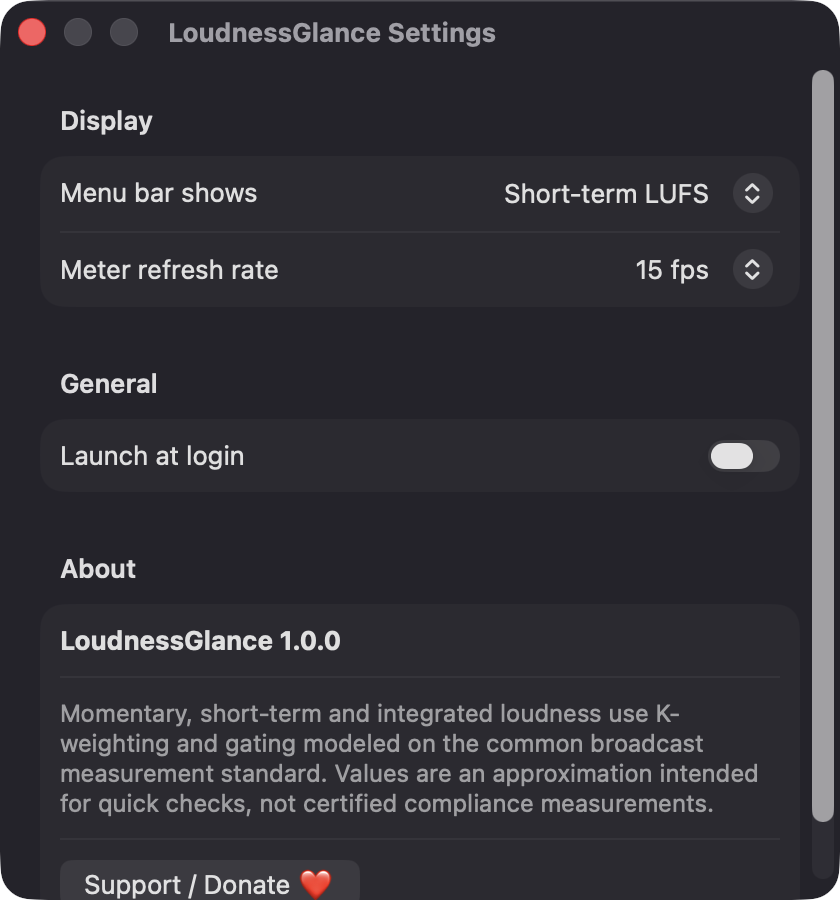
Show the LUFS value in the menu bar or an icon only, choose a 10, 15 or 30 fps refresh rate, and launch at login. Reset and Pause are one click away.
Screenshots
Install
LoudnessGlance is open source and not notarized with a paid Apple Developer ID, so macOS needs one extra step the first time.
xattr -cr /Applications/LoudnessGlance.app
Download
Free, forever. Built for macOS 14 Sonoma or newer, Apple Silicon and Intel.
Not notarized: on first launch right-click LoudnessGlance.app → Open.
FAQ
Yes. It is released under the MIT license, has no ads or subscriptions, and the full source is on GitHub. If it is useful to you, there is an optional Support button that opens Ko-fi.
Microphone access when the source is Microphone, and Screen Recording when the source is System Audio, because macOS requires it for audio capture. Only audio is used, video frames are discarded, and Accessibility access is never requested.
Nothing is recorded or sent anywhere. Audio is analyzed in memory on your Mac, and only your settings, such as source and target, are saved in local app preferences.
Notarization requires a paid Apple Developer account, which this free project does not have. Right-click the app and choose Open once to launch it, or build it yourself from source with Xcode.
Yes. LoudnessGlance was generated by Claude Code from a written spec as a clean-room reimplementation, with no code or assets from any commercial app. The full source is on GitHub under MIT, so you can read every line before you run it. It has had less human review than a hand-written app, so bug reports are welcome.
Support ❤️
LoudnessGlance is a free, open-source alternative to paid utilities. If it earns a spot on your Mac, a coffee keeps the updates coming.
☕ Support Or on Ko-fi