Record, then assign
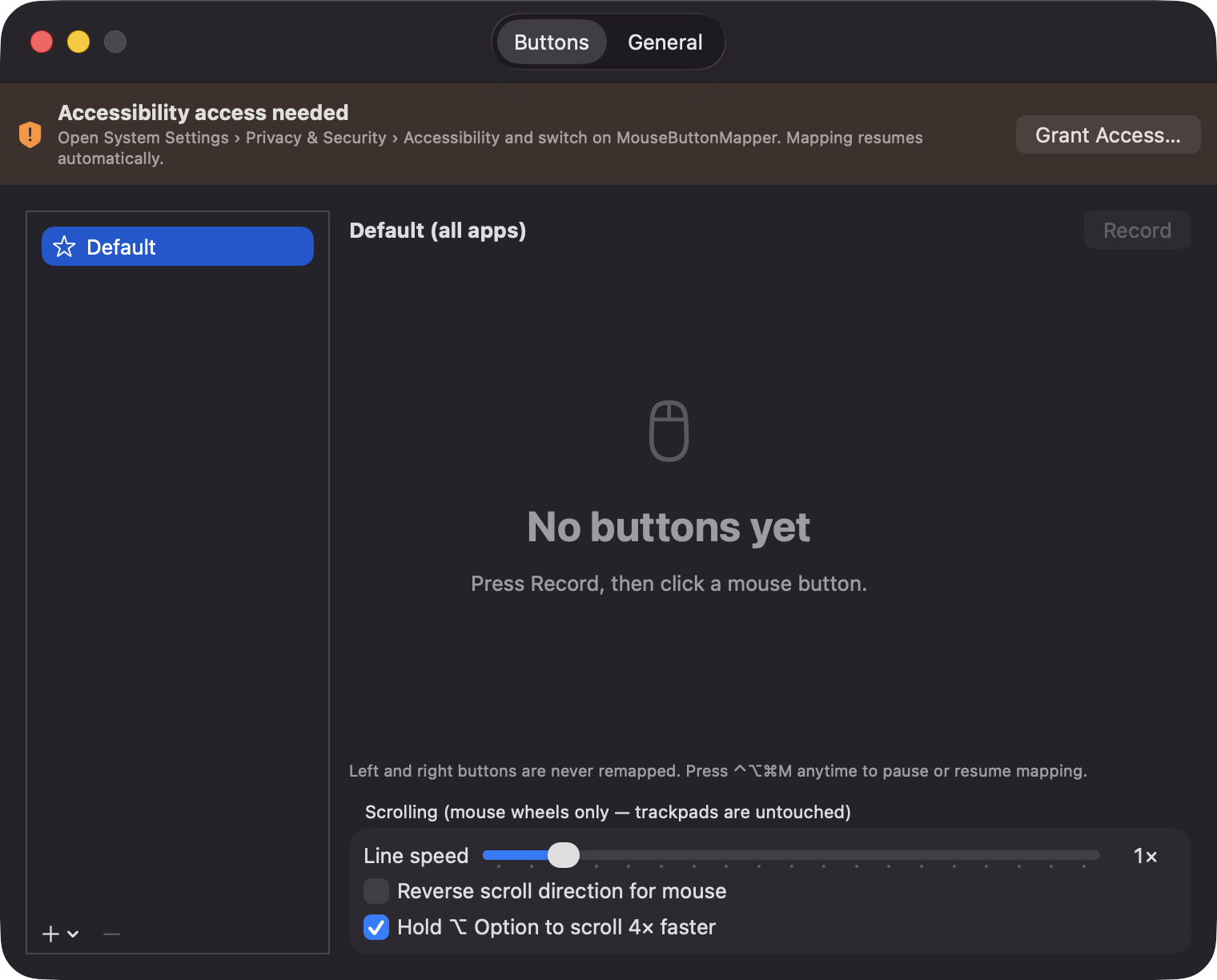
Click Record, press a button on your mouse, and the app learns its number. Middle, back, forward and beyond are all supported.
Open source · macOS 14+ · Universal binary · Text & Input
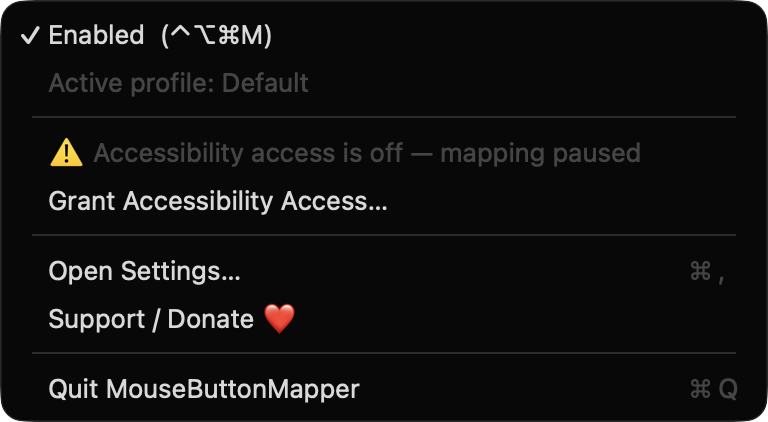
Record any extra mouse button and assign it a shortcut, a Space switch, Mission Control or an app launch, with separate profiles per app. Press ⌃⌥⌘M anytime to pause mapping.
Free & MIT licensed · Apple Silicon & Intel · Latest release
Features
A small menu bar app that remaps buttons 3 and up, follows the app you are using, and leaves your trackpad alone.
Click Record, press a button on your mouse, and the app learns its number. Middle, back, forward and beyond are all supported.
Send a recorded key combo, switch Spaces, open Mission Control, show the desktop, launch an app, middle click, copy, paste or play/pause.
Profiles are keyed by app, with a Default as fallback, and switch automatically with the frontmost app. A warning flags profiles that override Default.
Set a wheel speed from 0.5x to 5x, reverse direction for the mouse only, and hold Option to scroll 4x faster. Trackpads are untouched.
Left and right buttons are never remapped, and the ⌃⌥⌘M hotkey works even while paused. If Accessibility access is revoked, you get a warning instead of a crash.
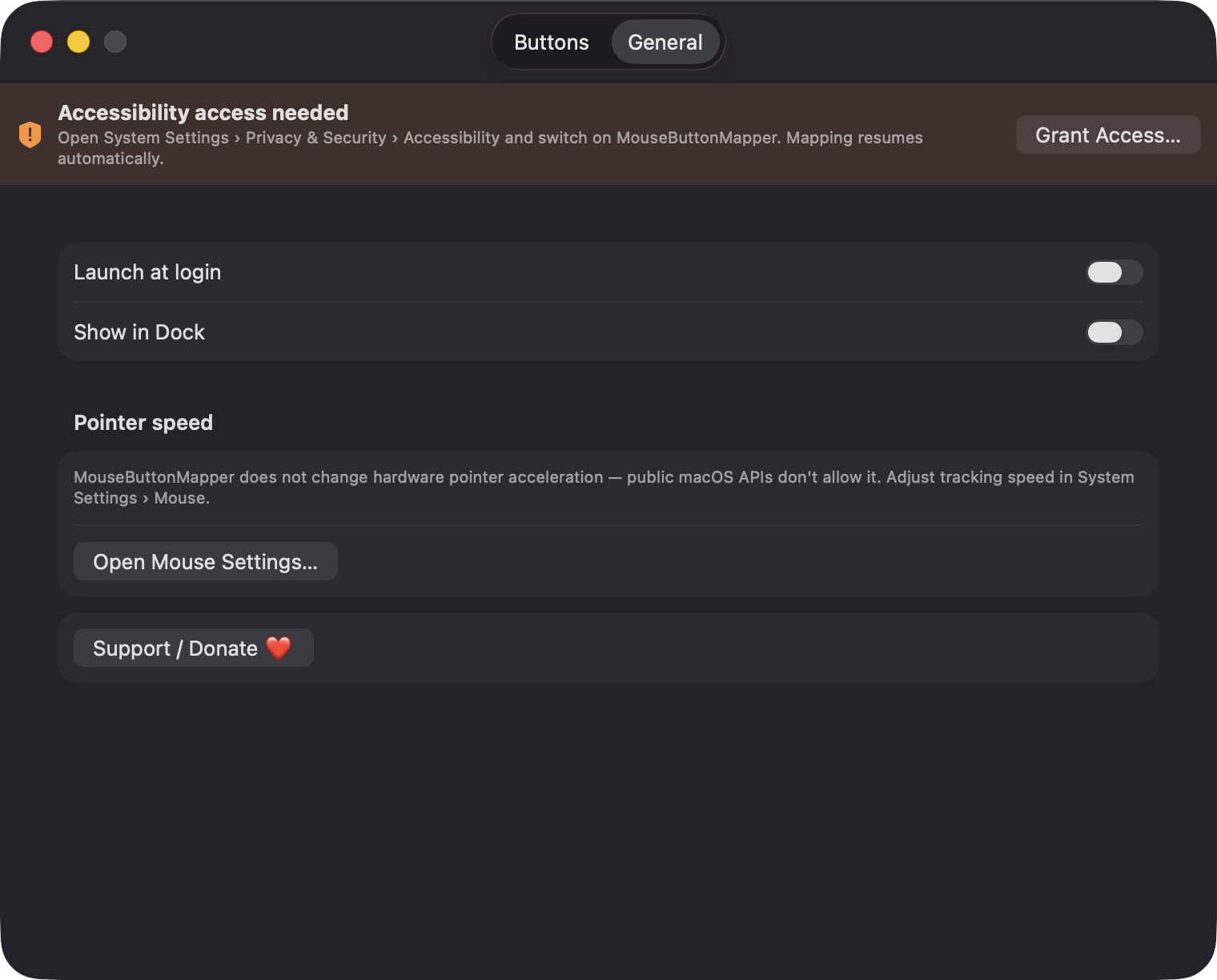
No network connections, no analytics, no third-party dependencies. Profiles are stored as a JSON file on your Mac.
Screenshots
Install
MouseButtonMapper is open source and not notarized with a paid Apple Developer ID, so macOS needs one extra step the first time.
xattr -cr /Applications/MouseButtonMapper.app
Download
Free, forever. Built for macOS 14 Sonoma or newer, Apple Silicon and Intel.
Not notarized: on first launch right-click MouseButtonMapper.app → Open.
FAQ
Yes. It is free, released under the MIT license, and the full source is on GitHub. It uses only Apple frameworks and has no third-party dependencies.
Only Accessibility. The app uses it to detect extra mouse buttons and scroll events, swallow the ones you remapped, and post the replacement actions. It does not request Screen Recording or Microphone access.
Your profiles are saved locally as JSON at ~/Library/Application Support/MouseButtonMapper/profiles.json. Nothing is sent over the network.
Notarization requires a paid Apple Developer account. Right-click the app and choose Open once to get past Gatekeeper, or build it yourself from source with Xcode.
Yes. MouseButtonMapper was generated by Claude Code from a written spec as a clean-room reimplementation, with no code or assets from any commercial app. The full source is on GitHub under MIT, so you can read every line before you run it. It has had less human review than a hand-written app, so bug reports are welcome.
Support ❤️
MouseButtonMapper is a free, open-source alternative to paid utilities. If it earns a spot on your Mac, a coffee keeps the updates coming.
☕ Support Or on Ko-fi