Pointer highlight
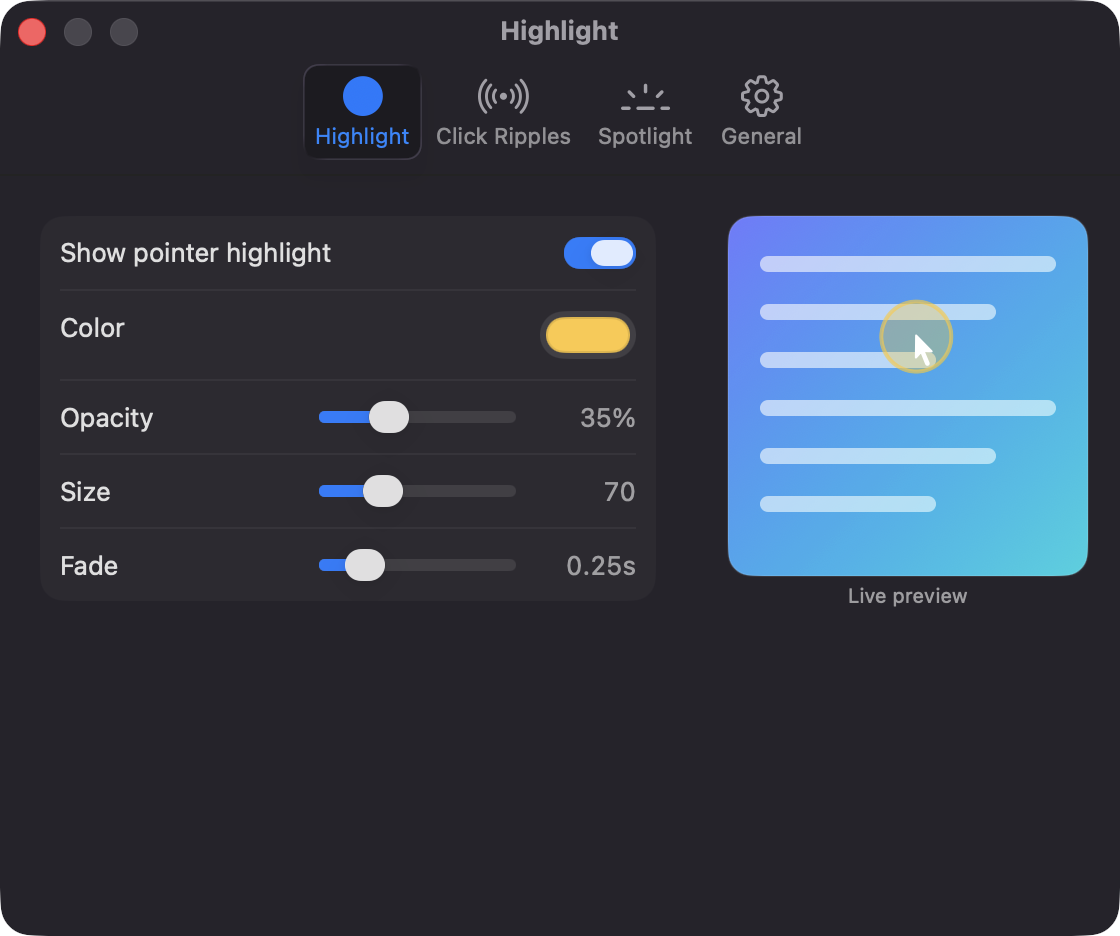
A soft colored circle follows the cursor. Choose its color, opacity, size from 20 to 200, and fade.
Open source · macOS 14+ · Universal binary · Presentation & Cursor
Highlight your pointer, ripple every click and dim the rest of the screen for demos and screen shares. Press ⌃⌥⌘S for the spotlight or ⌃⌥⌘H to toggle all effects.
Free & MIT licensed · Apple Silicon & Intel · Latest release
Features
Each effect works on its own, and every color, size and fade is adjustable with a live preview.
A soft colored circle follows the cursor. Choose its color, opacity, size from 20 to 200, and fade.
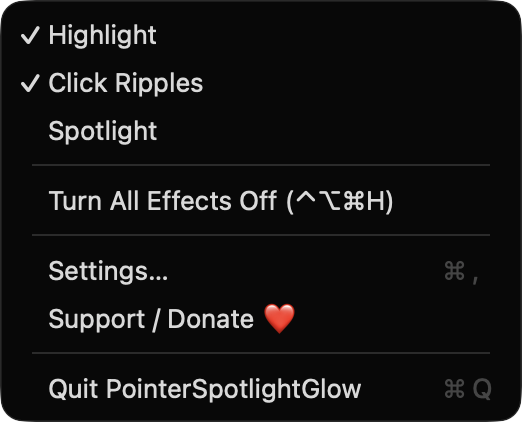
An expanding ring marks each left click, a different color marks right clicks, and a press indicator shows while the button is held.
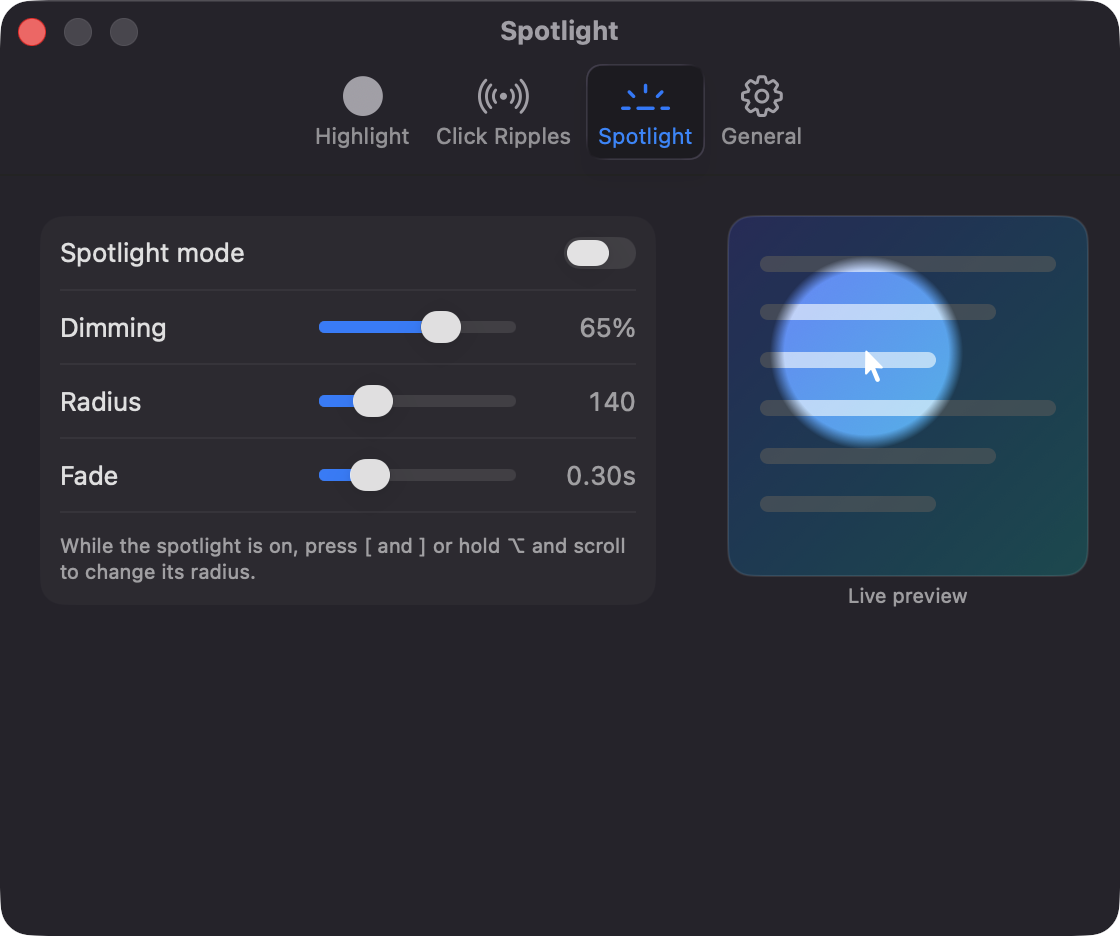
Dim the whole screen and leave a bright circle around the pointer. Resize it with [ and ] or Option plus the scroll wheel.
Toggle all effects or just the spotlight from any app. Both shortcuts can be re-recorded in Settings.
Every screen gets its own click-through overlay. Effects show up in recordings by default, and an optional toggle hides them from capture.
Built with SwiftUI and AppKit, with Reduce Motion support and optional launch at login. No network calls or third-party dependencies.
Screenshots
Install
PointerSpotlightGlow is open source and not notarized with a paid Apple Developer ID, so macOS needs one extra step the first time.
xattr -cr /Applications/PointerSpotlightGlow.app
Download
Free, forever. Built for macOS 14 Sonoma or newer, Apple Silicon and Intel.
Not notarized: on first launch right-click PointerSpotlightGlow.app → Open.
FAQ
Yes. It is released under the MIT license and the full source is on GitHub. There are no ads, no analytics and no paid tier. If it helps you, you can support development on Ko-fi.
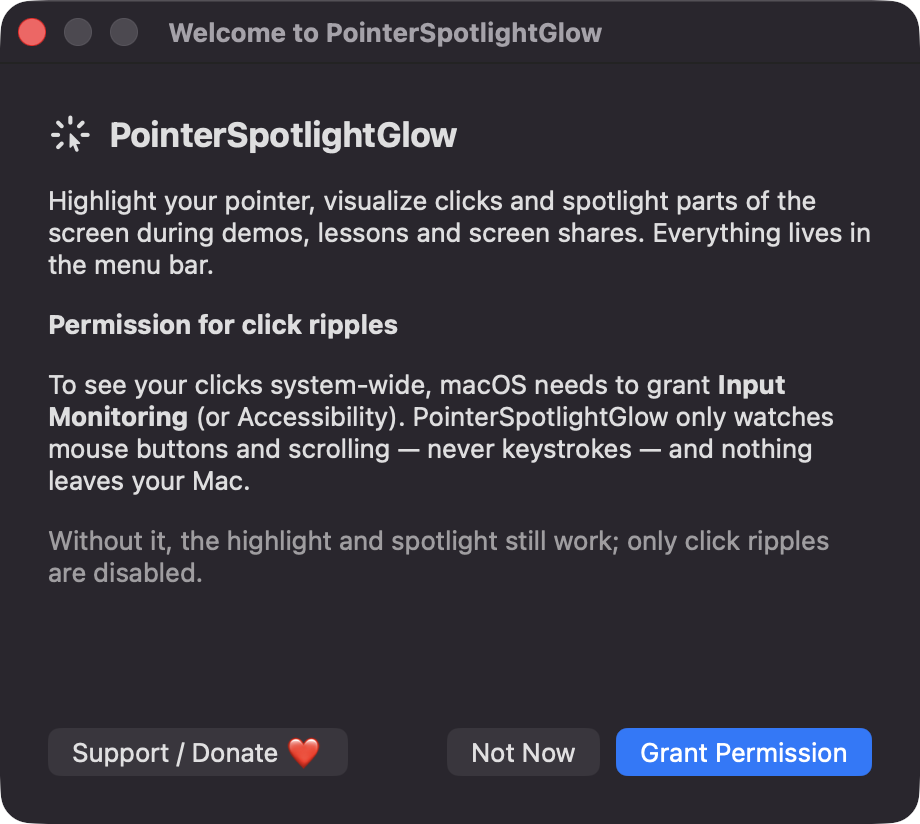
Click ripples and Option-scroll spotlight resizing need Input Monitoring (or Accessibility), because the app listens for mouse buttons and scrolling. It does not read keystrokes. Without the permission, the pointer highlight and spotlight still work.
Only on your Mac. Your preferences are saved locally in UserDefaults. The app makes no network calls and does not capture your screen.
Notarization requires a paid Apple Developer account, and this is a free project. Right-click the app and choose Open once to get past Gatekeeper, or build it yourself from source with Xcode.
Yes. PointerSpotlightGlow was generated by Claude Code from a written spec as a clean-room reimplementation, with no code or assets from any commercial app. The full source is on GitHub under MIT, so you can read every line before you run it. It has had less human review than a hand-written app, so bug reports are welcome.
Support ❤️
PointerSpotlightGlow is a free, open-source alternative to paid utilities. If it earns a spot on your Mac, a coffee keeps the updates coming.
☕ Support Or on Ko-fi