Focus, short and long breaks
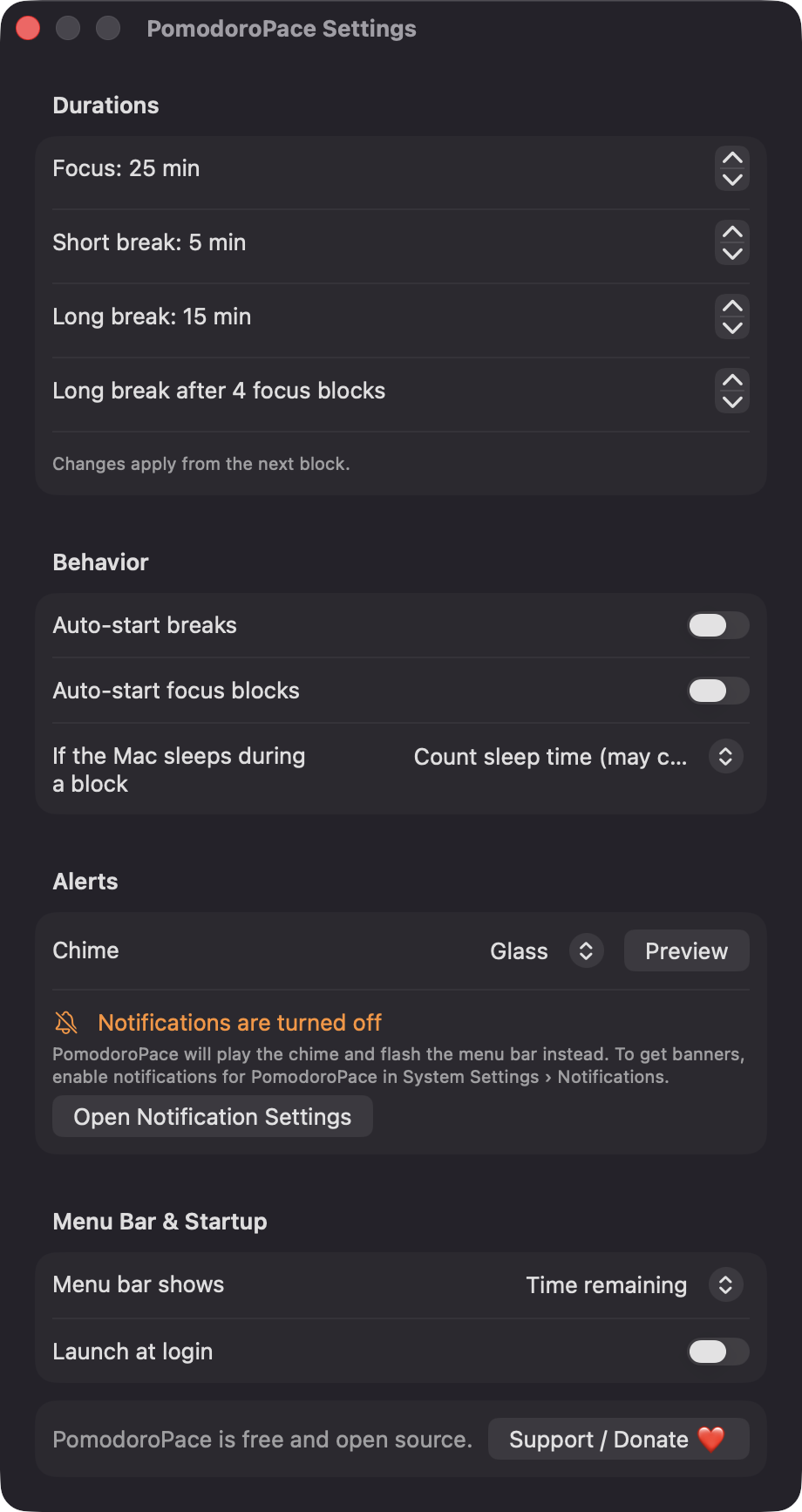
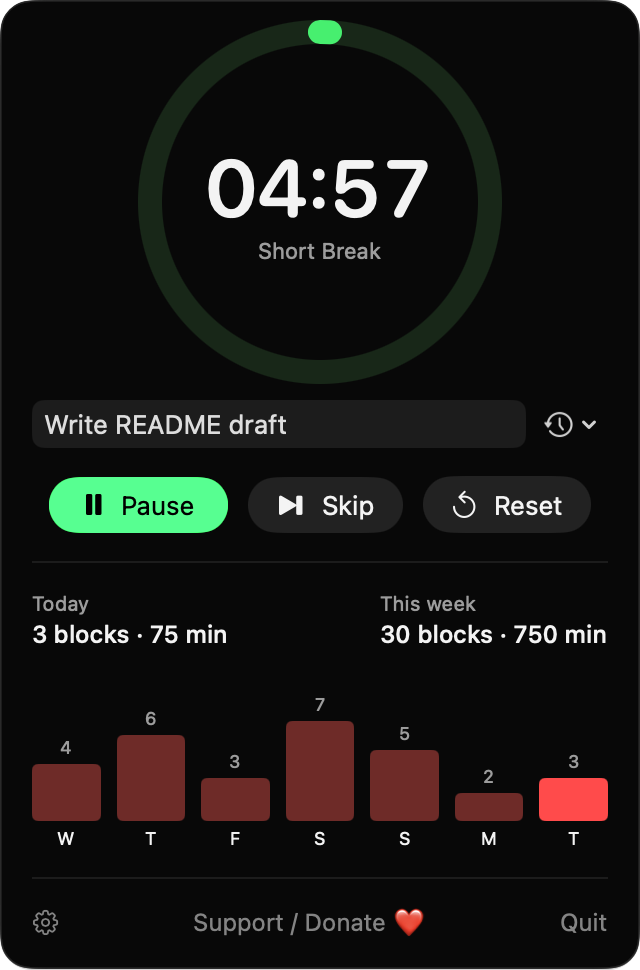
Defaults to 25, 5 and 15 minutes, with a long break after a block count you choose. Auto-start the next break or focus block if you like.

Open source · macOS 14+ · Universal binary · Timers & Reminders
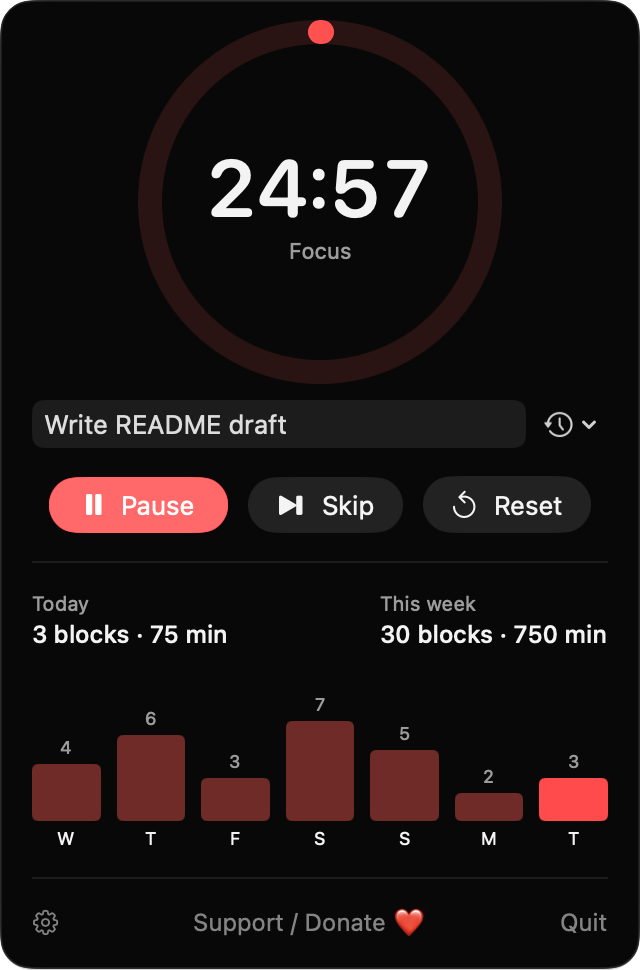
A native pomodoro timer with task labels, daily session counts and a gentle chime when each block ends. Open the popover, then press Space to start.
Free & MIT licensed · Apple Silicon & Intel · Latest release
Features
Three phases, honest history and quiet alerts, with nothing leaving your Mac.
Defaults to 25, 5 and 15 minutes, with a long break after a block count you choose. Auto-start the next break or focus block if you like.
Add an optional task label to each focus block and pick from your 50 most recent labels.
See today's completed blocks, daily and weekly counts with total focused minutes, and a seven-day bar chart.
Choose from 14 built-in macOS sounds with a preview button, plus a notification. If notifications are denied, the menu bar title flashes instead.
In the popover, Space starts or pauses, S skips and R resets. The shortcuts are ignored while you type a label.
Blocks track a monotonic deadline, so time zone and clock changes do not break them. A setting decides whether time asleep counts toward the block.
Screenshots
Install
PomodoroPace is open source and not notarized with a paid Apple Developer ID, so macOS needs one extra step the first time.
xattr -cr /Applications/PomodoroPace.app
Download
Free, forever. Built for macOS 14 Sonoma or newer, Apple Silicon and Intel.
Not notarized: on first launch right-click PomodoroPace.app → Open.
FAQ
Yes. It is released under the MIT license, the full source is on GitHub, and there are no ads, accounts or in-app purchases. If you find it useful, there is an optional Support button in the app.
Notifications, requested at first launch to show a banner when a block ends. Login Items is used only if you turn on Launch at login. It does not ask for Accessibility, Screen Recording, Microphone or any other privacy permission.
Only on your Mac. Settings and recent labels live in UserDefaults, and session history is a JSON file at ~/Library/Application Support/PomodoroPace/history.json. History older than a year is pruned, and the app makes no network calls.
Notarization requires a paid Apple Developer account, and this is a free project. Right-click the app and choose Open once to get past Gatekeeper, or build it yourself from source with Xcode.
Yes. PomodoroPace was generated by Claude Code from a written spec as a clean-room reimplementation, with no code or assets from any commercial app. The full source is on GitHub under MIT, so you can read every line before you run it. It has had less human review than a hand-written app, so bug reports are welcome.
Support ❤️
PomodoroPace is a free, open-source alternative to paid utilities. If it earns a spot on your Mac, a coffee keeps the updates coming.
☕ Support Or on Ko-fi