Global hotkey toggle
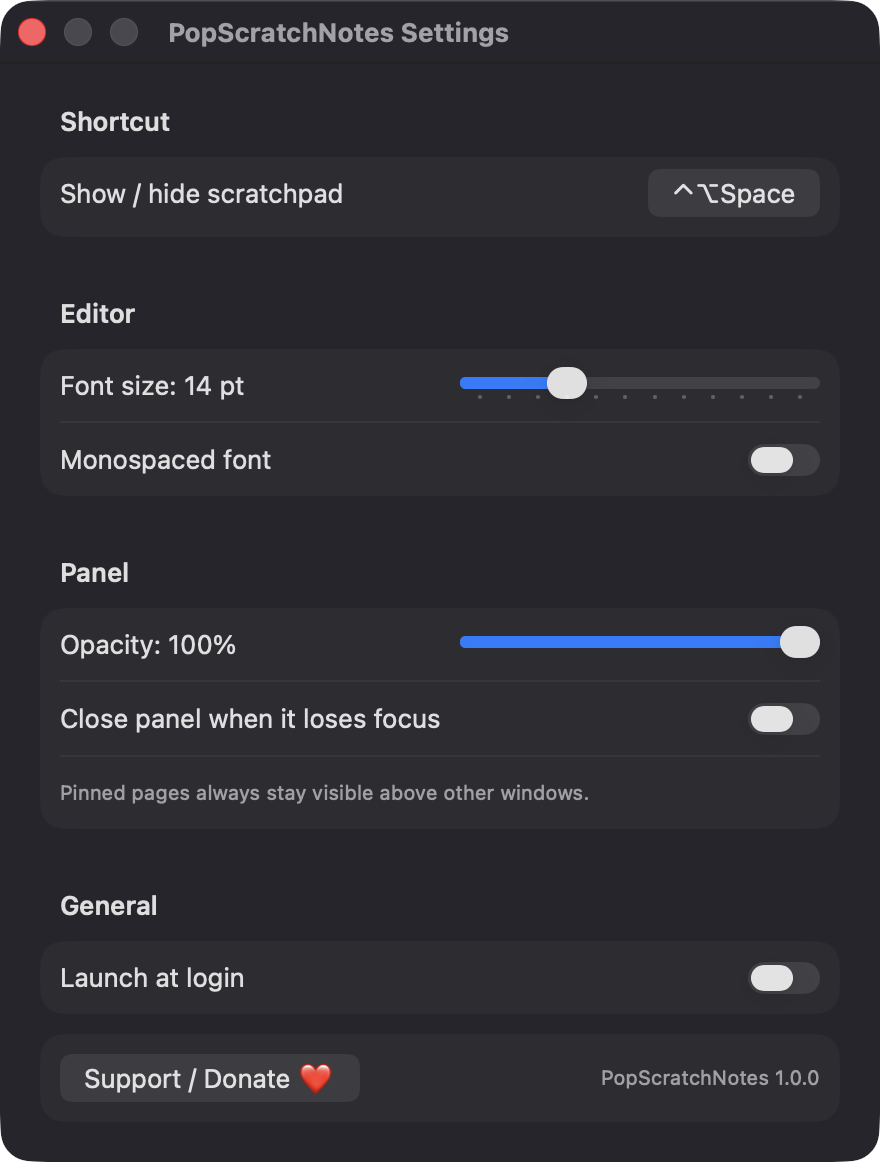
Control-Option-Space shows or hides the panel from any app. You can record a different shortcut in Settings, and it warns you if another app already uses it.

Open source · macOS 14+ · Universal binary · Menu Bar Utility
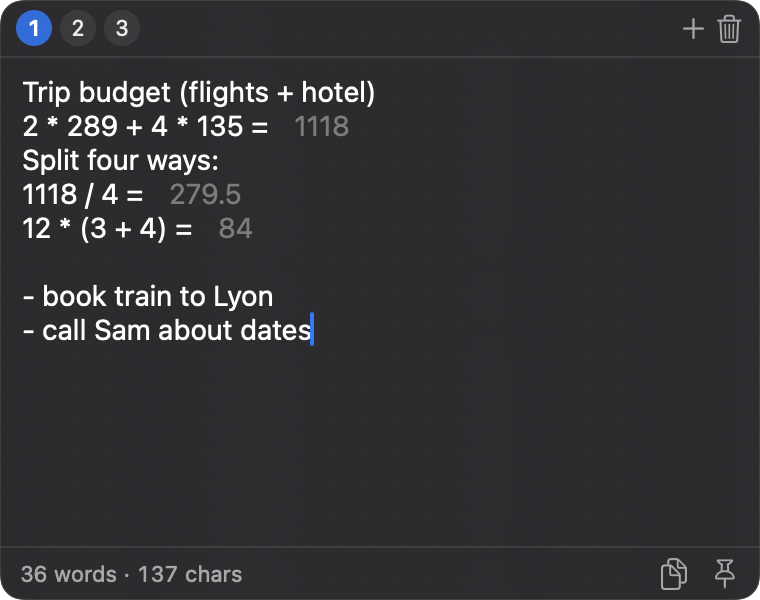
Press Control-Option-Space to open a floating scratchpad, type a note, and end a line with = to see the answer. Every page is saved automatically.
Free & MIT licensed · Apple Silicon & Intel · Latest release
Features
Everything sits between the clipboard and a full notes app, and nothing leaves your Mac.
Control-Option-Space shows or hides the panel from any app. You can record a different shortcut in Settings, and it warns you if another app already uses it.
End a line with = and the result appears in a muted color beside it. It handles + - * /, parentheses and decimals percent and units are not supported.
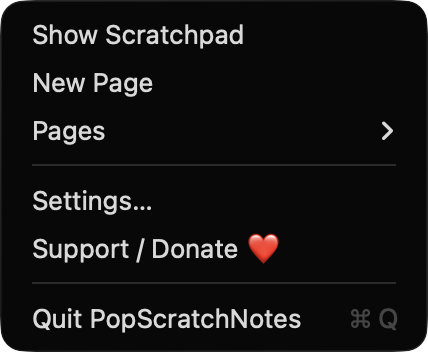
Switch between numbered tabs with Command-1 to 9, add one with Command-T, and copy a whole page with one click.
Pages are written to disk half a second after you stop typing, when the panel hides and when you quit. Escape hides the panel without losing anything.
Pin a page to float above other windows, resize the panel, and set font size, monospaced text and opacity. It follows light and dark mode.
No account, no server and no network connections. Your notes live in a single JSON file on your Mac.
Screenshots
Install
PopScratchNotes is open source and not notarized with a paid Apple Developer ID, so macOS needs one extra step the first time.
xattr -cr /Applications/PopScratchNotes.app
Download
Free, forever. Built for macOS 14 Sonoma or newer, Apple Silicon and Intel.
Not notarized: on first launch right-click PopScratchNotes.app → Open.
FAQ
Yes. It is released under the MIT license, with no account, ads or paid tier. If it saves you time, there is an optional Support button that opens a Ko-fi page.
None. The hotkey uses a system API that needs no Accessibility or Screen Recording access, and the app makes no network connections. Only the optional Launch at login setting may prompt you to approve it in Login Items.
In a JSON file at ~/Library/Application Support/PopScratchNotes/pages.json on your Mac. If that file ever cannot be read, it is kept as a timestamped pages-corrupt copy and you start with a blank page.
Notarization requires a paid Apple Developer account. Right-click the app and choose Open once to launch it, or build it yourself from source with Xcode.
Yes. PopScratchNotes was generated by Claude Code from a written spec as a clean-room reimplementation, with no code or assets from any commercial app. The full source is on GitHub under MIT, so you can read every line before you run it. It has had less human review than a hand-written app, so bug reports are welcome.
Support ❤️
PopScratchNotes is a free, open-source alternative to paid utilities. If it earns a spot on your Mac, a coffee keeps the updates coming.
☕ Support Or on Ko-fi