Every mode, grouped clearly
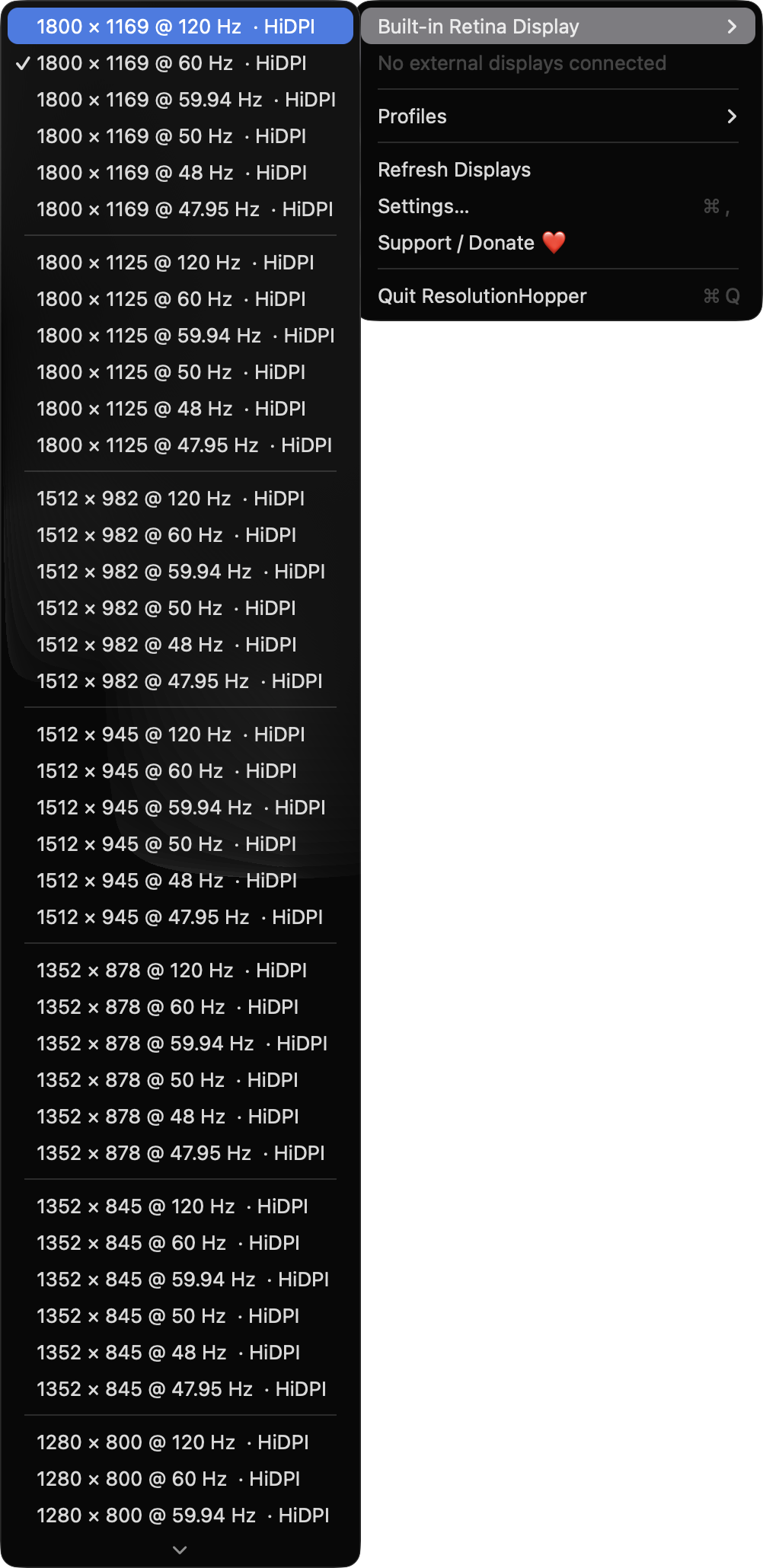
Each display gets a submenu of modes grouped by resolution and sorted by refresh rate. HiDPI and stretched modes are labelled, and the current mode is checked.

Open source · macOS 14+ · Universal binary · Display & Brightness
ResolutionHopper lives in your menu bar and lists every mode for every connected display. Save your layout as a profile, then apply it from the menu or with a global hotkey.
Free & MIT licensed · Apple Silicon & Intel · Latest release
Features
A small, native menu bar utility for people with external monitors, projectors and capture cards.
Each display gets a submenu of modes grouped by resolution and sorted by refresh rate. HiDPI and stretched modes are labelled, and the current mode is checked.
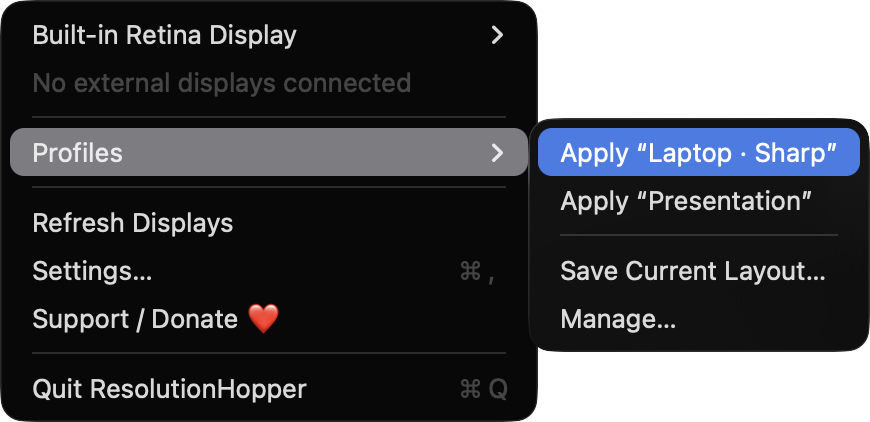
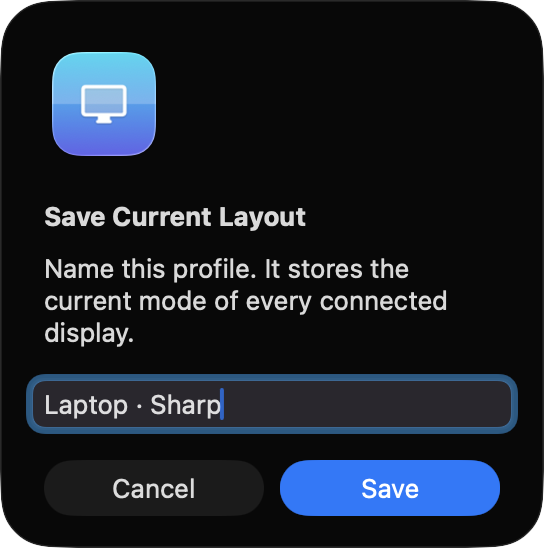
Save the current mode of all displays as a named profile and apply it in one click. Entries for displays that are not connected are skipped and reported in the menu.
Record a shortcut for any profile in Settings. Hotkeys use Carbon RegisterEventHotKey, so no permission is needed.
After each switch you get a countdown to keep the change or revert. It runs on a main run loop timer, so it still fires if the screen goes black.
Apply a profile automatically when a chosen external display connects. Displays are matched by vendor, model and serial number, not display ID.
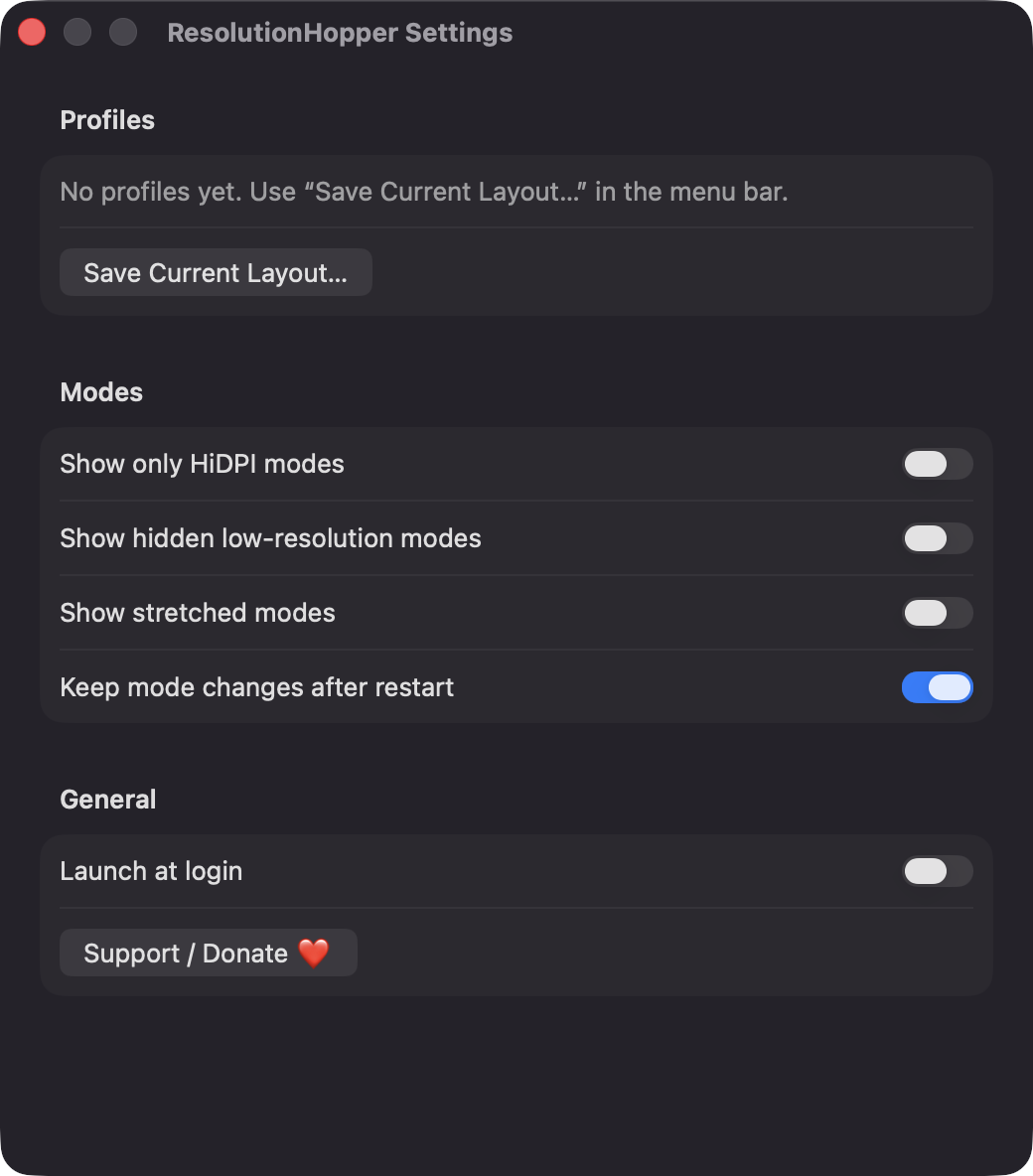
No analytics and no third-party dependencies, only Apple frameworks. Profiles are stored as JSON on your Mac.
Screenshots
Install
ResolutionHopper is open source and not notarized with a paid Apple Developer ID, so macOS needs one extra step the first time.
xattr -cr /Applications/ResolutionHopper.app
Download
Free, forever. Built for macOS 14 Sonoma or newer, Apple Silicon and Intel.
Not notarized: on first launch right-click ResolutionHopper.app → Open.
FAQ
Yes. It is released under the MIT license and the full source is on GitHub. If you find it useful, there is an optional Support button that opens a Ko-fi page.
None for normal use. It does not request Accessibility or Screen Recording, and hotkeys work without a permission prompt. Only if you enable Launch at login may it appear under Login Items in System Settings.
Profiles are saved as JSON at ~/Library/Application Support/ResolutionHopper/profiles.json. The app makes no network calls, other than opening the Ko-fi page in your browser when you click Support.
Notarization requires a paid Apple Developer account. Right-click the app and choose Open once to get past Gatekeeper, or build it yourself from source with Xcode.
Yes. ResolutionHopper was generated by Claude Code from a written spec as a clean-room reimplementation, with no code or assets from any commercial app. The full source is on GitHub under MIT, so you can read every line before you run it. It has had less human review than a hand-written app, so bug reports are welcome.
Support ❤️
ResolutionHopper is a free, open-source alternative to paid utilities. If it earns a spot on your Mac, a coffee keeps the updates coming.
☕ Support Or on Ko-fi