Automatic edge detection
Horizontal and vertical lines extend from the pointer until they hit a color change, with the distance shown in a label on each line.
Open source · macOS 14+ · Universal binary · Screen & OCR
ScreenSpanRuler freezes your display and snaps measurement lines to the nearest edges. Press ⇧⌘2, move the pointer, and read the gap in pixels or points.
Free & MIT licensed · Apple Silicon & Intel · Latest release
Features
A small menu bar utility that does one job: tell you exactly how big things are and how far apart they sit.
Horizontal and vertical lines extend from the pointer until they hit a color change, with the distance shown in a label on each line.
Drag a rectangle and it shrinks to fit the content inside, then shows its width and height.
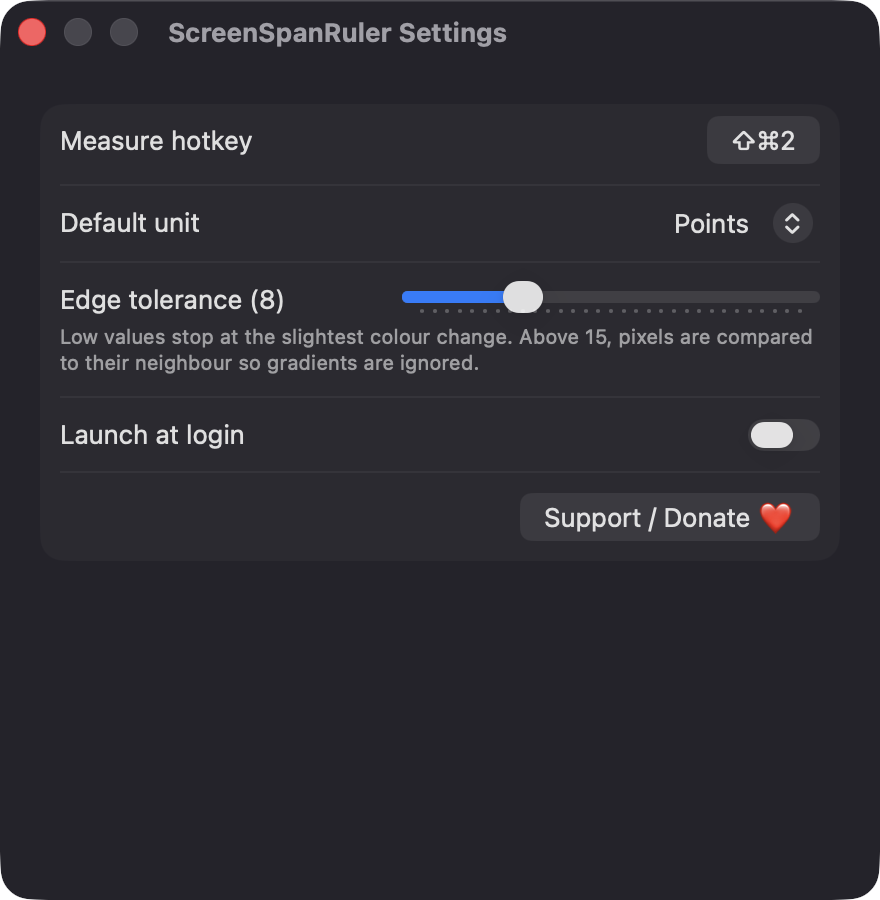
Hold Shift to lock to one axis, use the arrow keys to nudge by one pixel, press U to switch units and C to copy the measurement. Esc exits.
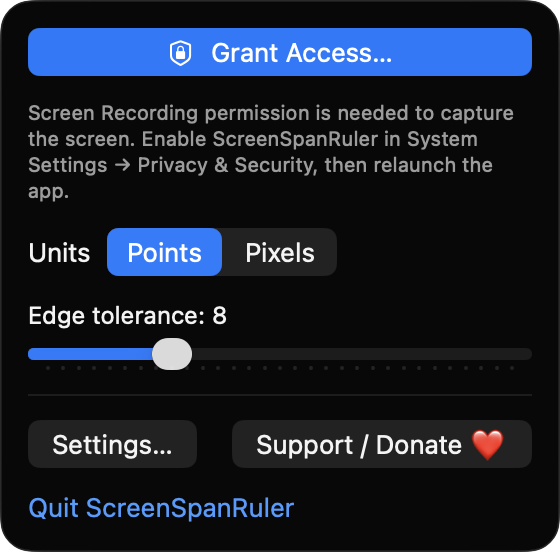
Set sensitivity from 0 to 30. At higher values, pixels are compared with their neighbor so smooth gradients do not stop the scan.
Each display is captured at native resolution and converted with its own scale factor, so Retina and mixed-display setups read correctly.
No network access, no analytics and no third-party dependencies. Captured screenshots are released from memory when you exit.
Screenshots
Install
ScreenSpanRuler is open source and not notarized with a paid Apple Developer ID, so macOS needs one extra step the first time.
xattr -cr /Applications/ScreenSpanRuler.app
Download
Free, forever. Built for macOS 14 Sonoma or newer, Apple Silicon and Intel.
Not notarized: on first launch right-click ScreenSpanRuler.app → Open.
FAQ
Yes. It is released under the MIT license and the full source is on GitHub. There are no accounts, subscriptions or paywalled features. If it saves you time, an optional Ko-fi donation is welcome.
Screen Recording is required so the app can take a one-time screenshot of each display and detect edges. Notifications are optional and only used if a capture fails. It does not ask for Accessibility or Microphone access.
Only your preferences (hotkey, default unit, tolerance, launch at login) are saved locally on your Mac. Screenshots are held in memory while measuring and released when you press Esc. Nothing is sent over the network.
Notarization requires a paid Apple Developer account, and this is a free project. Right-click the app and choose Open once to get past Gatekeeper, or build it yourself from source with Xcode.
Yes. ScreenSpanRuler was generated by Claude Code from a written spec as a clean-room reimplementation, with no code or assets from any commercial app. The full source is on GitHub under MIT, so you can read every line before you run it. It has had less human review than a hand-written app, so bug reports are welcome.
Support ❤️
ScreenSpanRuler is a free, open-source alternative to paid utilities. If it earns a spot on your Mac, a coffee keeps the updates coming.
☕ Support Or on Ko-fi