Global rebindable hotkey
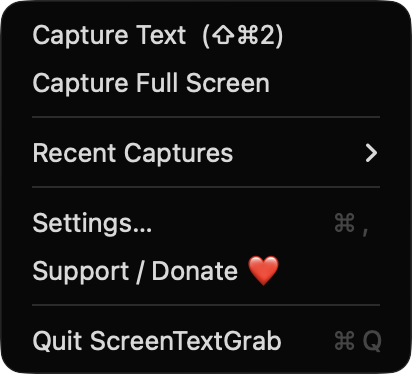
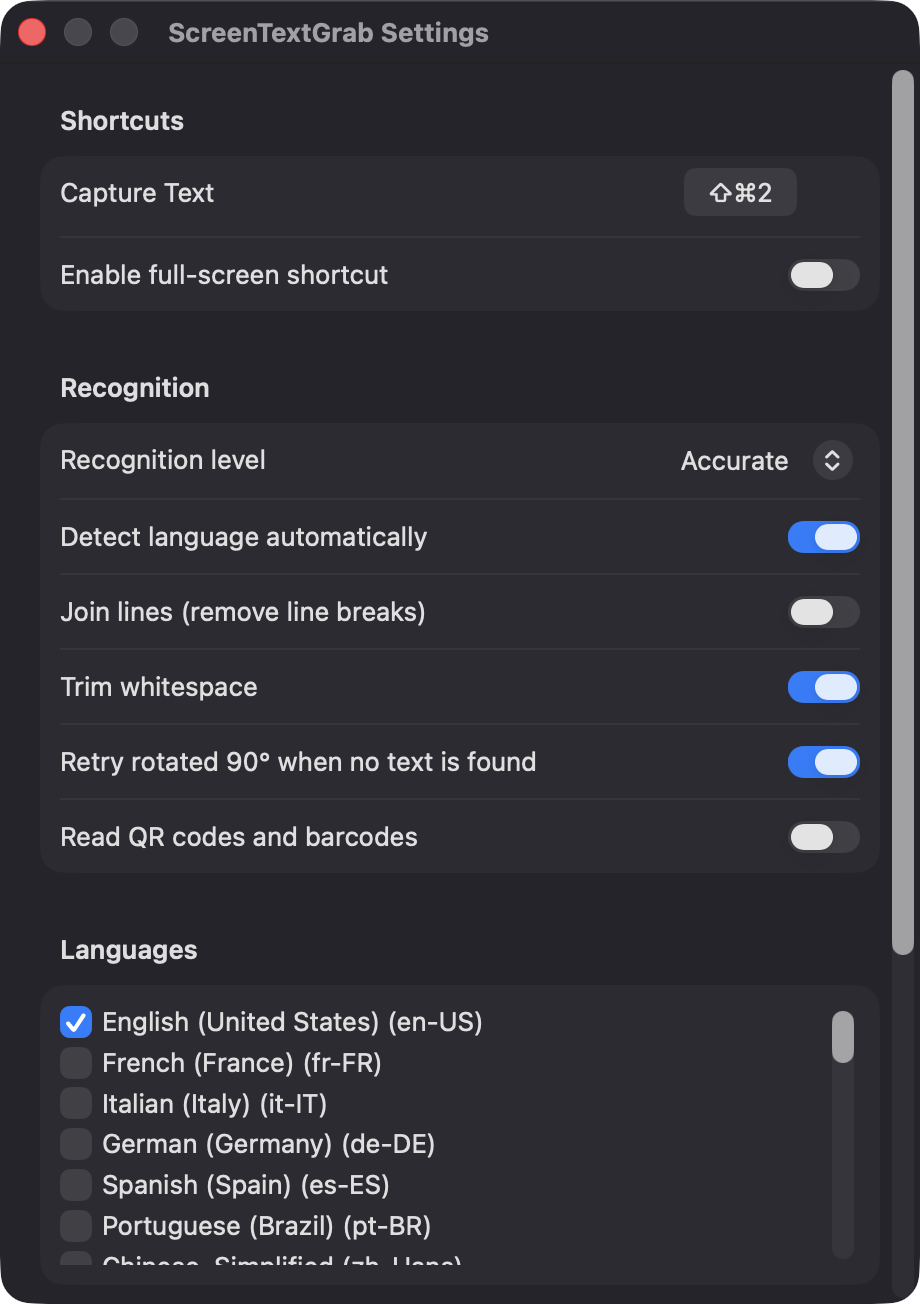
Start a capture from any app with ⇧⌘2, or record your own shortcut in Settings. An optional second hotkey scans the whole main display.
Open source · macOS 14+ · Universal binary · Menu Bar Utility
Press ⇧⌘2, drag a box over any text on screen, and it lands on your clipboard. Recognition runs on-device with Apple's Vision framework, so nothing leaves your Mac.
Free & MIT licensed · Apple Silicon & Intel · Latest release
Features
ScreenTextGrab lives in your menu bar and does a single thing: turn pixels into text you can paste.
Start a capture from any app with ⇧⌘2, or record your own shortcut in Settings. An optional second hotkey scans the whole main display.
Uses Apple's Vision framework with Accurate or Fast modes, automatic language detection or a language list you choose. If the first pass finds nothing, it retries on the image rotated 90 degrees.
Results are ordered top to bottom, left to right. Optionally join lines to remove line breaks and trim extra whitespace.
Turn on code reading and the payload of any QR code or barcode in your selection is copied to the clipboard.
The last 20 captures are kept in memory only and can be re-copied from the menu. Quit the app and they are gone.
No accounts, servers or network calls, and no images written to disk. The app excludes its own windows from the capture.
Screenshots
Install
ScreenTextGrab is open source and not notarized with a paid Apple Developer ID, so macOS needs one extra step the first time.
xattr -cr /Applications/ScreenTextGrab.app
Download
Free, forever. Built for macOS 14 Sonoma or newer, Apple Silicon and Intel.
Not notarized: on first launch right-click ScreenTextGrab.app → Open.
FAQ
Yes. It is released under the MIT license, with no ads, accounts or paid tier. The full source is on GitHub, and if it saves you time you can optionally support development through the Support / Donate button.
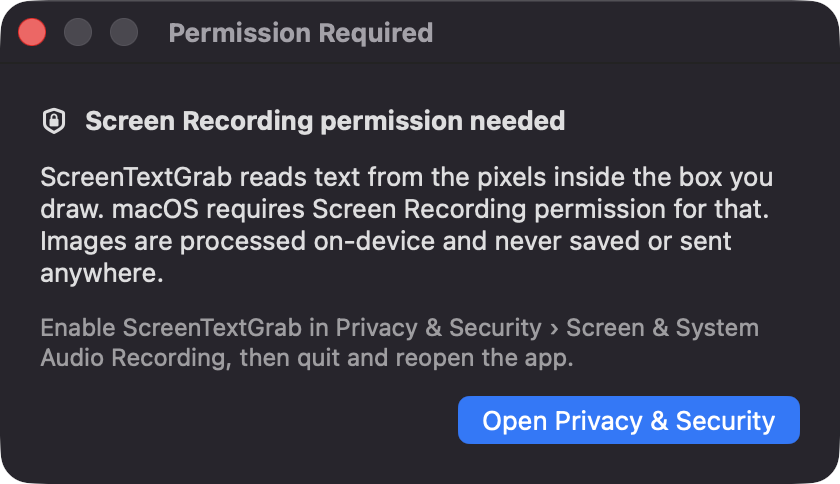
Screen Recording is required, because macOS only lets apps read screen pixels with it. Notifications are optional. It does not ask for Accessibility or Microphone access, since the global hotkey uses the Carbon hot key API.
Only your settings are saved, in macOS UserDefaults. Captured images are processed in memory and released right after recognition, and the Recent Captures list is never written to disk.
Notarization requires a paid Apple Developer account, and this is a free project. Right-click the app and choose Open once to approve it, or build it yourself from source with Xcode and XcodeGen.
Yes. ScreenTextGrab was generated by Claude Code from a written spec as a clean-room reimplementation, with no code or assets from any commercial app. The full source is on GitHub under MIT, so you can read every line before you run it. It has had less human review than a hand-written app, so bug reports are welcome.
Support ❤️
ScreenTextGrab is a free, open-source alternative to paid utilities. If it earns a spot on your Mac, a coffee keeps the updates coming.
☕ Support Or on Ko-fi