Global hotkey, menu bar only
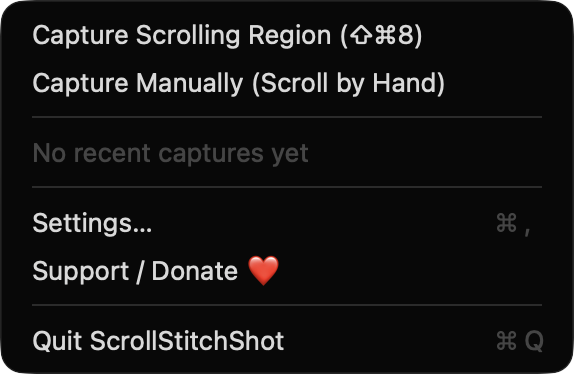
Lives in the menu bar with no Dock icon. Start a capture with the default ⇧⌘8 shortcut, or record your own in Settings.
Open source · macOS 14+ · Universal binary · Screen & OCR
Press ⇧⌘8, drag over any scrollable area, and ScrollStitchShot scrolls it for you and stitches the frames into one tall PNG. Free, native, and entirely on your Mac.
Free & MIT licensed · Apple Silicon & Intel · Latest release
Features
Everything you need to turn a long page or document into a single image, and nothing you do not.
Lives in the menu bar with no Dock icon. Start a capture with the default ⇧⌘8 shortcut, or record your own in Settings.
Automatic mode scrolls the region for you and stops when the bottom is reached, you press Esc, or it hits 40 frames. Manual mode grabs a frame every 300 ms while you scroll by hand.
Frames are aligned by comparing rows of downsampled grayscale pixels, and only the new rows are appended. If a match is poor, the result is flagged as possibly misaligned.
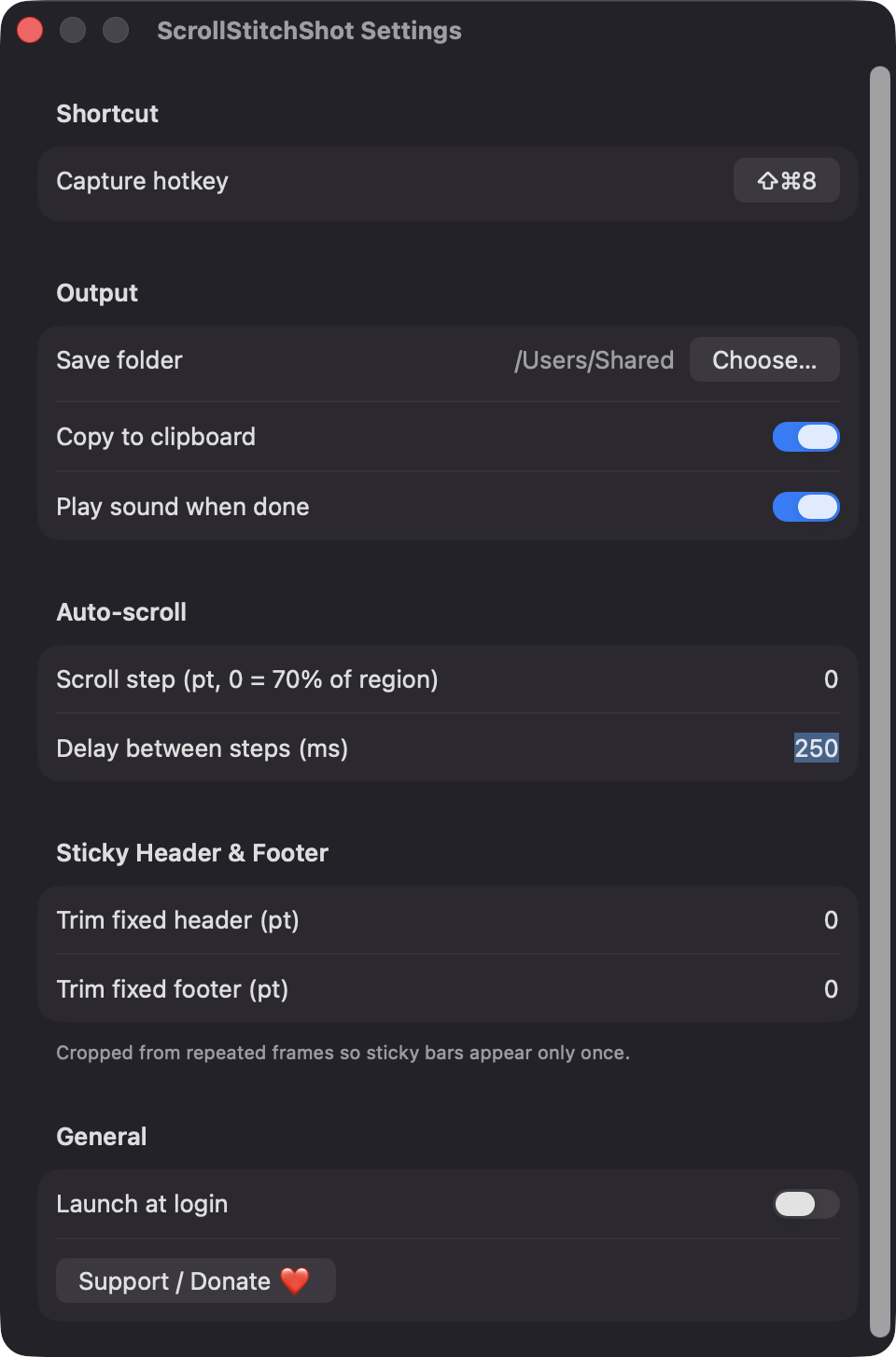
Crop a set number of points from the top and bottom of every frame after the first, so fixed bars appear only once. Scroll step and delay are adjustable too.
Capture size and scroll offsets account for the display's scale factor, and the region is captured from the display you drew it on.
Save to a folder you choose, optionally copy to the clipboard, and optionally play a sound. Images taller than 16,000 px are split into numbered files.
Screenshots
Install
ScrollStitchShot is open source and not notarized with a paid Apple Developer ID, so macOS needs one extra step the first time.
xattr -cr /Applications/ScrollStitchShot.app
Download
Free, forever. Built for macOS 14 Sonoma or newer, Apple Silicon and Intel.
Not notarized: on first launch right-click ScrollStitchShot.app → Open.
FAQ
Yes. It is released under the MIT license, the full source is on GitHub, and there are no paid tiers. It uses only Apple frameworks, with no third-party dependencies.
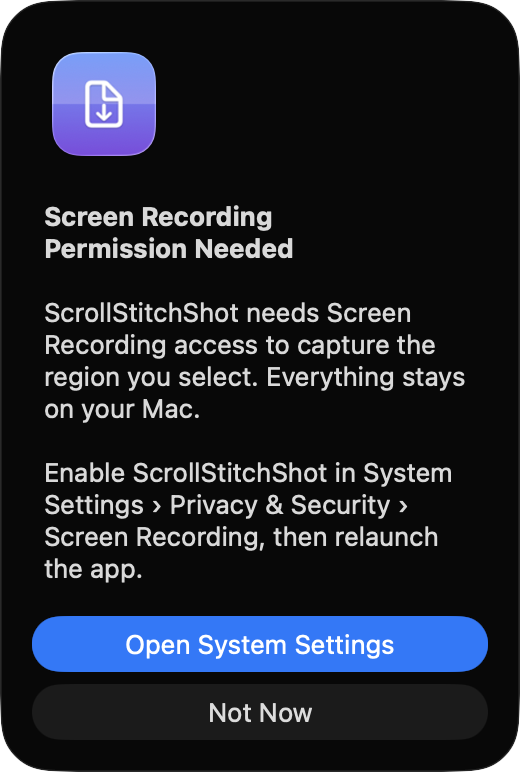
Screen Recording is required to capture the region you select. Accessibility is needed only for automatic mode, to send scroll-wheel events. The app does not request microphone, camera, or network access.
Captures are saved as PNG files in the folder you choose in Settings, falling back to the Desktop if that folder is missing. Preferences are stored locally on your Mac, and the app makes no network calls and has no analytics.
Notarization requires a paid Apple Developer account, and this is a free open-source project. Right-click the app and choose Open once to get past Gatekeeper, or build it from source with Xcode.
Yes. ScrollStitchShot was generated by Claude Code from a written spec as a clean-room reimplementation, with no code or assets from any commercial app. The full source is on GitHub under MIT, so you can read every line before you run it. It has had less human review than a hand-written app, so bug reports are welcome.
Support ❤️
ScrollStitchShot is a free, open-source alternative to paid utilities. If it earns a spot on your Mac, a coffee keeps the updates coming.
☕ Support Or on Ko-fi