Floating bar near your selection
A borderless, non-activating panel appears next to the selected text or the pointer. It also works over full-screen apps and on all Spaces.

Open source · macOS 14+ · Universal binary · Menu Bar Utility
Select text in any app and a small floating bar appears beside it with copy, search, look up and case-change actions. There is no hotkey to learn: just select.
Free & MIT licensed · Apple Silicon & Intel · Latest release
Features
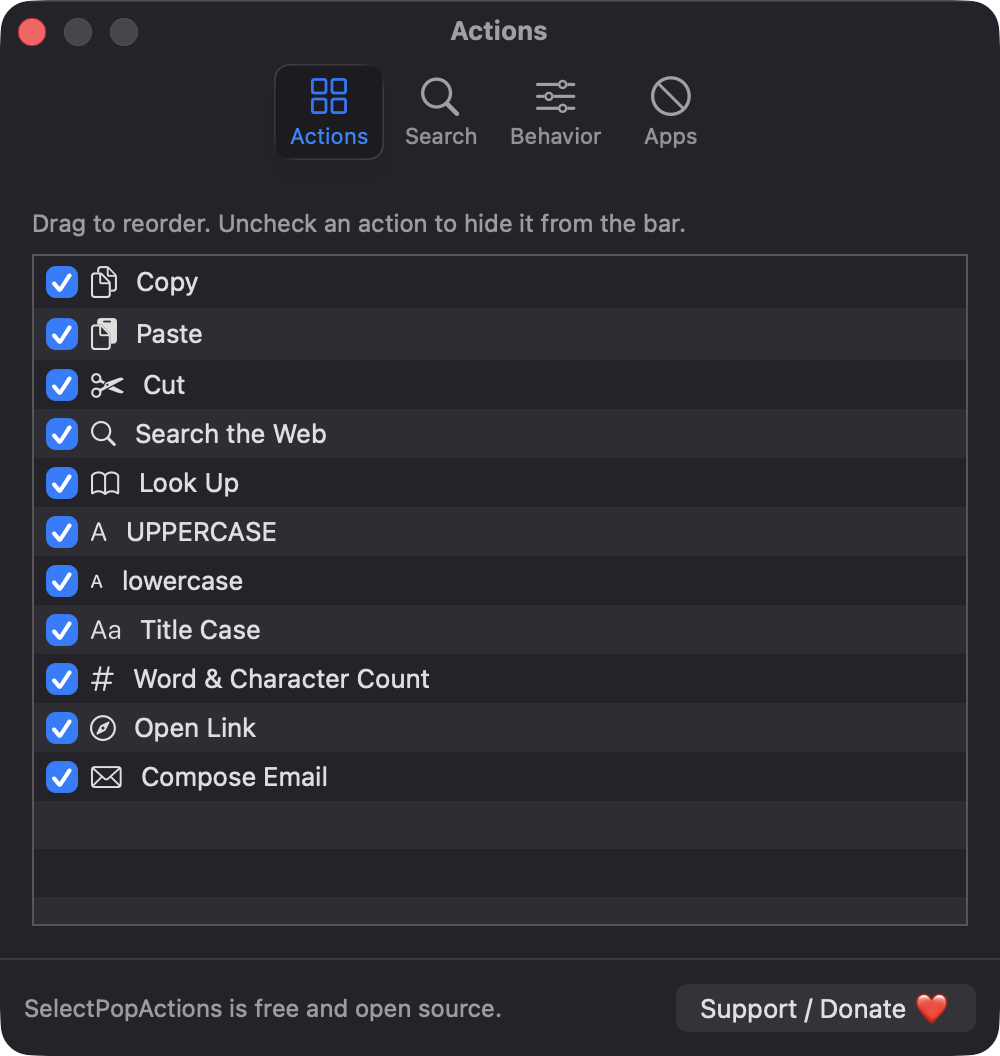
Eleven built-in actions, all configurable, in a panel that never steals focus from the app you are using.
A borderless, non-activating panel appears next to the selected text or the pointer. It also works over full-screen apps and on all Spaces.
Copy, Paste, Cut, Search the Web, Look Up, UPPERCASE, lowercase, Title Case, word and character count, Open Link and Compose Email. Context-sensitive ones show only when they apply.
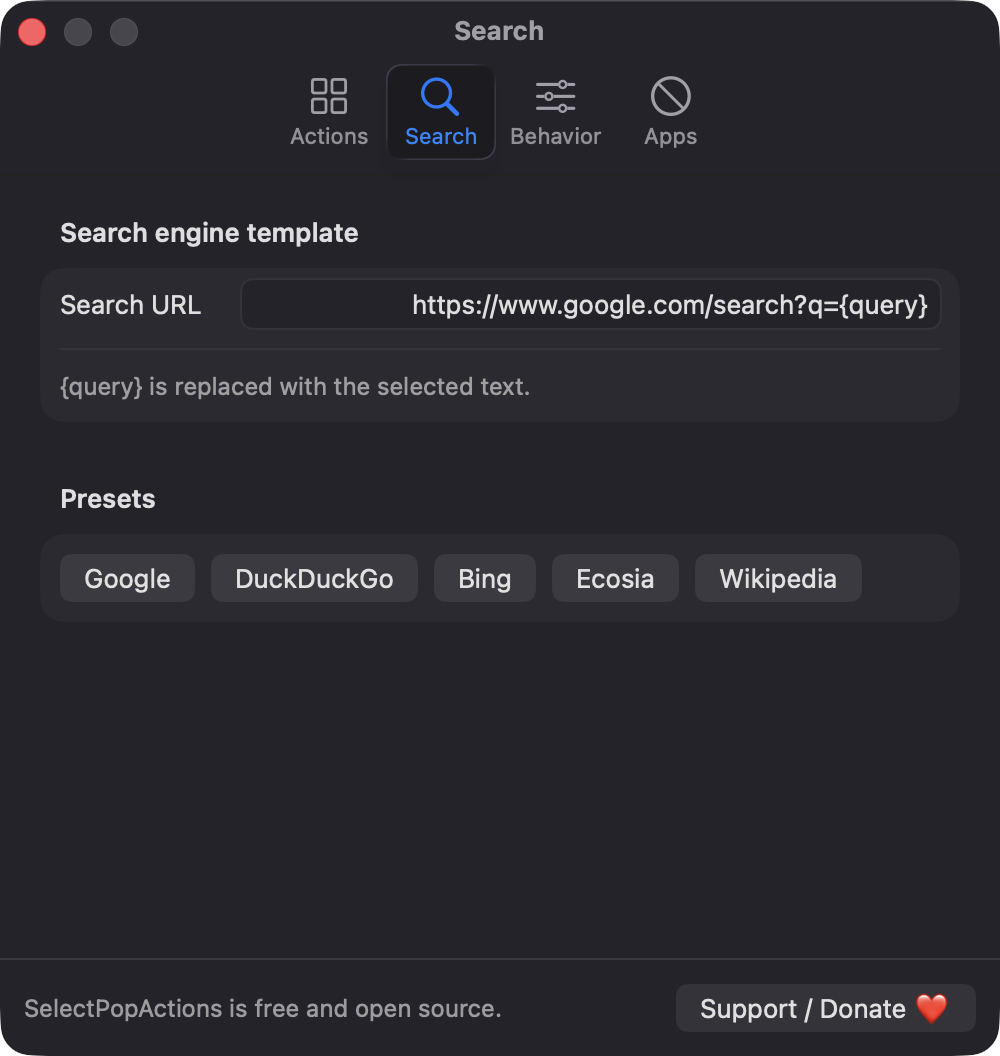
Enable, disable and reorder each action in Settings. Set a custom search URL with a {query} token or pick a preset such as Google, DuckDuckGo or Bing.
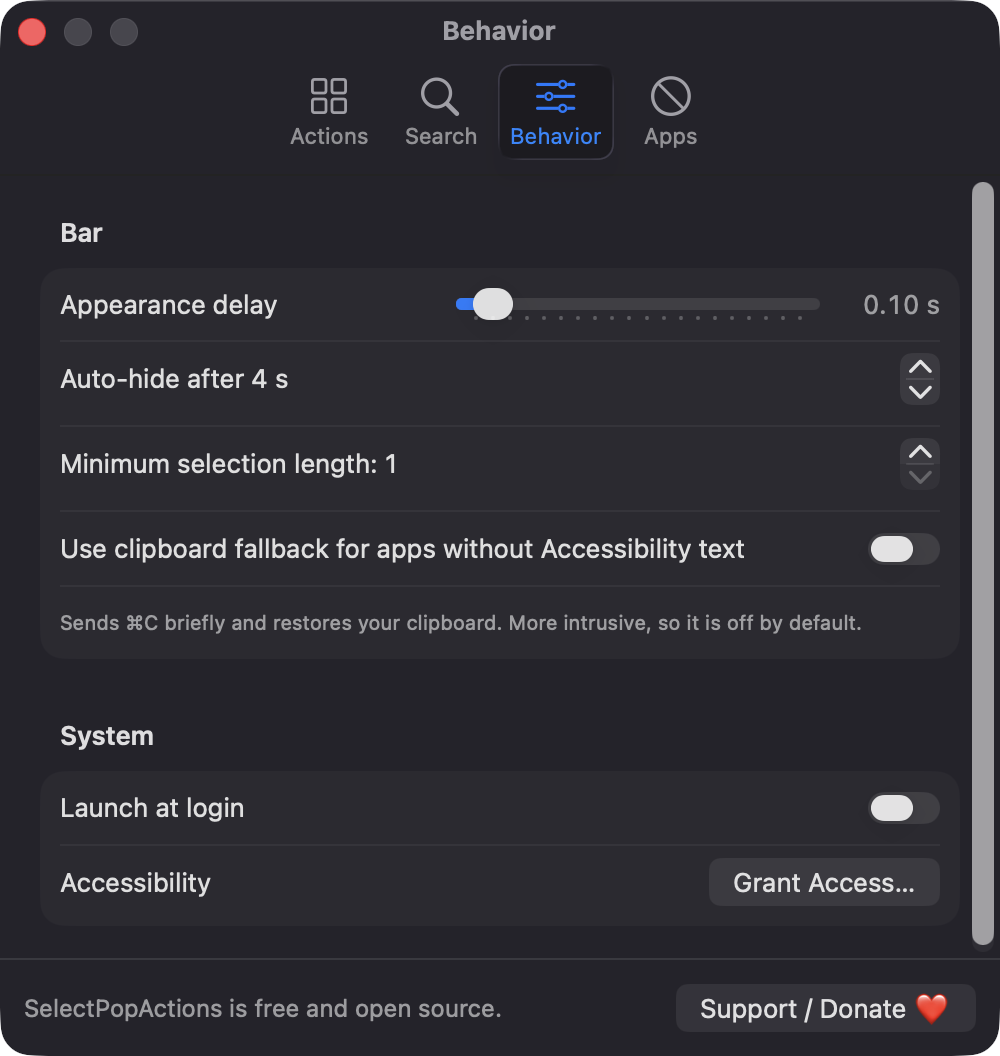
Adjust the appearance delay, auto-hide time and minimum selection length. The bar also hides on key press, scroll, right-click or when the selection clears.
Password fields are never read, selections over 10,000 characters are ignored, and there are no accounts or analytics. Nothing leaves your Mac.
Pick apps where the bar should never appear. The app lives in the menu bar with an Enable toggle, Settings and Launch at login.
Screenshots
Install
SelectPopActions is open source and not notarized with a paid Apple Developer ID, so macOS needs one extra step the first time.
xattr -cr /Applications/SelectPopActions.app
Download
Free, forever. Built for macOS 14 Sonoma or newer, Apple Silicon and Intel.
Not notarized: on first launch right-click SelectPopActions.app → Open.
FAQ
Yes. It is released under the MIT license and the full source is on GitHub. There are no accounts, no subscriptions and no analytics. If you find it useful, you can optionally support development on Ko-fi.
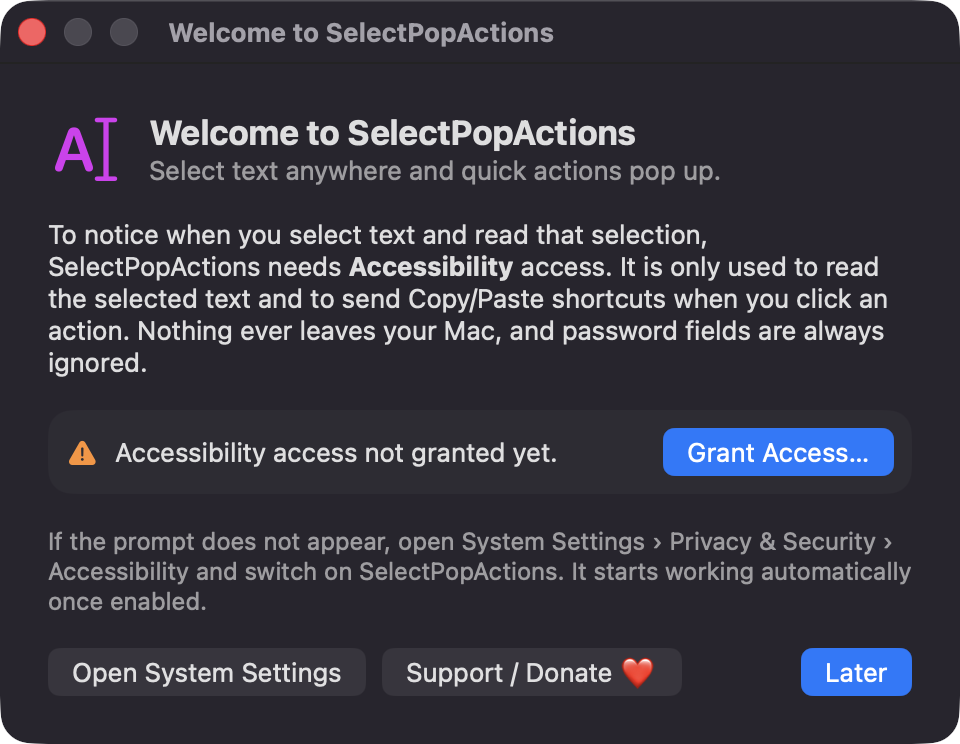
Only Accessibility. It uses it to notice selections in other apps, read the selected text and its position, and send Copy, Paste or Cut when you click an action. It does not request Screen Recording, Microphone or any other permission.
Your settings, such as action order, search template and excluded apps, are stored locally in macOS UserDefaults. Selected text is not saved or sent anywhere, and the app has no network service of its own.
Notarization requires a paid Apple Developer account, and this is a free open-source project. Right-click the app and choose Open once to run it, or build it from source with Xcode.
Yes. SelectPopActions was generated by Claude Code from a written spec as a clean-room reimplementation, with no code or assets from any commercial app. The full source is on GitHub under MIT, so you can read every line before you run it. It has had less human review than a hand-written app, so bug reports are welcome.
Support ❤️
SelectPopActions is a free, open-source alternative to paid utilities. If it earns a spot on your Mac, a coffee keeps the updates coming.
☕ Support Or on Ko-fi