Hold Command to peek
Hold Command alone for 0.8, 1.2 or 2 seconds and a centered overlay appears. Release the key and it disappears.
Open source · macOS 14+ · Universal binary · Focus & Productivity
Hold Command alone for a moment and an overlay lists the frontmost app's menu shortcuts. Press Control-Option-Command-K to search them and run any item.
Free & MIT licensed · Apple Silicon & Intel · Latest release
Features
A small menu bar app that reads the menus you already have and shows what each shortcut does.
Hold Command alone for 0.8, 1.2 or 2 seconds and a centered overlay appears. Release the key and it disappears.
The hold is cancelled by any other key, modifier, click or scroll, so ordinary shortcuts like Command-C never flash the overlay.
A global hotkey opens a search window. Type to filter by item or menu name, then press Return to run the selected item.
Shortcuts appear as keycap glyphs, grouped by File, Edit, View and the rest in menu-bar order. Disabled items are dimmed.
Star the items you use and they are pinned to the top, in both search and hold mode.
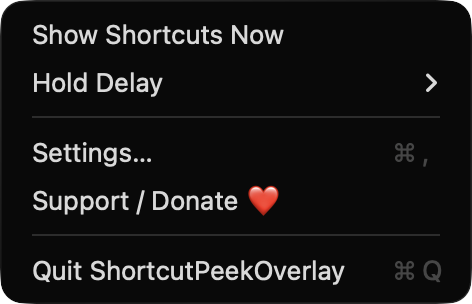
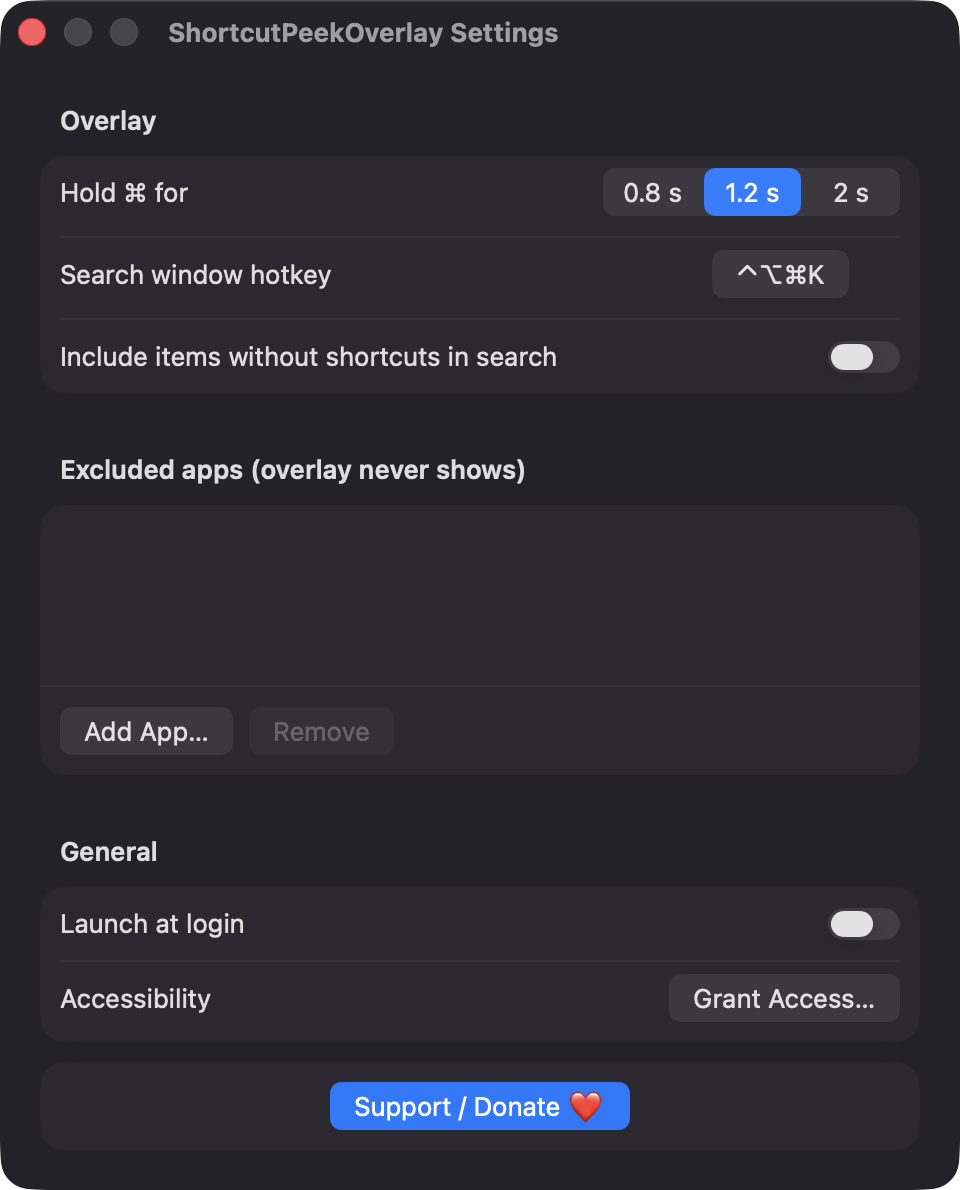
Choose apps where the overlay never shows, record your own hotkey, and optionally launch at login. The overlay is skipped during secure input.
Screenshots
Install
ShortcutPeekOverlay is open source and not notarized with a paid Apple Developer ID, so macOS needs one extra step the first time.
xattr -cr /Applications/ShortcutPeekOverlay.app
Download
Free, forever. Built for macOS 14 Sonoma or newer, Apple Silicon and Intel.
Not notarized: on first launch right-click ShortcutPeekOverlay.app → Open.
FAQ
Yes. It is released under the MIT license and the full source is on GitHub. There are no ads, accounts or paid tiers, and an optional Support button links to Ko-fi.
Accessibility, which it uses to read the frontmost app's menus, press the item you choose, and listen for the Command hold and hotkey with a listen-only event tap. It never blocks or records keystrokes, and macOS may also list it under Input Monitoring. Launch at login is optional.
Settings and favorites are stored locally on your Mac in the app's preferences. The app makes no network connections and has no analytics. Menu data is cached in memory for 5 seconds per app.
Notarization requires a paid Apple Developer account, and this is a free project. Right-click the app and choose Open once to get past Gatekeeper, or build it yourself from source.
Yes. ShortcutPeekOverlay was generated by Claude Code from a written spec as a clean-room reimplementation, with no code or assets from any commercial app. The full source is on GitHub under MIT, so you can read every line before you run it. It has had less human review than a hand-written app, so bug reports are welcome.
Support ❤️
ShortcutPeekOverlay is a free, open-source alternative to paid utilities. If it earns a spot on your Mac, a coffee keeps the updates coming.
☕ Support Or on Ko-fi