Freehand rectangle on release
Drag anywhere on a dimmed overlay with a live label showing size in points and as a percentage of the screen. Let go and the window moves and resizes to that frame.
Open source · macOS 14+ · Universal binary · Window Management
Press Command-Shift-Space, drag a freehand rectangle on any display, and the frontmost window resizes to exactly that frame. Free, native, and open source.
Free & MIT licensed · Apple Silicon & Intel · Latest release
Features
A single drag replaces layout shortcuts, with just enough magnetism to keep edges clean.
Drag anywhere on a dimmed overlay with a live label showing size in points and as a percentage of the screen. Let go and the window moves and resizes to that frame.
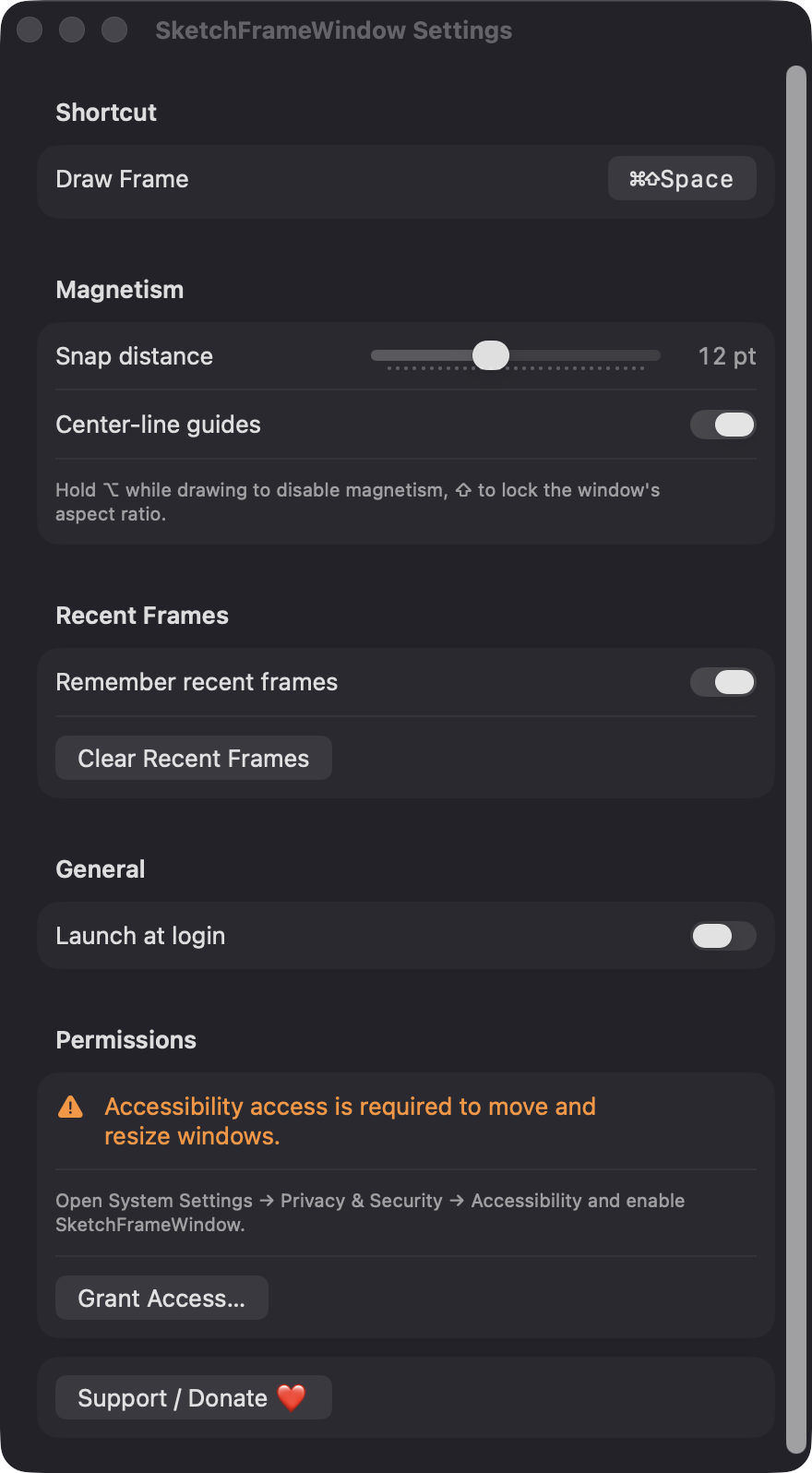
Edges snap to screen edges, thirds, and optional center lines within a distance you set from 0 to 30 points. Hold Option to turn magnetism off.
The default Command-Shift-Space is rebindable in Settings. Hold Shift to keep the window's aspect ratio, and press Escape to cancel.
The overlay covers every screen, and the window lands on whichever display you draw on.
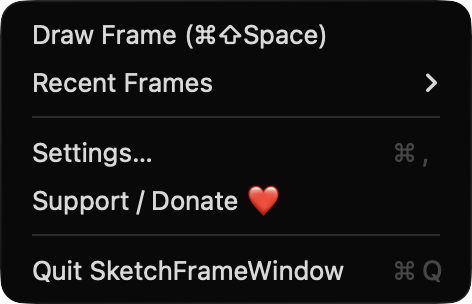
The last five frames are saved as percentages, so they fit any screen size. Press 1 to 5 in the overlay or choose one from the menu bar.
Drags under 100 points are ignored, and full-screen windows are skipped. If a window enforces its own size limits, it is centered in the rectangle you drew.
Screenshots
Install
SketchFrameWindow is open source and not notarized with a paid Apple Developer ID, so macOS needs one extra step the first time.
xattr -cr /Applications/SketchFrameWindow.app
Download
Free, forever. Built for macOS 14 Sonoma or newer, Apple Silicon and Intel.
Not notarized: on first launch right-click SketchFrameWindow.app → Open.
FAQ
Yes. It is released under the MIT license, with no accounts, servers, or network code. If it saves you time, you can optionally support development through the Ko-fi button.
Only Accessibility, which is used to find the focused window and to move and resize it. It does not request Screen Recording, Microphone, Camera, or network access, and the overlay never captures your screen.
Locally on your Mac. Settings and your last five recent frames are kept in the app's UserDefaults, and nothing is sent anywhere. You can turn off or clear recent frames in Settings.
Notarization requires a paid Apple Developer account, and this is a free project. Right-click the app and choose Open once to approve it, or build it yourself from source with Xcode and XcodeGen.
Yes. SketchFrameWindow was generated by Claude Code from a written spec as a clean-room reimplementation, with no code or assets from any commercial app. The full source is on GitHub under MIT, so you can read every line before you run it. It has had less human review than a hand-written app, so bug reports are welcome.
Support ❤️
SketchFrameWindow is a free, open-source alternative to paid utilities. If it earns a spot on your Mac, a coffee keeps the updates coming.
☕ Support Or on Ko-fi