Magnifier loupe
A 150 pt circular loupe follows your pointer and shows a 9x9 grid of magnified pixels with the center pixel outlined and its HEX value below. It works across displays with different scale factors.
Open source · macOS 14+ · Universal binary · Screen & OCR
A menu bar color picker with a magnifier loupe. Press Option-Command-C, click any pixel, and the color is on your clipboard as HEX, RGB, HSL or SwiftUI code.
Free & MIT licensed · Apple Silicon & Intel · Latest release
Features
The whole color workflow lives in one small menu bar popover, built only with Apple frameworks.
A 150 pt circular loupe follows your pointer and shows a 9x9 grid of magnified pixels with the center pixel outlined and its HEX value below. It works across displays with different scale factors.
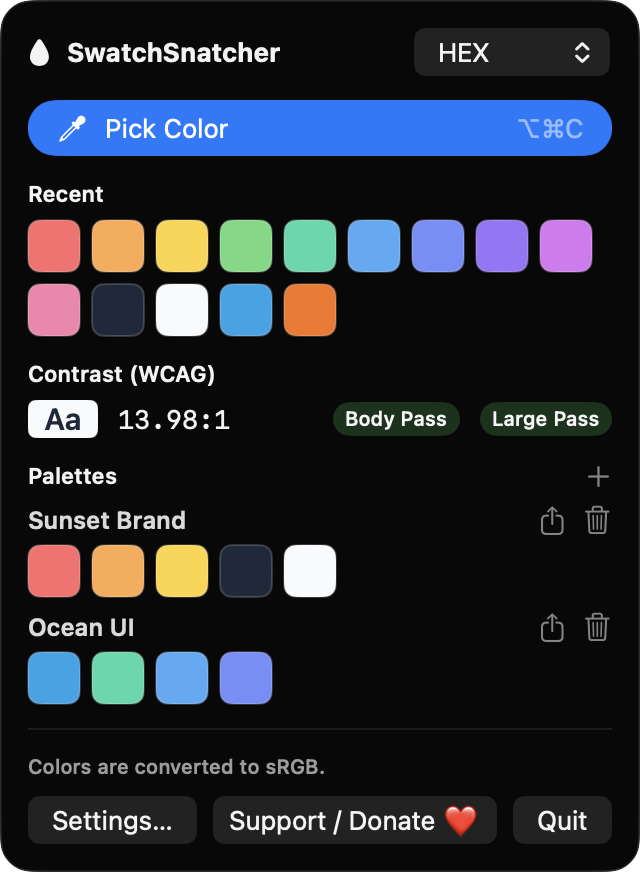
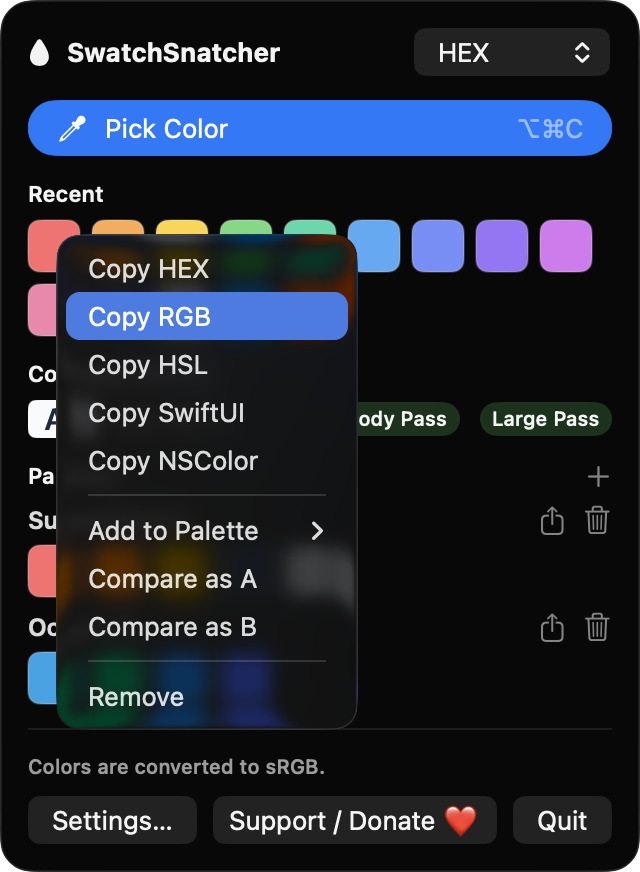
Copy as HEX, RGB, HSL, a SwiftUI Color initializer or an NSColor initializer. Set a default, or right-click any swatch to copy it in another format.
The last 50 colors are kept, with duplicates moved to the front. Pin colors into named palettes and export a palette as a plain text list.
Compare any two swatches to see their contrast ratio, with Pass or Fail for body text (4.5:1) and large text (3:1).
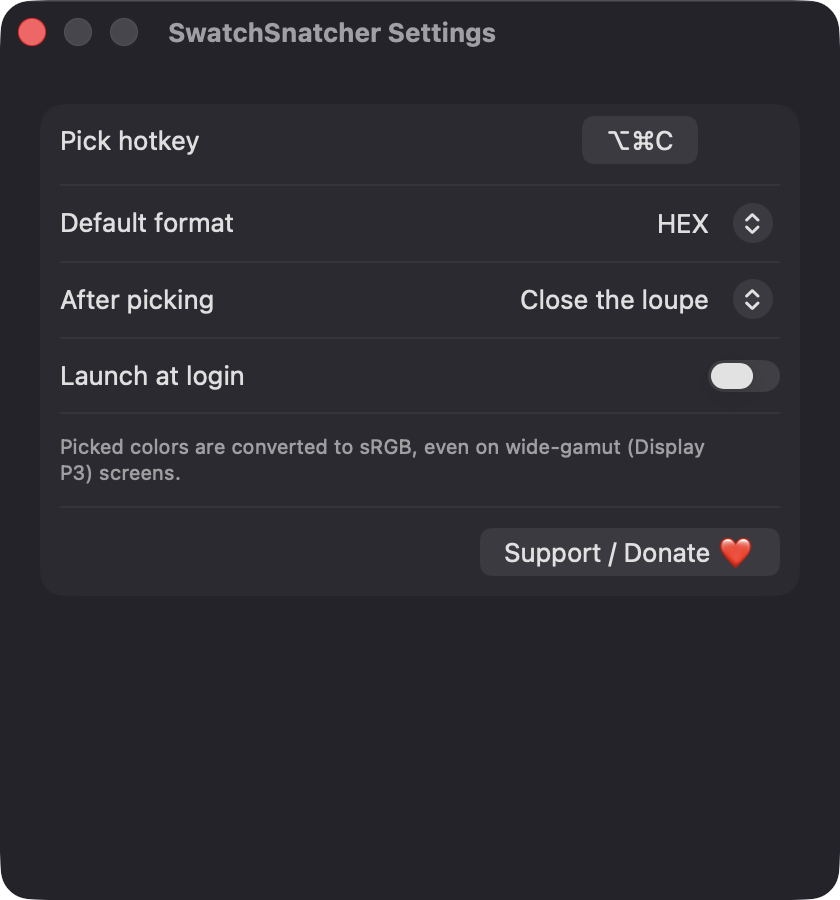
Start picking from any app with Option-Command-C, or record your own shortcut in Settings. Press Esc or right-click to cancel.
Wide-gamut Display P3 captures are converted to sRGB, and the popover shows the color space of the display you sampled.
Screenshots
Install
SwatchSnatcher is open source and not notarized with a paid Apple Developer ID, so macOS needs one extra step the first time.
xattr -cr /Applications/SwatchSnatcher.app
Download
Free, forever. Built for macOS 14 Sonoma or newer, Apple Silicon and Intel.
Not notarized: on first launch right-click SwatchSnatcher.app → Open.
FAQ
Yes. It is released under the MIT license, with the full source on GitHub. It has no ads, no analytics and no third-party dependencies, and an optional donation button is the only ask.
Screen Recording, so the loupe can read the pixels under your pointer. Without it the app explains why and links to Privacy Settings instead of returning black. Launch at login is optional, and it never asks for Accessibility, camera, microphone or network access.
Only on your Mac. History and palettes are saved as JSON at ~/Library/Application Support/SwatchSnatcher/library.json. Nothing is sent over the network.
Notarization requires a paid Apple Developer account. Right-click the app and choose Open once to get past Gatekeeper, or build it yourself from source with Xcode and XcodeGen.
Yes. SwatchSnatcher was generated by Claude Code from a written spec as a clean-room reimplementation, with no code or assets from any commercial app. The full source is on GitHub under MIT, so you can read every line before you run it. It has had less human review than a hand-written app, so bug reports are welcome.
Support ❤️
SwatchSnatcher is a free, open-source alternative to paid utilities. If it earns a spot on your Mac, a coffee keeps the updates coming.
☕ Support Or on Ko-fi