Reads only likely candidates
Files are grouped by size, then by a hash of their first and last 64 KB, then by a full streaming SHA-256. Hashing runs in parallel with a progress bar and a Cancel button.
Open source · macOS 14+ · Universal binary · Files & Conversion
Drop in your folders and TwinFileSweep groups byte-identical files, marks which copy to keep and moves the rest to the Trash. Press ⌘O to add a folder, ⌘↩ to scan.
Free & MIT licensed · Apple Silicon & Intel · Latest release
Features
Everything below is in the app today, running entirely on your Mac.
Files are grouped by size, then by a hash of their first and last 64 KB, then by a full streaming SHA-256. Hashing runs in parallel with a progress bar and a Cancel button.
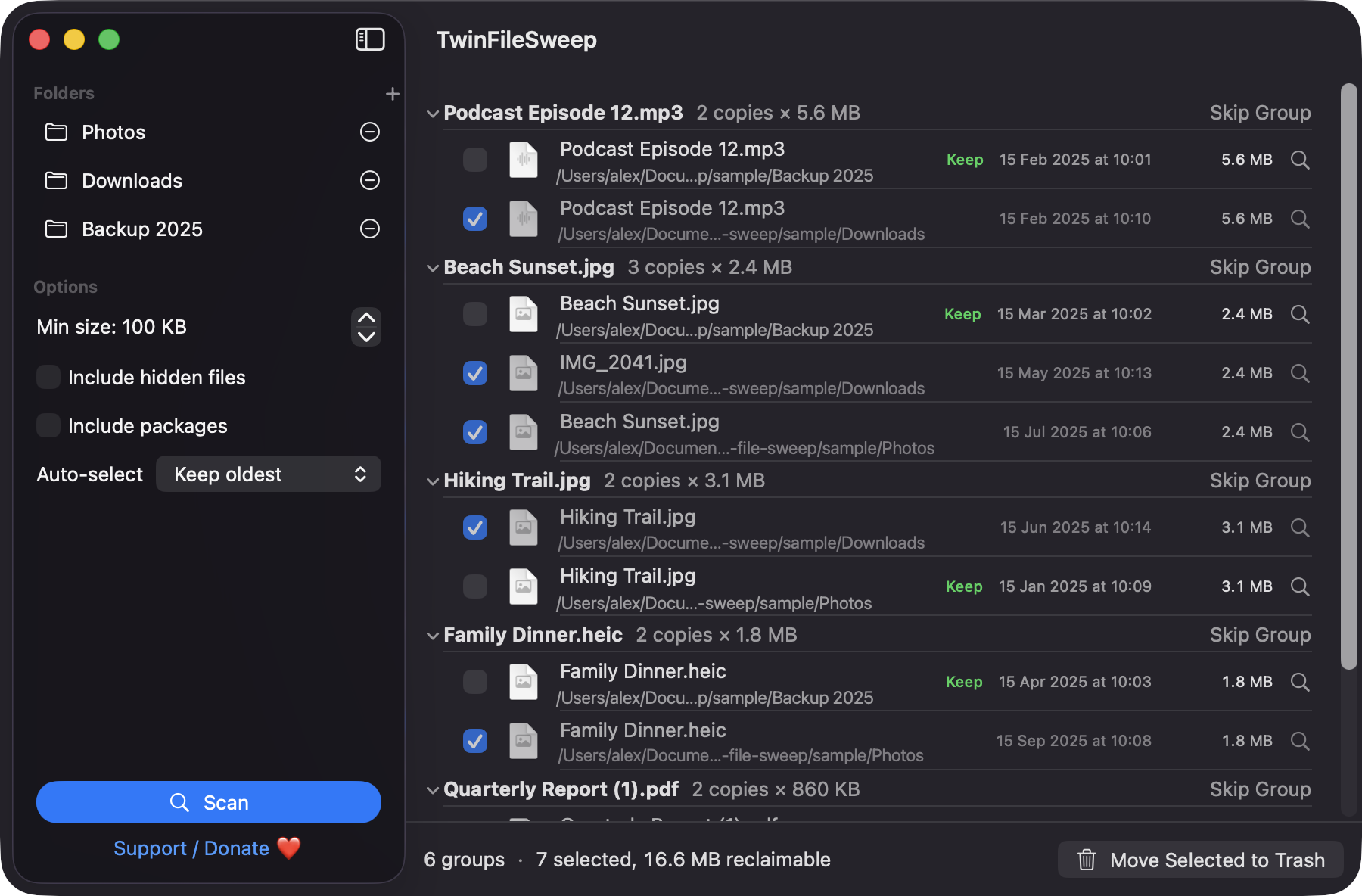
Each group expands to show every copy with its folder, modified date and size. The copy you keep is labelled Keep, and copies marked for removal are dimmed.
Keep the oldest, the newest, the shortest path or the copy in the first folder you added. Changing the rule re-applies it right away.
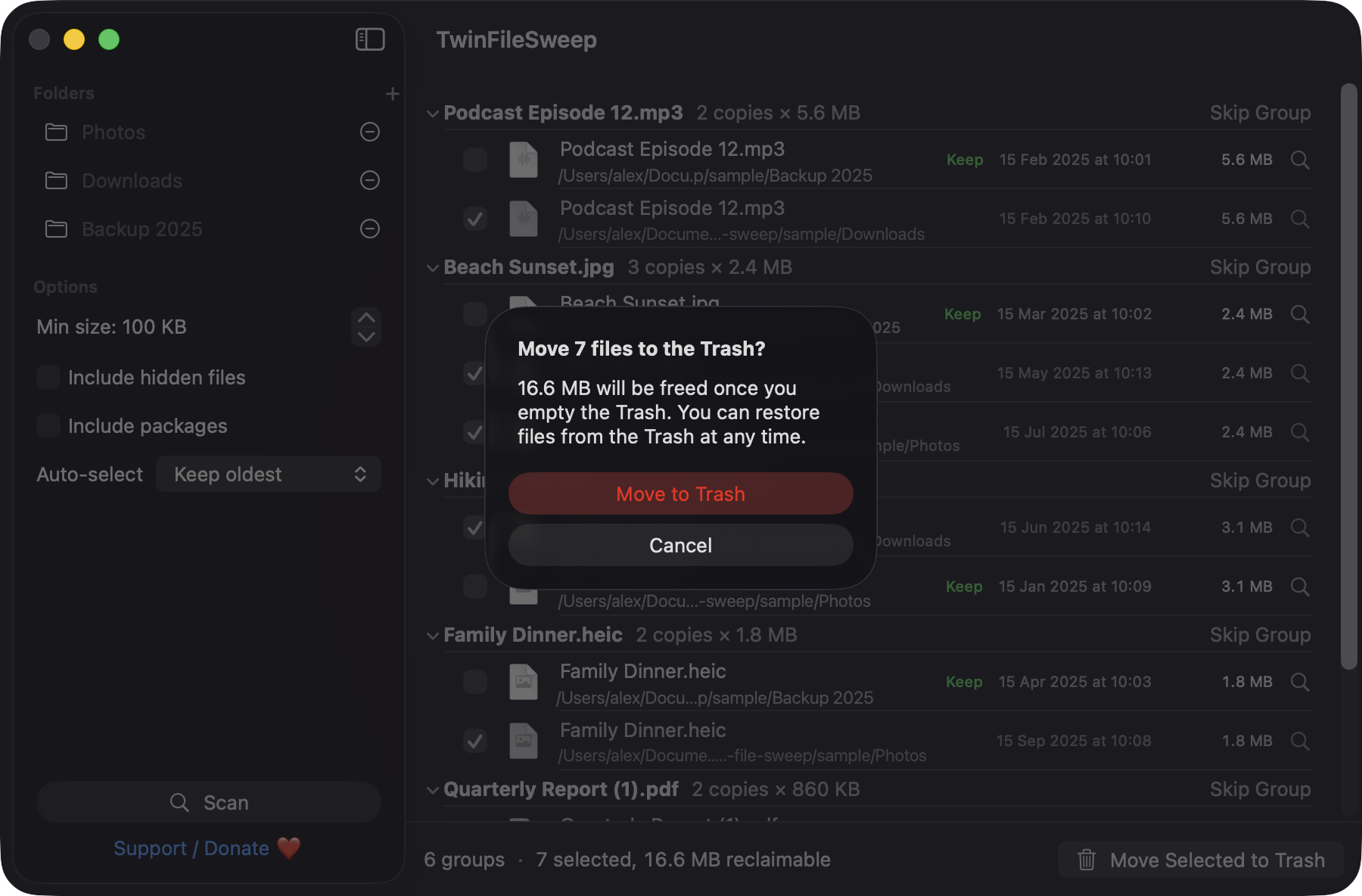
At least one copy in every group always stays unselected, and files go to the Trash after a confirmation that shows the space you will free.
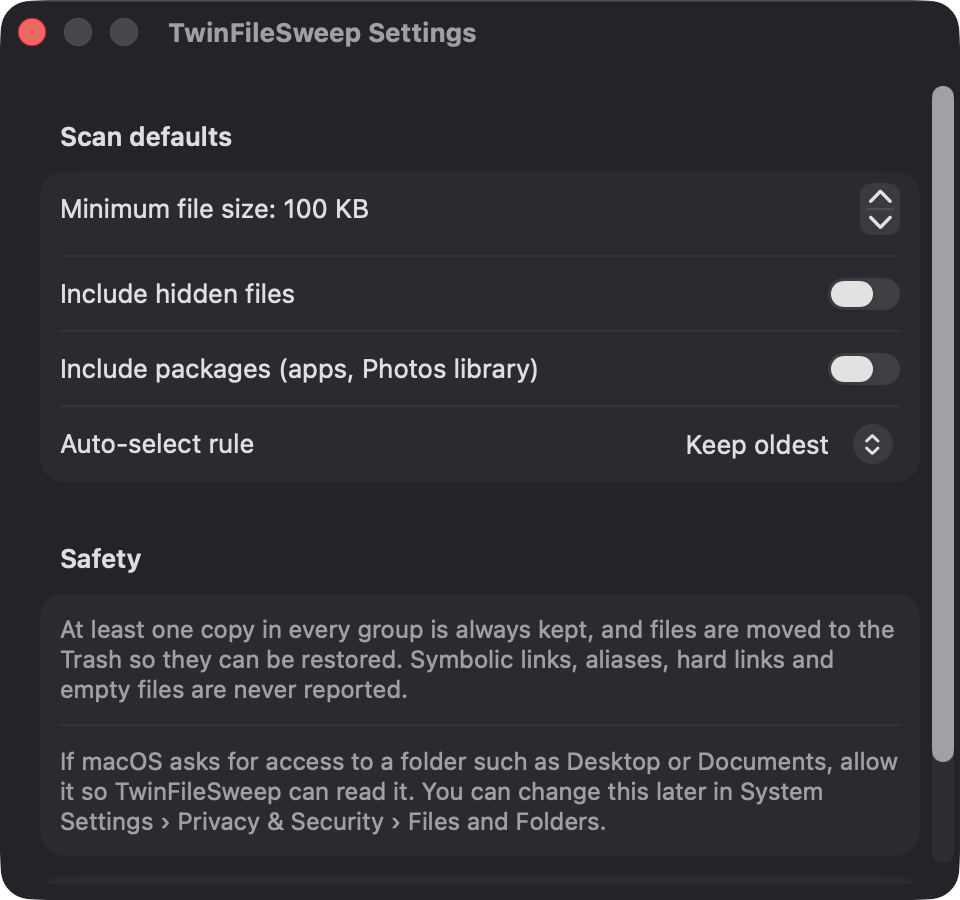
Drag in folders or press ⌘O, and set a minimum file size, hidden files and package handling. Symlinks, aliases and empty files are skipped, and hard links count as one file.
Built with SwiftUI and Apple frameworks only, with no network calls, analytics or third-party dependencies.
Screenshots
Install
TwinFileSweep is open source and not notarized with a paid Apple Developer ID, so macOS needs one extra step the first time.
xattr -cr /Applications/TwinFileSweep.app
Download
Free, forever. Built for macOS 14 Sonoma or newer, Apple Silicon and Intel.
Not notarized: on first launch right-click TwinFileSweep.app → Open.
FAQ
Yes. It is released under the MIT license and the full source is on GitHub. If it saved you some disk space, there is an optional Support button that links to Ko-fi.
No Accessibility, Screen Recording, Microphone, Camera or network access. It only reads folders you add by drag and drop or the open panel, and macOS may ask for Files and Folders access for protected locations like Documents.
Nothing leaves your Mac. The app saves only your folder list, minimum size, hidden and package options and keep rule in its local preferences. Trashed files stay recoverable from the Trash.
Notarization needs a paid Apple Developer account, and this is a free project. Right-click the app and choose Open once to get past Gatekeeper, or build it yourself from source.
Yes. TwinFileSweep was generated by Claude Code from a written spec as a clean-room reimplementation, with no code or assets from any commercial app. The full source is on GitHub under MIT, so you can read every line before you run it. It has had less human review than a hand-written app, so bug reports are welcome.
Support ❤️
TwinFileSweep is a free, open-source alternative to paid utilities. If it earns a spot on your Mac, a coffee keeps the updates coming.
☕ Support Or on Ko-fi