Per-folder watch rules
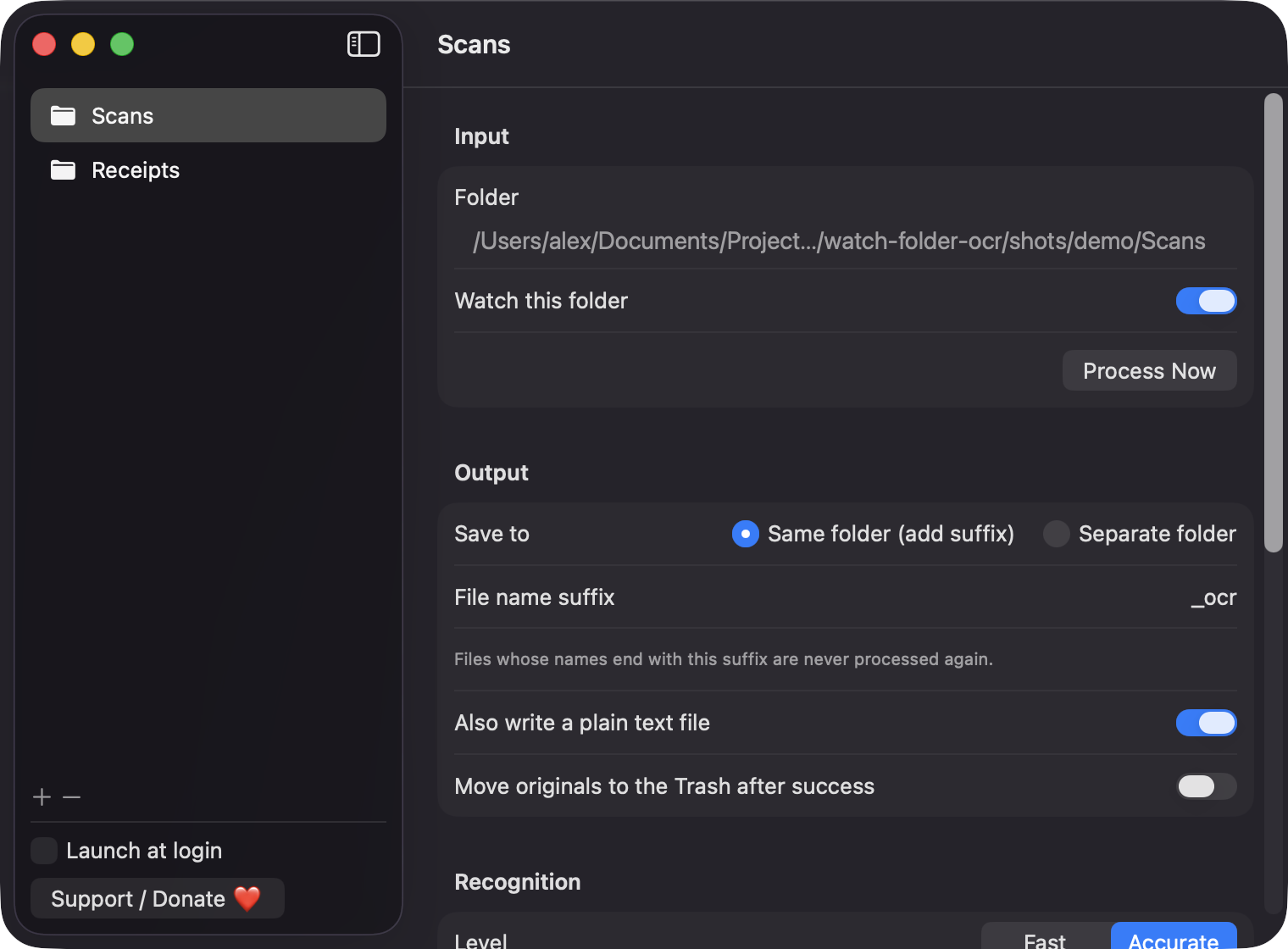
Each rule has its own input folder, output location, filename suffix and recognition settings. Output goes next to the original or to a separate folder.
Open source · macOS 14+ · Universal binary · Files & Conversion
WatchFolderOcr lives in your menu bar, watches the folders you choose, and adds an invisible text layer to every new PDF or image using Apple Vision. Nothing leaves your Mac.
Free & MIT licensed · Apple Silicon & Intel · Latest release
Features
Point it at a folder once and it handles the rest in the background.
Each rule has its own input folder, output location, filename suffix and recognition settings. Output goes next to the original or to a separate folder.
The original page image is kept and an invisible text layer is added, so Spotlight and Preview can search and select the words. An optional plain text file can be written alongside.
Choose Fast or Accurate, toggle language correction, and pick languages from the list Vision supports. Leave them unchecked to detect the language automatically.
Output is written to a temporary file and moved into place, so a failure never leaves a partial PDF. Originals are only trashed if you turn that on, and go to the Trash, not oblivion.
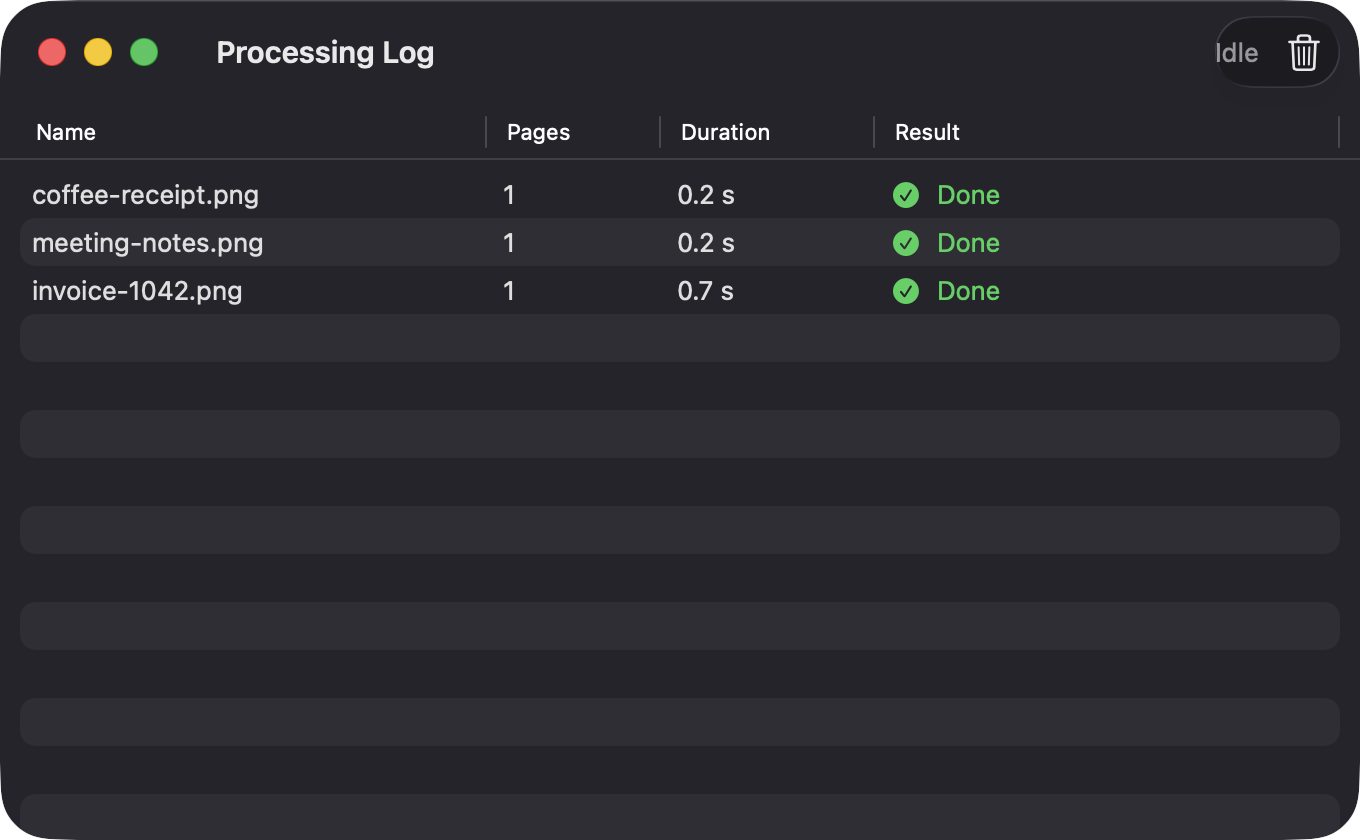
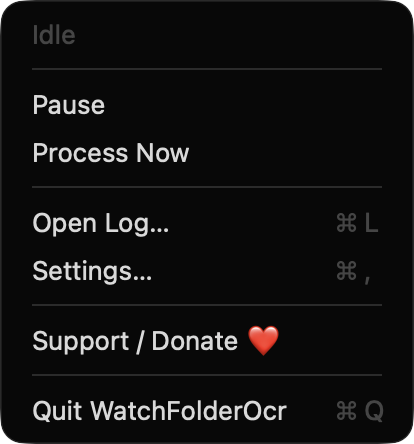
Folders are scanned every 3 seconds, and a file is processed only once its size and date are stable. Existing files are left alone until you choose Process Now.
It uses only Apple frameworks, has no analytics and makes no network connections. PDFs that already contain text and password-protected PDFs are logged as skipped.
Screenshots
Install
WatchFolderOcr is open source and not notarized with a paid Apple Developer ID, so macOS needs one extra step the first time.
xattr -cr /Applications/WatchFolderOcr.app
Download
Free, forever. Built for macOS 14 Sonoma or newer, Apple Silicon and Intel.
Not notarized: on first launch right-click WatchFolderOcr.app → Open.
FAQ
Yes. It is released under the MIT license and the full source is on GitHub. There are no ads, accounts or paid tiers an optional Support button links to Ko-fi if you want to chip in.
None beyond the folders you pick. It does not request Accessibility, Screen Recording, Microphone or Camera access. If you enable Launch at login, it registers as a login item that you can review in System Settings.
Your documents stay in the folders you choose, and converted files are written to the output location you set. Watch rules and folder bookmarks are kept in the app's UserDefaults on your Mac, and the log shows your last 500 files.
Notarization requires a paid Apple Developer account, and this is a free project. Right-click the app and choose Open once to get past Gatekeeper, or build it yourself from source with Xcode.
Yes. WatchFolderOcr was generated by Claude Code from a written spec as a clean-room reimplementation, with no code or assets from any commercial app. The full source is on GitHub under MIT, so you can read every line before you run it. It has had less human review than a hand-written app, so bug reports are welcome.
Support ❤️
WatchFolderOcr is a free, open-source alternative to paid utilities. If it earns a spot on your Mac, a coffee keeps the updates coming.
☕ Support Or on Ko-fi